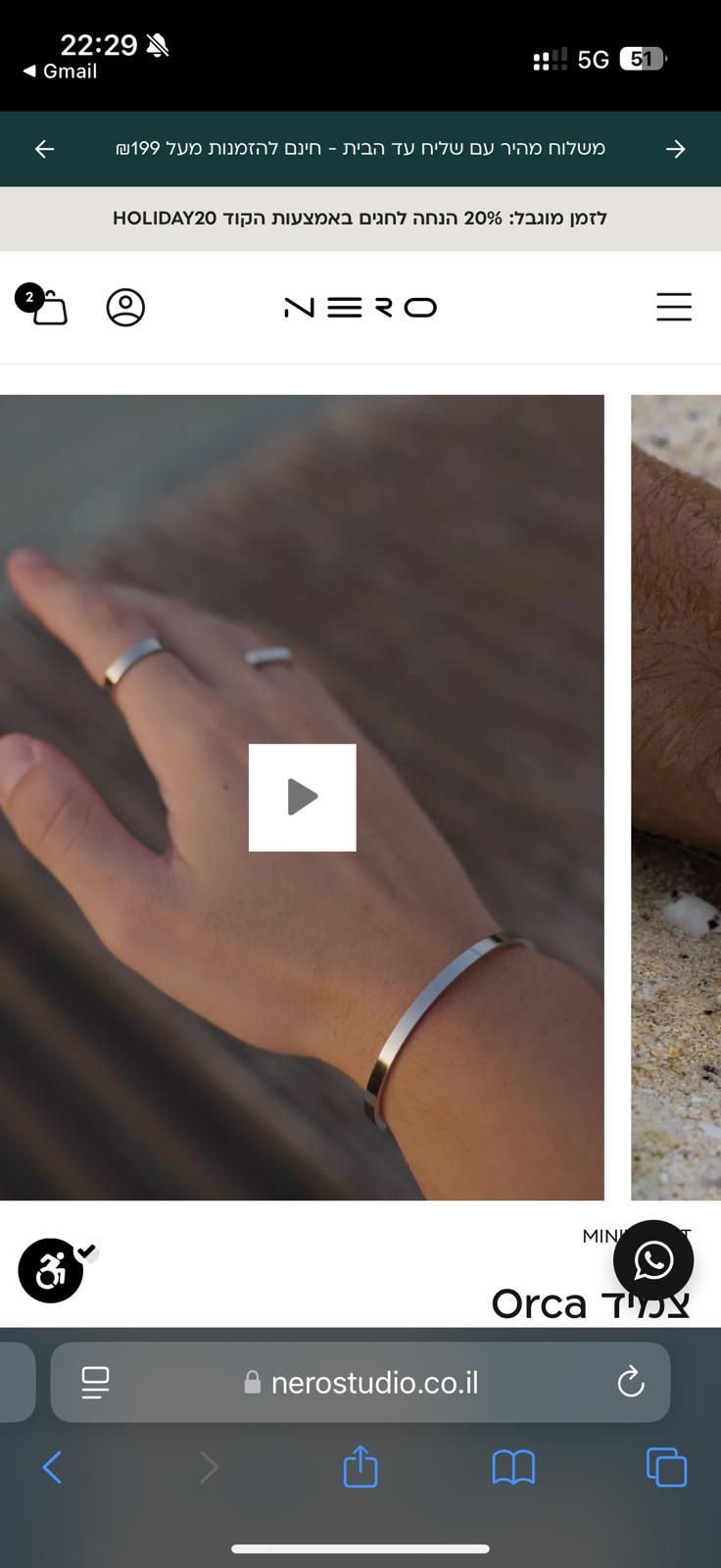
Hello,
I want to enable autoplay video on my product page, but I can’t make it work.
I’ve added (muted: true, autoplay: true, loop: enable_video_looping, controls: false, preload: ‘auto’)
And still it won’t work,
I tried to change in the theme.dev.js file this line:
document.querySelectorAll(‘video’).forEach((video) => video.pause());
to >>
document.querySelectorAll(‘video’).forEach((video) => video.play());
Any other ideas?
Thank you!
This is my website, and you can find a video example at this URL:
https://nerostudio.co.il/products/%D7%A6%D7%9E%D7%99%D7%93-orca
Can you send the video tag from inside the code editor
@Shadab_dev Sure, here it is
echo media | media_tag: image_size: image_size, class: ‘media-video’, muted: true, autoplay: true, loop: enable_video_looping, controls: false, preload: ‘auto’
i see two videos, one is amongst the thumbnails and the other down below. The thumbnail one does autoplay
Also can we not use a video tag in case of video?
@Shadab_dev The other one is for external video like YouTube link.
how can I not use a video tag?
Can you please you take a screenshot of the video which is not auto playing from the link you provided.
Thanks
Sure,
thank you very much!
this is the last image in the carousel.
(video) @Shadab_dev
I see. i got confused because it does work on the desktop version. i mean the video is autoplaying
@Shadab_dev Yes, I need to fix it only for mobile
One last thing man, just give me the entire code on that file, like all the schema settings and everything
Thanks
Hey Omar, Have you tried adding playsinline attribute. If not please try adding this to check. Also Can you like aend me the schema for this section of yours, i believe i could learn a thing or two from this. playsinline: true
@Shadab_dev Hi,
Yes, I tried to addplaysinline but it still doesn’t work 
Sorry man. I did a bit of research and playsinline was the only possible solution showing up.
I’m working on this at the minute, I’ll keep you updated if I find a way to get the video to play. I’ve got a workaround but it’s not very elegant. You can include the following code inside a custom code block in the product form on the product page.
1 Like
This could be a good one actually nothing too hefty that would slow down the site or something. I agree not that elegant but could prove efficient.
1 Like
@JamieSouth Thank you so much!
It worked 
1 Like
You’re welcome. Your site looks great, good work 
I think there may be a bit of an issue with this on desktop, depending on which view you have for the product images. Keep an eye on it.
@JamieSouth Thank you very much!
Yes, I saw that on my desktop the video will not play at all.
Let me know if you open for some work, I want to customize a bit my website
Hey @OmerDaniel tried a bit from Jamie’s solution. Try adding this code. The code inside the script only runs for mobile devices and you will not have problem of video not autoplaying on desktop.
Hope this goes well.
Thanks