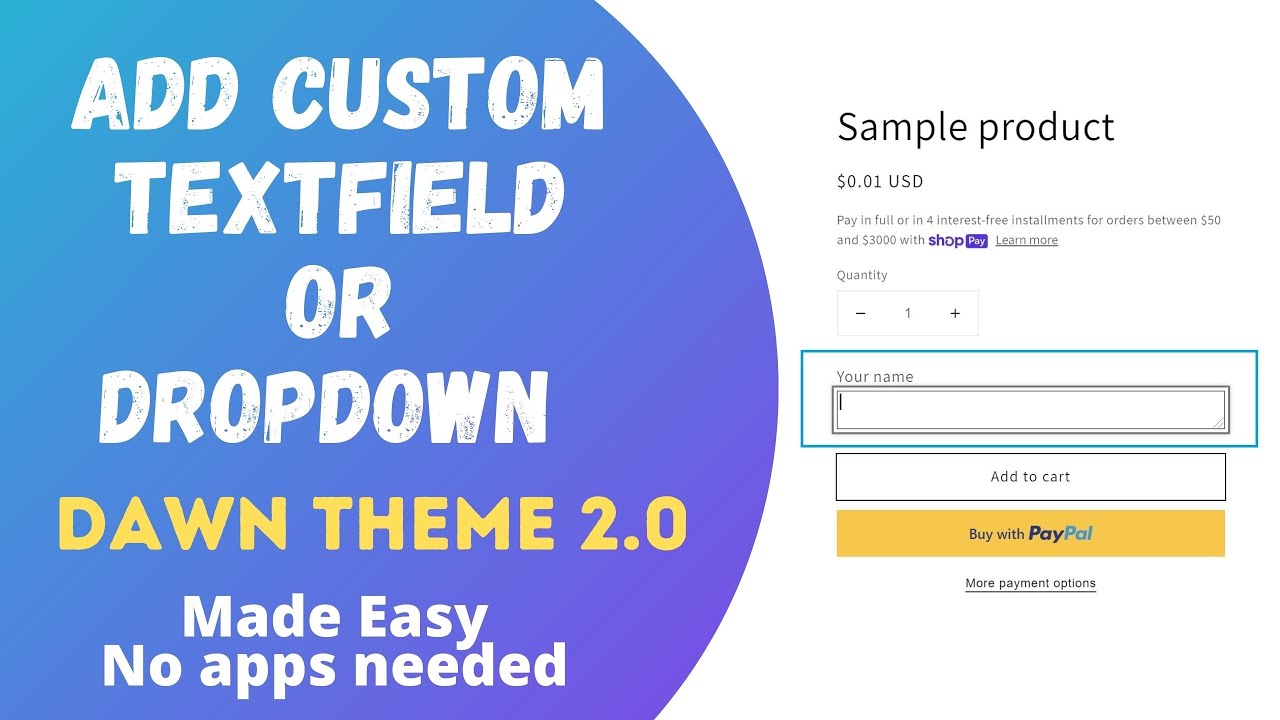
Hi! I have created custom templates for several products in the Craft theme and they do not generate in the customer order. How can I fix this?
Example product: https://2craftyravens.com/products/fairy-dragon-earring-kit
Example code placed in the product.dragons.json in templates:
“843aa2ff-56c2-4bb5-a8fe-4d9aae6b93b0”: {
“type”: “custom_liquid”,
“settings”: {
“custom_liquid”: “<p class="line-item-property__field">\n Body/Outer Wing</label>
\n <select required class="required" id="body" name="properties[body]">\n <option value="Red">Red</option>\n <option value="Orange">Orange</option>\n <option value="Yellow">Yellow</option>\n <option value="Green">Green</option>\n <option value="Blue">Blue</option>\n <option value="Purple">Purple</option>\n <option value="lavender">Lavender</option>\n <option value="Black">Black</option>\n <option value="Silver">Silver</option>\n <option value="Gold">Gold</option>\n <option value="Light Green">Light Green</option>\n <option value="Light Blue">Light Blue</option>\n <option value="Peach">Peach</option>\n <option value="Pink">Pink</option>\n <option value="White">White</option>\n </select>\n</p>”
}
},
“3a227a7e-44bb-47bc-aa7d-2d63097fca35”: {
“type”: “custom_liquid”,
“settings”: {
“custom_liquid”: “<p class="line-item-property__field">\n Inner Wing/Eye</label>
\n <select required class="required" id="Wing" name="properties[wing]">\n <option value="Red">Red</option>\n <option value="Orange">Orange</option>\n <option value="Yellow">Yellow</option>\n <option value="Green">Green</option>\n <option value="Blue">Blue</option>\n <option value="Purple">Purple</option>\n <option value="lavender">Lavender</option>\n <option value="Black">Black</option>\n <option value="Silver">Silver</option>\n <option value="Gold">Gold</option>\n <option value="Light Green">Light Green</option>\n <option value="Light Blue">Light Blue</option>\n <option value="Peach">Peach</option>\n <option value="Pink">Pink</option>\n <option value="White">White</option>\n </select>\n</p>”
}
},
“42b2f06b-d8d3-4f96-a7bb-bb9c4192a125”: {
“type”: “custom_liquid”,
“settings”: {
“custom_liquid”: “<p class="line-item-property__field">\n Belly/Center Wing</label>
\n <select required class="required" id="Belly" name="properties[belly]">\n <option value="Red">Red</option>\n <option value="Orange">Orange</option>\n <option value="Yellow">Yellow</option>\n <option value="Green">Green</option>\n <option value="Blue">Blue</option>\n <option value="Purple">Purple</option>\n <option value="lavender">Lavender</option>\n <option value="Black">Black</option>\n <option value="Silver">Silver</option>\n <option value="Gold">Gold</option>\n <option value="Light Green">Light Green</option>\n <option value="Light Blue">Light Blue</option>\n <option value="Peach">Peach</option>\n <option value="Pink">Pink</option>\n <option value="White">White</option>\n </select>\n</p>”
}
Is there something in the code editing in json or in the template, snippet, or sections that I am missing?