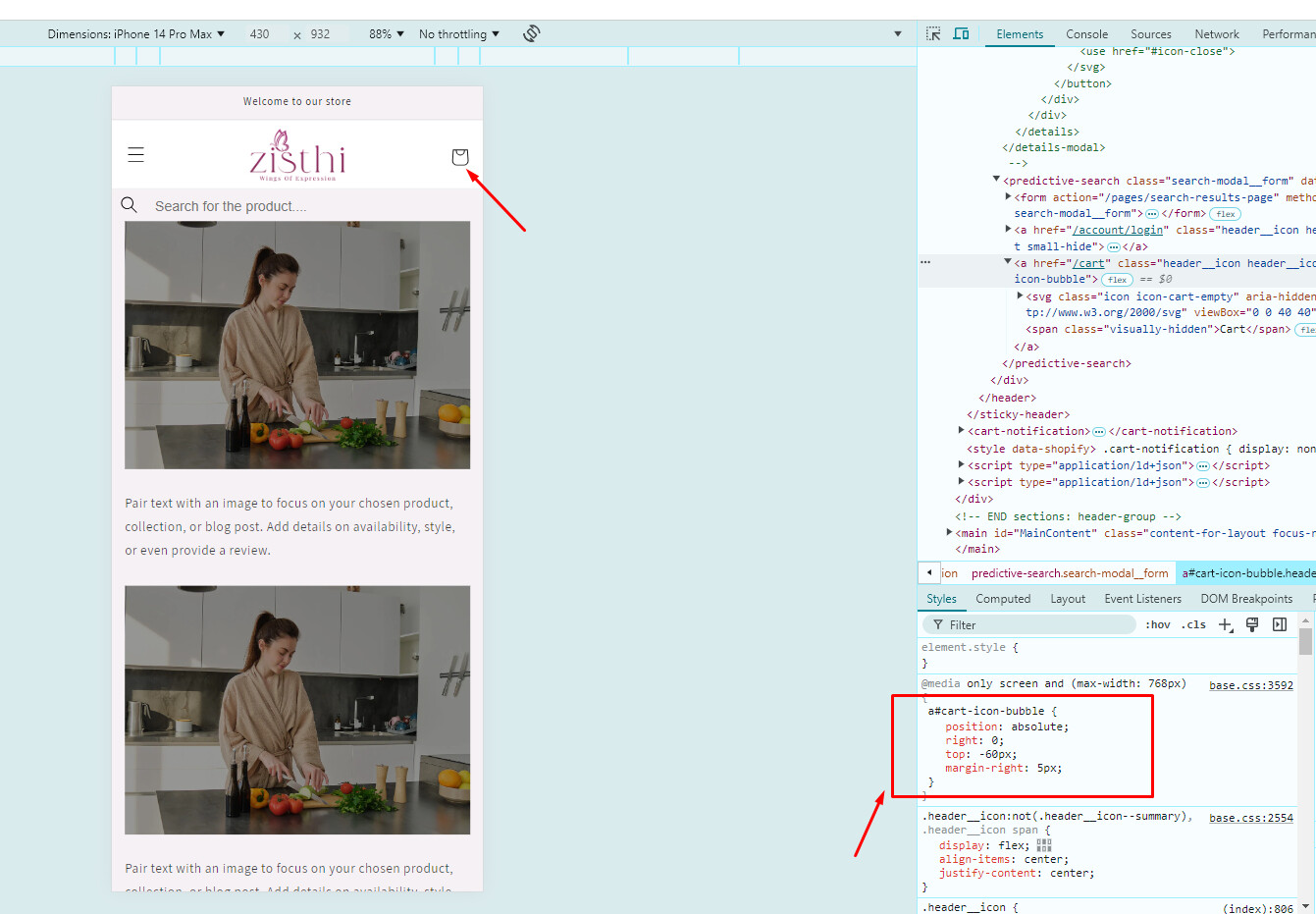
hello how can i make my search bar like in Mobile View right now

Url: https://www.zisthi.com/
pass:Zisthi0206
mine looks like this right now !
A user seeks help making their search bar transparent on mobile view in the Dawn theme. The issue is resolved through CSS customization.
Solution provided:
base.css fileFollow-up request:
The user then asks how to align the cart icon and logo on the same line in mobile view.
Status: The cart icon alignment issue appears to have been resolved independently by the user, as confirmed by the helper who verified the storefront displays correctly on mobile.
hello how can i make my search bar like in Mobile View right now
Url: https://www.zisthi.com/
pass:Zisthi0206
mine looks like this right now !
Hi @Sohan2198 ,
I have reviewed your requirement, you just need to edit css script and the issue will be resolved. You can follow my instructions!
Step 1: Go to Admin → Online store → Theme > Edit code:
Step 2: Search for the file base.css. And add this code snippet to the end of the file.
@media only screen and (max-width: 768px) {
    input.search_input.field_input.snize-input-style {
        background: transparent !important;
    }
    slider-component.slider-mobile-gutter {
        margin-top: 10px !important;
    }
}
Step 3: Save your code and reload this page.
=>> The result:
I hope these instructions will help you. If they are helpful, don’t forget to like and mark as the solution.
Have a nice day sir!
Hi @Sohan2198 ,
I haved checked your website
It’s seem like you resolved this issue with cart icon
We’re happy to see that Everything in your store front on mobile view look good!
Should you need any further information, please do not hesitate to contact us by tagging directly at Community post. We will check and let you know soon.
Have a nice day!