A Shopify store owner is struggling with a Google Merchant Center rejection due to website quality issues. The error message indicates problems with domain matching, missing product information, placeholder content, and broken links.
Key Issues Identified:
Many products lack images, causing broken image displays on collection pages
Collection pages don’t properly handle missing images (unlike product pages which show a “no image” placeholder)
Product titles are very specific (model numbers only) and may need more generic descriptive names
One collection (apparel) contains no products
Proposed Solutions:
Set products without images to “Draft” status instead of “Active” to hide them from the storefront
Update collection page code to display placeholder images when product images are missing
Consider adding more descriptive product titles alongside model numbers
Once images are added to draft products, they can be reactivated
The discussion remains ongoing as the store owner works to implement these fixes to meet Google’s merchant requirements.
Summarized with AI on November 6.
AI used: claude-sonnet-4-5-20250929.
This is driving me nuts. I could use a fresh pair of eyes. I’ve checked all of the policy pages in settings on shopify, they match the actual pages. Not sure what else to look at/revise.
There was a problem identified with your website. Update your entire website to provide a useful and transparent shopping experience for customers.
Make sure your website meets the following requirements
Your website should have a domain name that matches the uploaded domain name
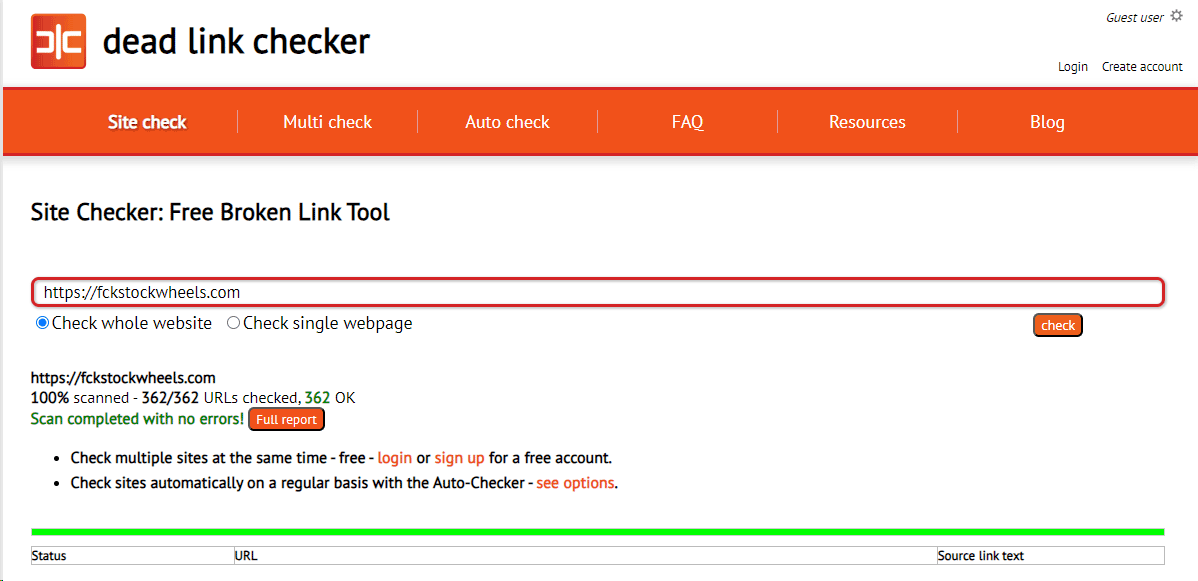
Your entire website shouldn’t have any broken links
Your website shouldn’t contain any placeholder images or text
The product details and categories should match those that you provide in your product data
Your website shouldn’t contain generic information and shouldn’t miss crucial information about products
A few things I noticed. I don’t know if these will help or not - but will not hurt.
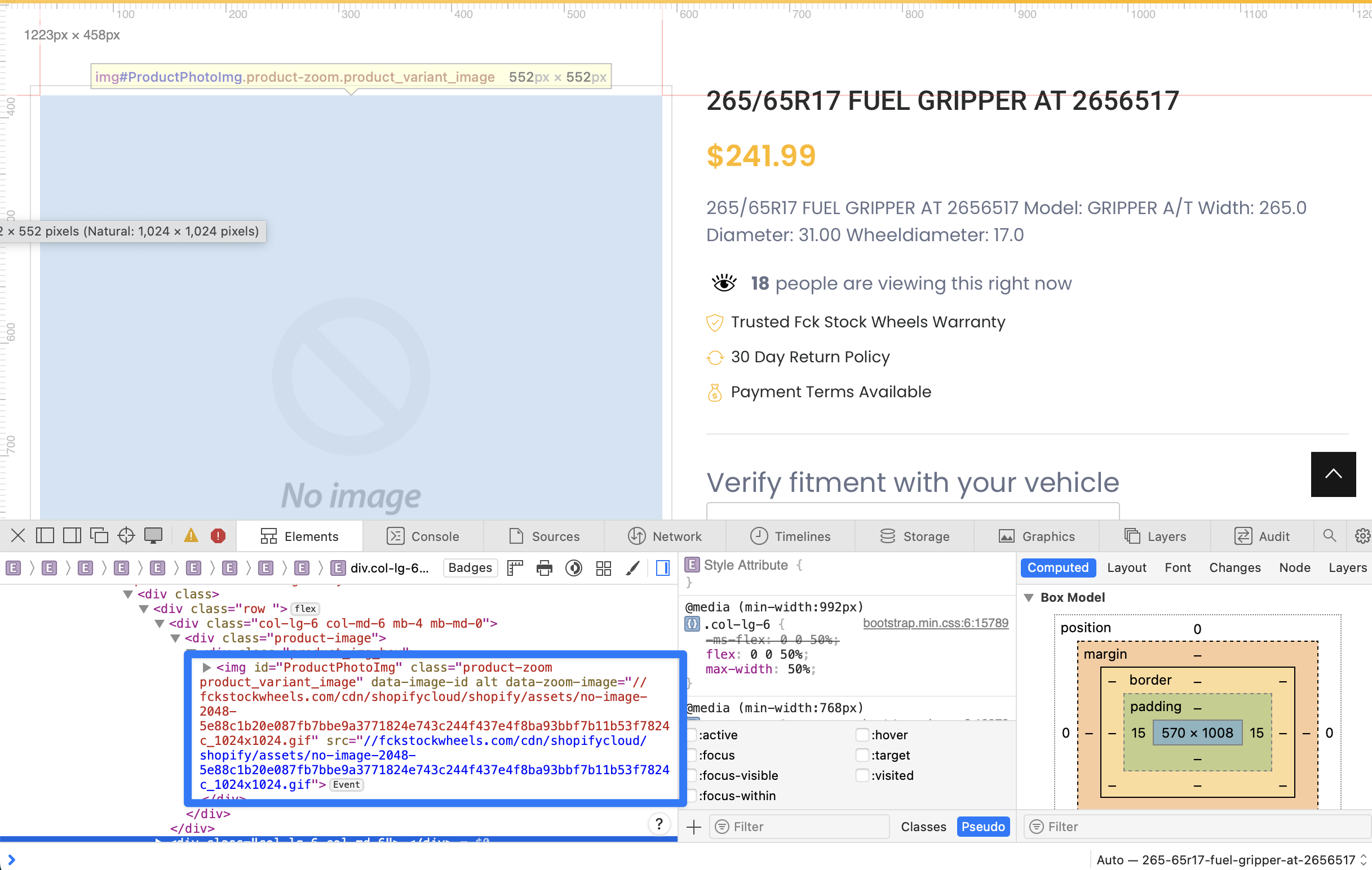
A lot of products don’t have images. So, when you visit a collection (e.g. /collections/fuel-tires) you see a lot of broken images. There are image load/error event handlers on the images on both pages (collections & product pages). The difference between the two is that the product listing does contain a src to the “no image” image, but the collection page does not. You might want to alter your collections page so that if no image is found it uses the “no image” placeholder image.
I appreciate the detailed help. Is there a way to disable any products that don’t have an image? I know this can be done through the csv file but it will be overwritten every day. Can I inject code to hide any products that don’t have at least one image?