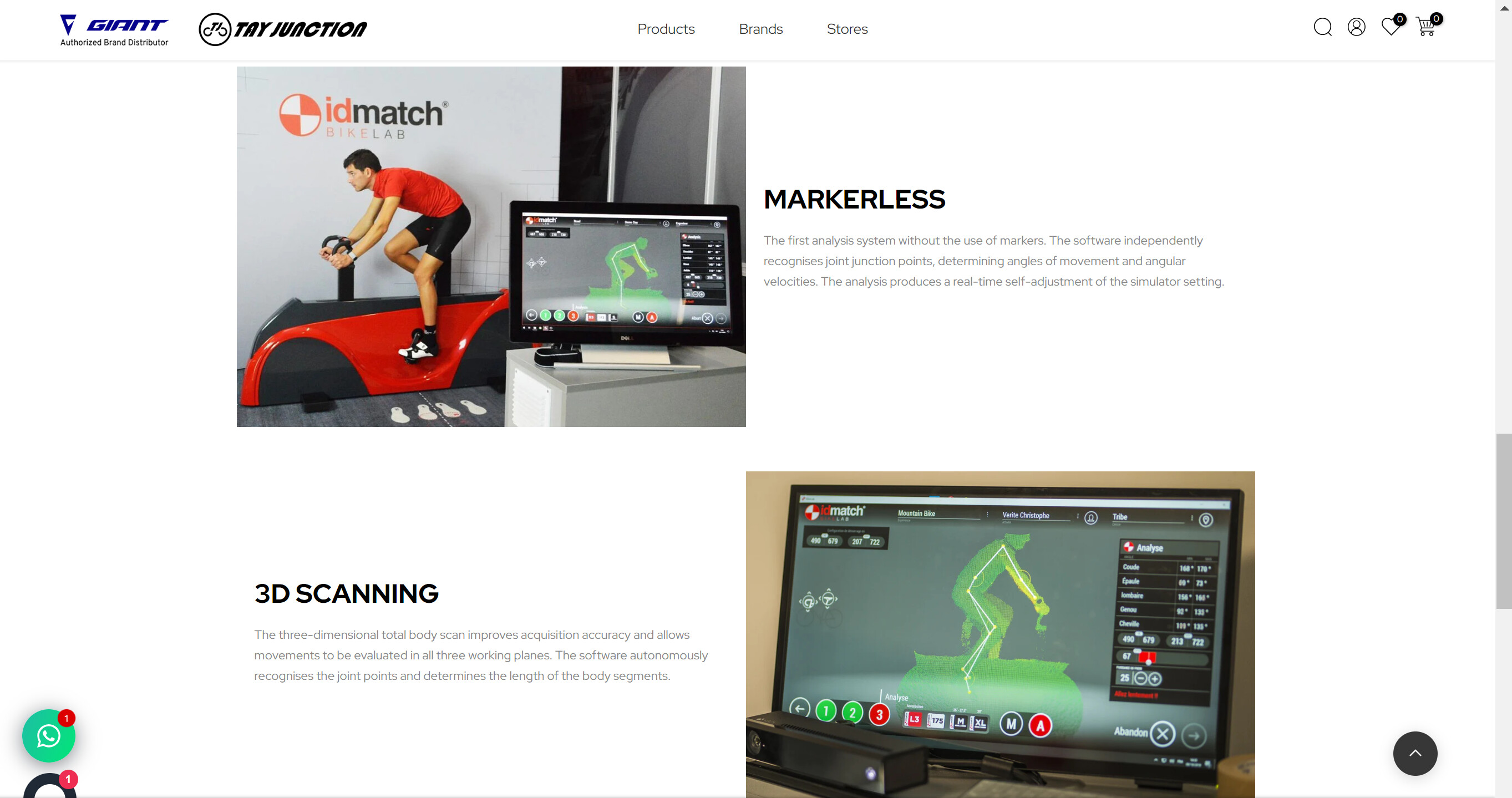
How can I change my mobile page layout to alternate image and text?

Topic summary

A user seeks to modify their mobile page layout to alternate between images and text (image > text > image > text) instead of the current arrangement. They are satisfied with the desktop version but want to improve the mobile experience.

Solution provided:

  • Another user suggests adding CSS code to the end of the theme.css file
  • The CSS uses a media query targeting screens with max-width of 749px (mobile devices)
  • The key property is flex-direction: column-reverse applied to image-text rows
  • This reverses the stacking order of elements on mobile, creating the desired alternating pattern

Status: A technical solution has been offered but no confirmation yet on whether it resolved the issue.

Summarized with AI on November 24. AI used: claude-sonnet-4-5-20250929.

I am satisfied with my web version for this page, however, is there any way I make the mobile version look like image > text > image > text … instead for now image > text > text > image…

(https://dd6up72b0erjrxxd-59257782446.shopifypreview.com/pages?preview_key=5d23daf13d3aa7f667fb04fe8d743191) <— this is the page.

@seantay1993 - add this css to the very end of your theme.css file and check

@media screen and (max-width:749px){
#shopify-section-id_imagetext2 .row{flex-direction: column-reverse;}
}

1 Like