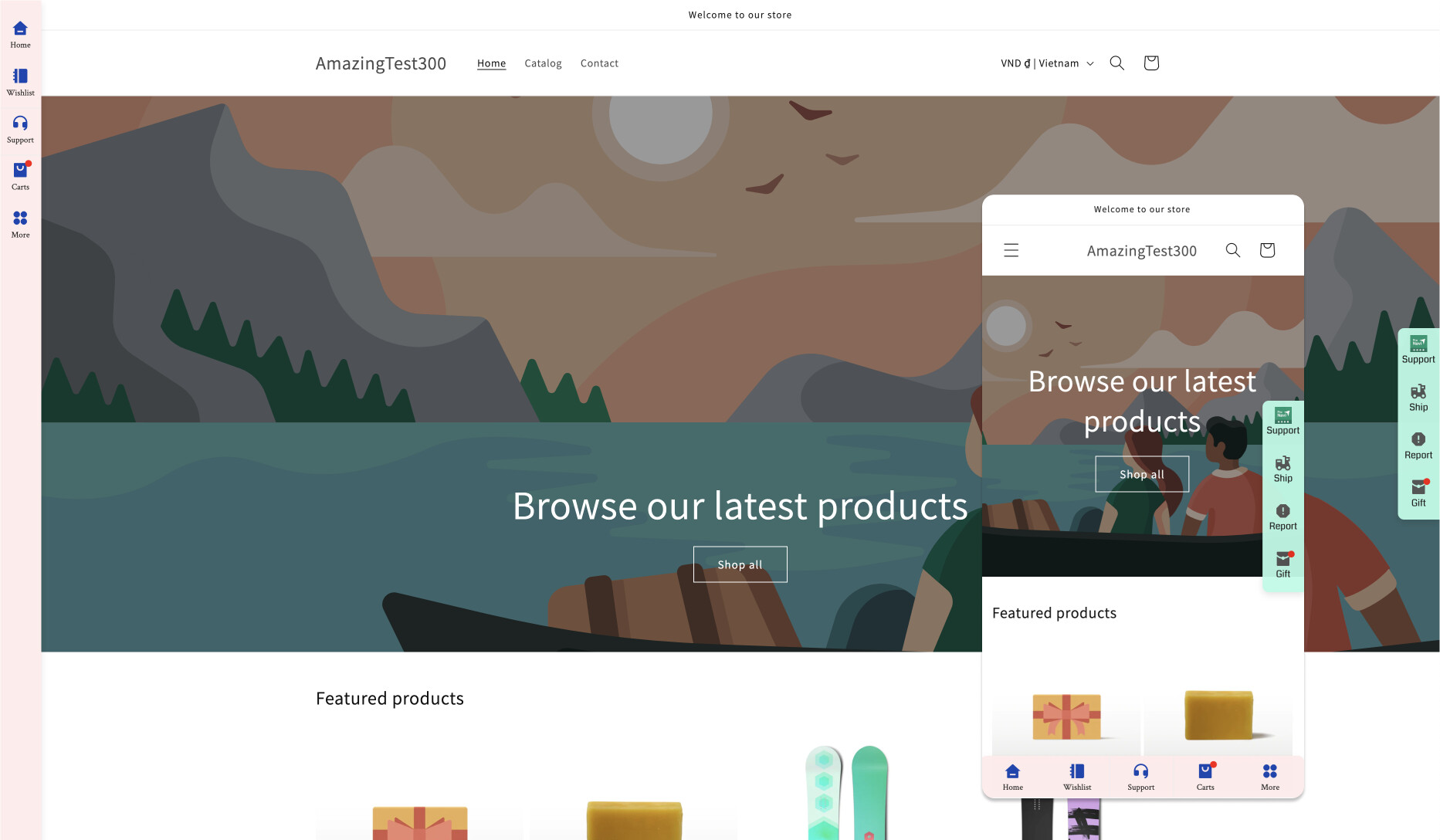
A Shopify store owner is experiencing an issue where floating buttons (Klaviyo newsletter signup and Smile.io rewards program) appear on top of the mobile navigation menu, obscuring important menu items.
Proposed Solutions:
Adjust CSS z-index values to make the menu layer appear above the floating buttons
Implement JavaScript logic to hide the floating buttons when the mobile menu is opened
Target specific button classes (icon-state__primary and icon-state__secondary) to control visibility
Technical Approach:
The issue stems from the floating buttons having a higher z-index than the navigation menu. Solutions involve either:
Increasing the menu’s z-index value
Decreasing the buttons’ z-index
Adding conditional visibility logic
Alternative Solution:
A community member suggested using the free Pronavi app from Shopify’s app store, which provides tools to customize bottom bar elements and potentially resolve layering conflicts.
The discussion remains open as the original poster seeks guidance on which theme files to modify.
Summarized with AI on November 15.
AI used: claude-sonnet-4-5-20250929.
I have 2 x floating buttons on my Shopify store. One is a newsletter signup which is put there by Klaviyo. The other is connected to my rewards program Smile.io. These work perfectly except for when you open the navigation menu on a mobile. These buttons sit over t
he top of the menu and cover some important parts of the navigation menu.
Any idea on how I can have the menu appear over top of these buttons, or worst case hide these buttons when the menu draw is activated?
Hi, there are mutiple ways to get this done. You can either use z-index or have a javascript logic which when the mobile navigation button is clicked will hide those buttons and if not shown then show them back.
You icons are showing when mobile menu is open is most likely due to z-index of those icons being higher.
I thought it would be something along those lines. Could I simply go and adjust the position of that code in the theme files or would it be something a bit trickier?
I would definitely recommend you to try it our yourself. Who knows you will learn other things when conquering this issue.
If you happen to be stuck even after you try (don’t worry, it happens to each of us), feel free to reply back or ask for more help.
You can start with debugging it like this.
Here is a general sense:
You should create a function around class icon-state__primary and icon-state__secondary or
Create a function to hide those two floating buttons or
Add z-index to the mobile menu or make it a lower value for the floating buttons.