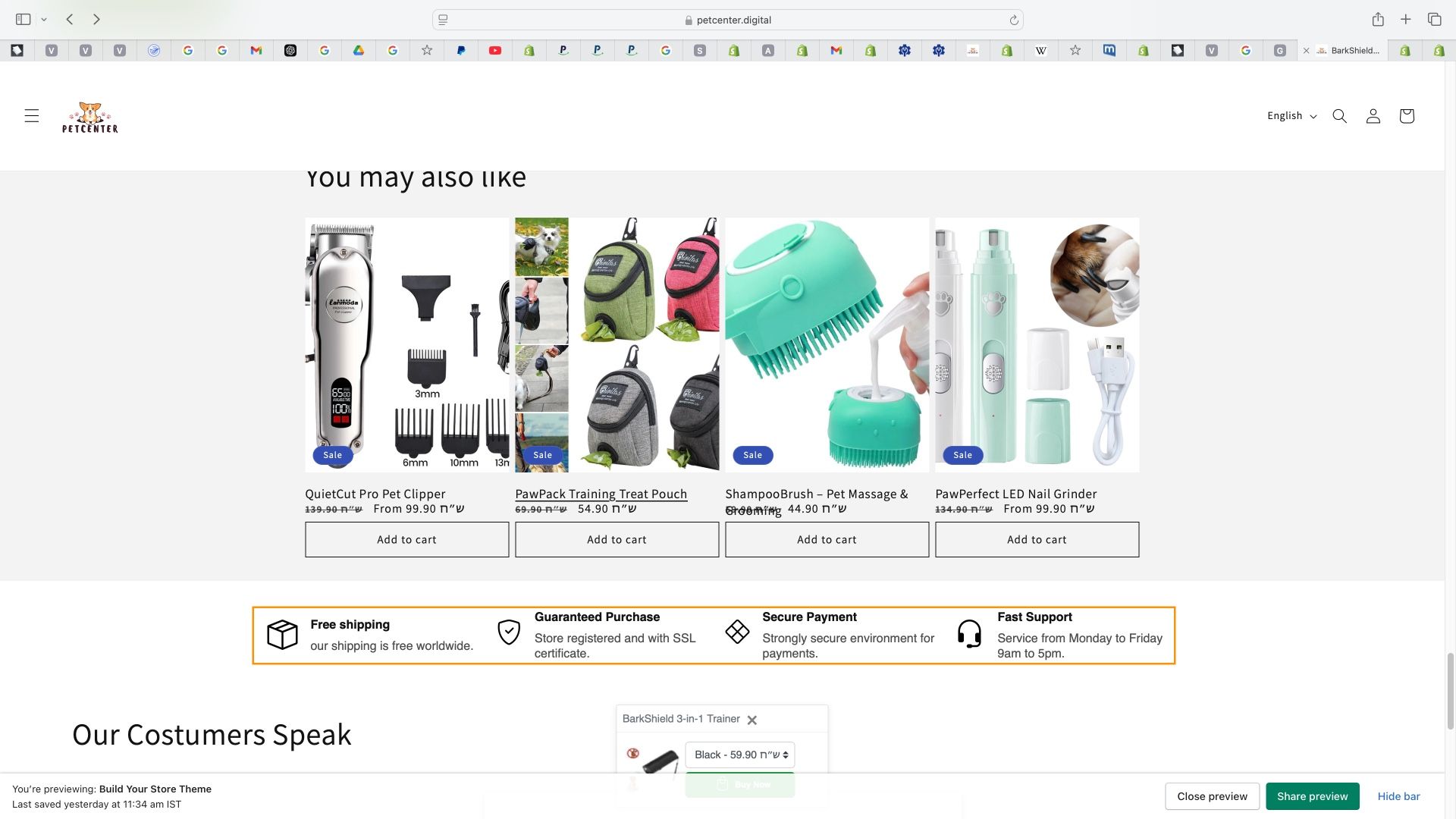
hi. the way ive got my Shopify store is by using autods instagram ai bot that generated it. now there is something I can’t remove through the theme editor, which is this section, how do I remove it? thank you.
Topic summary
A Shopify store owner using the Dawn theme needs help removing an unwanted icon section that appears between the related products and testimonial sections. The section was generated by AutoDS Instagram AI bot and cannot be removed through the theme editor.
Solution Provided:
- Add custom CSS code to hide the section
- Navigate to: Theme > Customize > Theme Settings > CSS
- Insert the code:
slider-component.slider-mobile-gutter.cstm-product-slider-component {
    display: none !important;
}
Status: The issue appears to be resolved, as indicated by the support team’s follow-up message. Screenshots were shared showing both the problematic section and the implementation steps for the CSS solution.
Hi @BE11
Could you please share the store link with us so we can check further?
Looking forward to hearing from you soon. Thank you!
Best,
Daisy - Avada Support Team.
Share me ur store link please I will do it
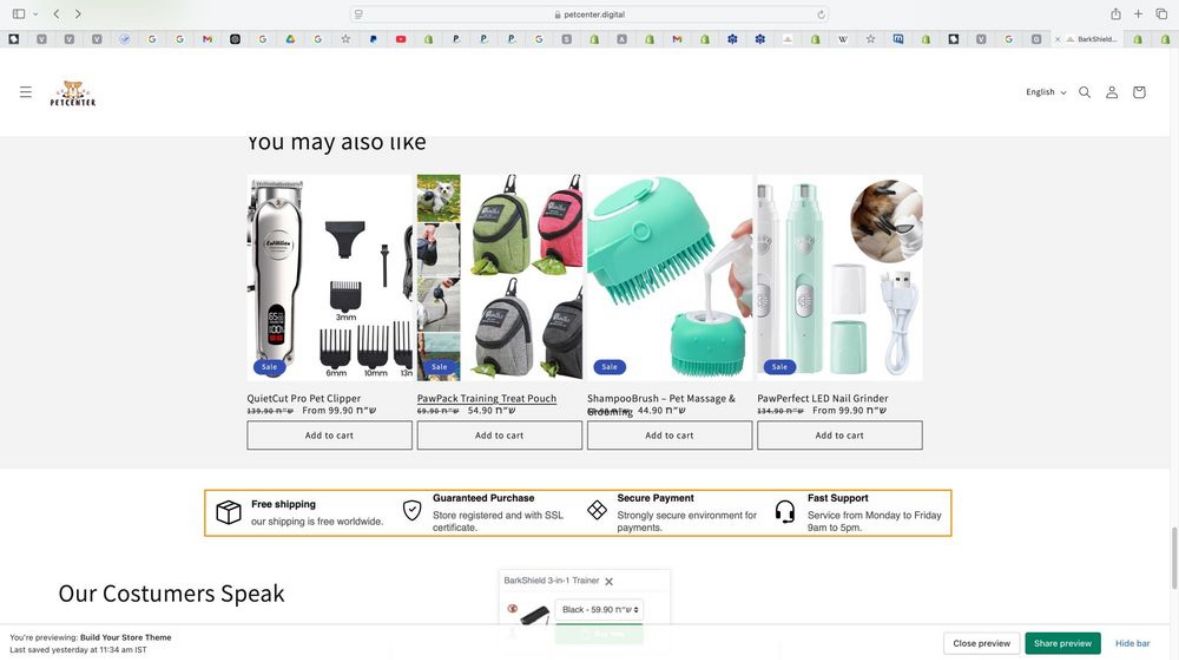
Hey, I have shared a screenshot in the post and I have no idea what’s the name of the section, but I will share with you another screenshot. It’s between the related products and the testimonial section in the dawn theme.
1 Like
Thank you appreciate it http://petcenter.digital
Hello @BE11
slider-component.slider-mobile-gutter.cstm-product-slider-component {
display: none !important;
}


GO to theme > customize > Theme Setting > CSS
screenshot attached
If its helpful Like and Accept as solution Thanks
1 Like
Hi @BE11
Sorry for this delay in getting back to you. It seems you have completed the task.
Please let me know if you need any further assistance. Thank you!
Best,
Daisy - Avada Support Team.