As seen in the images, the full picture is not displaying as it should on mobile (cut off from the bottom) and id like this to be fixed. The second image (on pc) loads properly. TIAAbout Dreams Paris - YPCollective – Young Professionals Collective
Topic summary
Product images on mobile devices are being cut off at the bottom when using the Dawn theme, while displaying correctly on desktop. Two solutions have been proposed:
Solution 1 (BSS-TekLabs):
- Navigate to Online Store > Themes > Edit Code
- Open base.css (or theme.css/custom.css)
- Add CSS targeting
.product-card-wrapper .card__mediawithoverflow: visible
Solution 2 (niraj_patel):
- Go to Online Store > Theme > Edit code
- Open theme.liquid file
- Insert CSS before
</body>tag - Targets
.product-grid-container .card__mediawithoverflow: visiblefor screens under 767px width
Both solutions use similar CSS approaches to prevent image cropping by adjusting the overflow property. The issue appears specific to mobile viewport rendering of product card media elements. No confirmation yet on which solution was implemented or if the issue has been resolved.


Hi @ypcollective ,
Here are the steps you can follow:
1, Navigate to Online Store > Themes > Edit Code.
2, Locate and open the base.css (or theme.css, custom.css) file.
3, Paste the code snippet provided below at the bottom of the file, then save your changes.
.product-card-wrapper .card__media .media {
    overflow: visible;
}
Here is the result
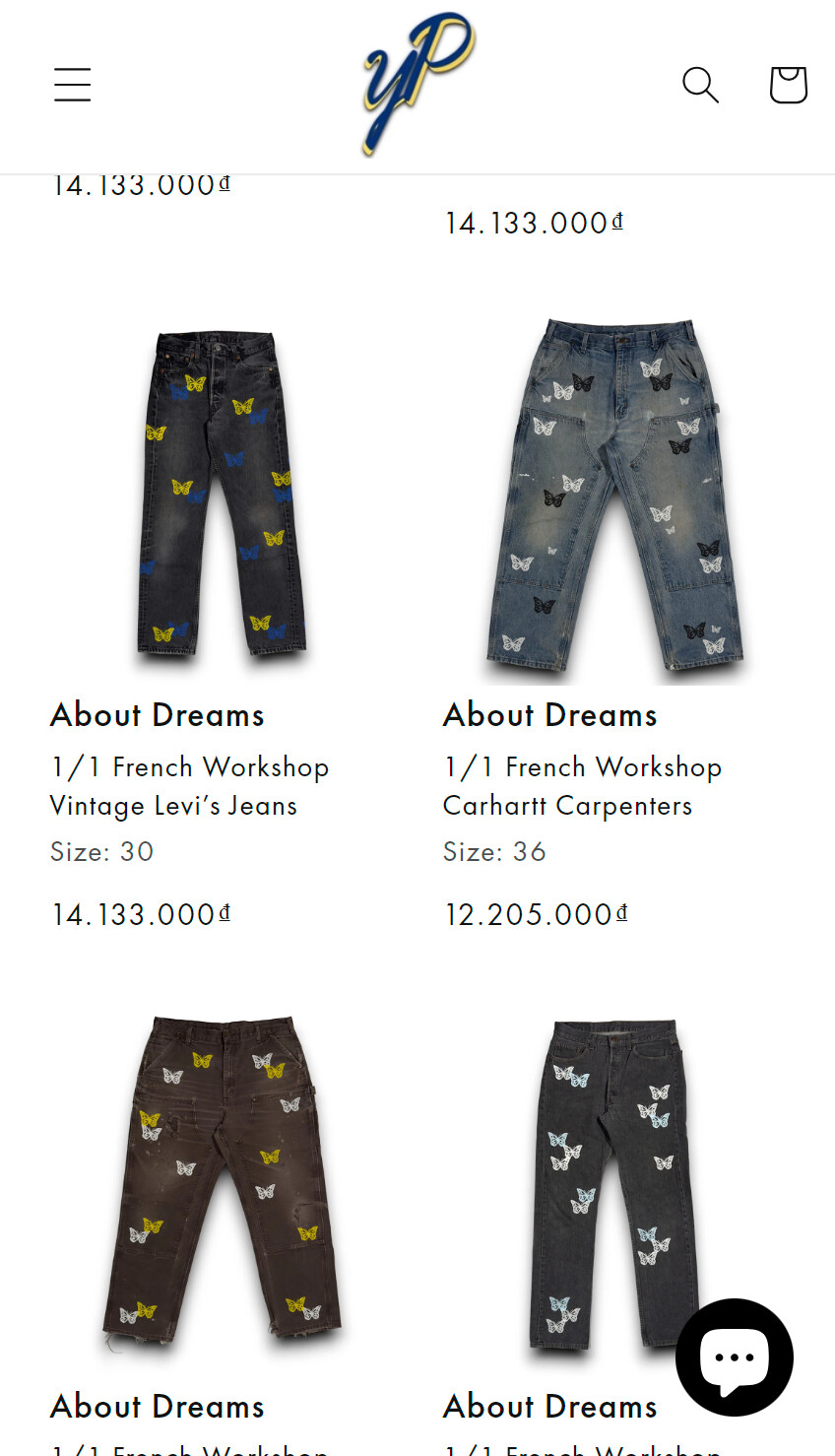
We hope this assists in resolving the issue.
If you find our solution helpful, kindly consider Liking and Marking it as Accepted. Thank you!
Hello @ypcollective
You can add code by following these steps
-
Go to Online Store → Theme → Edit code.
-
Open your theme.liquid file
-
Paste the below code before on theme.liquid

Was my reply helpful? Click Like to let me know!
Was your question answered? Mark it as an Accepted Solution.