Spotlight Theme - Remove White Band

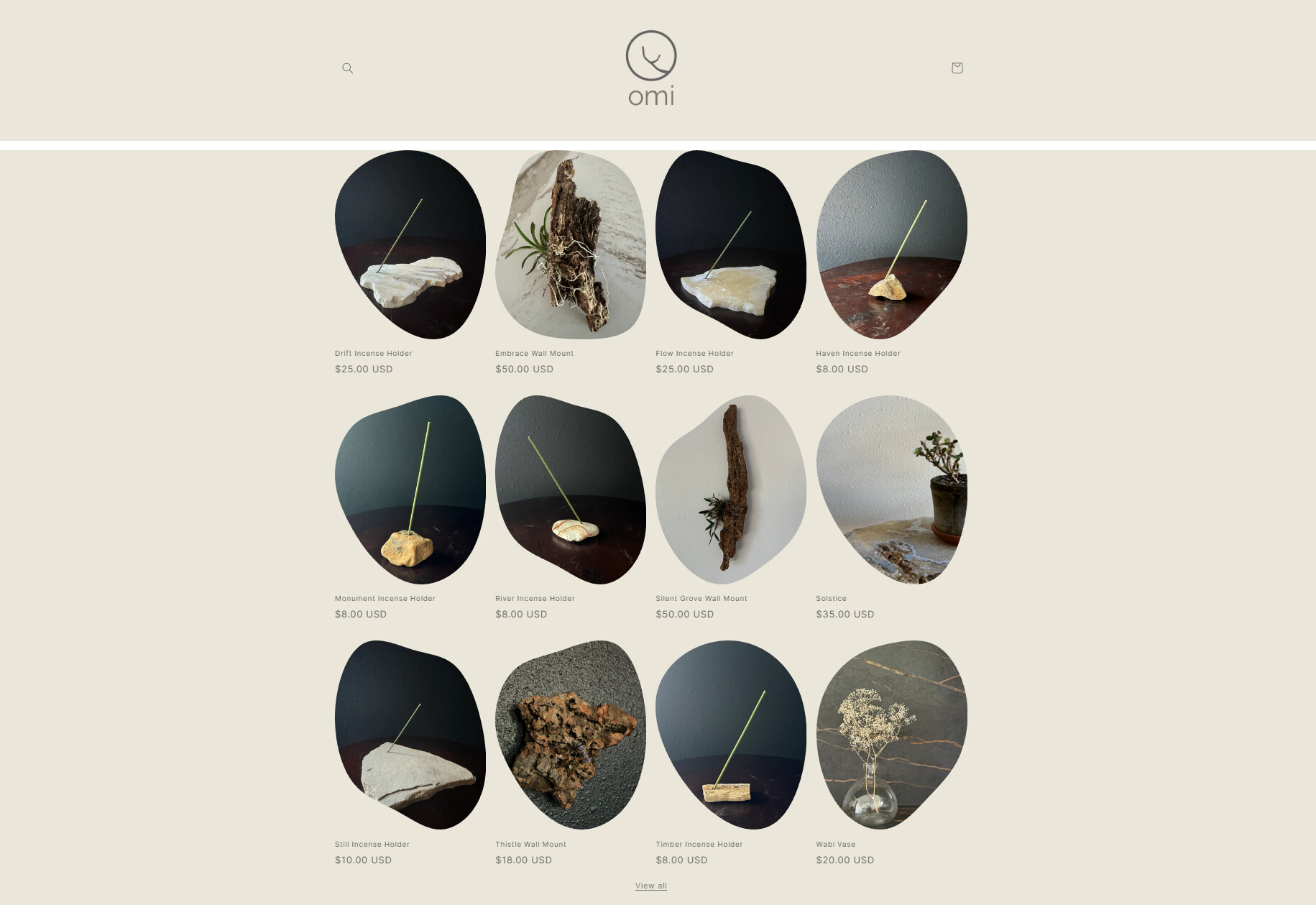
Hi everyone, I’m starting up a shop - omidecor.com - and am using the Spotlight theme. I’ve added my colors to my themes and when I did so for each section, there is a random band of white going across the top of the page between the header and section below it. The white band is not a section. I cannot click on it and when I hover over it, nothing highlights or changes.

Could someone please help me to get rid of this white space to where it’s the same color as the background all throughout the shop?
Hi @kfox29 ,

  1. Go to Online Store → Theme → Edit code.
  2. Open your theme.liquid file
  3. In theme.liquid, paste the below code before

If my reply is helpful, kindly click like and mark it as an accepted solution.

Thanks!

1 Like

Hey @kfox29

Follow these Steps:

  1. Go to Online Store

  2. Edit Code

  3. Find theme.liquid file

  4. Add the following code in the bottom of the file above tag


RESULT:

If I managed to help you then, don’t forget to Like it and Mark it as Solution!

Best Regards,
Moeed

1 Like

Thank you, it worked so well!

Thanks, Moeed, @topnewyork was able to get me squared away!

@kfox29 , glad it worked. Your most welcome!