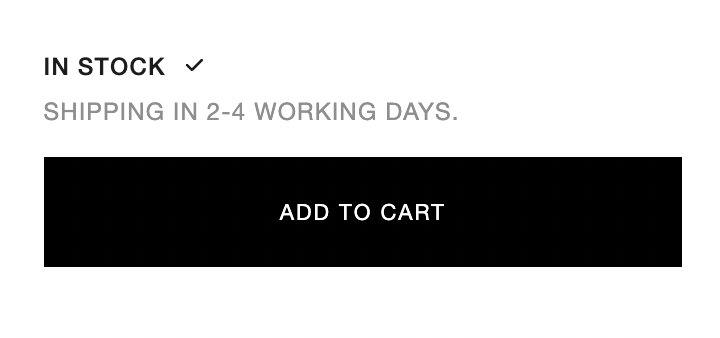
Add an out of stock / in stock message on product page

Topic summary

A user seeks to add stock status messages (“In Stock” / “Out of Stock”) to product pages on their Shopify store using the Dawn theme.

Solutions Proposed:

  • Basic Implementation: Add Liquid code checking {% if product.available %} to display conditional messages directly on the product page.

  • Detailed Approach: Modify the main-product.liquid file by locating the {% when 'popup' %} section and inserting stock availability logic above it. This method includes specific messaging for size-based stock status.

Technical Details:

Both solutions use Shopify’s Liquid templating language to evaluate the product.available variable and render appropriate text. Code snippets were provided showing the conditional structure needed.

Status: Multiple community members offered working code examples. The discussion appears resolved with actionable implementation steps, though the original poster hasn’t confirmed which solution they adopted.

Summarized with AI on November 8. AI used: claude-sonnet-4-5-20250929.

I am wanting to add an out of stock and in stock message on my product page. I am using theme Dawn and have attached some example photos for reference. Thanks for the help :slightly_smiling_face:

Website - www.evrenclothing.com

Password - Chewno

Hi @isaacdob

Do you want something like this?

Hi @isaacdob ,

You can simply add the code below in the product page.

{% if product.available == false %}Out of stock {% else %} In Stock{% endif %}

Let me know if you need any assistance.

Thank you

Hi @isaacdob

1、Edit main-product.liquid

2、Find ‘{% - when’ popup ‘-%}’ and add the following code above


    {% if product.available == false %}
         
OUT OF STOCK

         THIS SIZE IS OUT OF STOCK

    {% else %}
         IN STOCK √
    {%- endif %}