Hello!
I want to add rounded corners to my homepage’s video hero section.
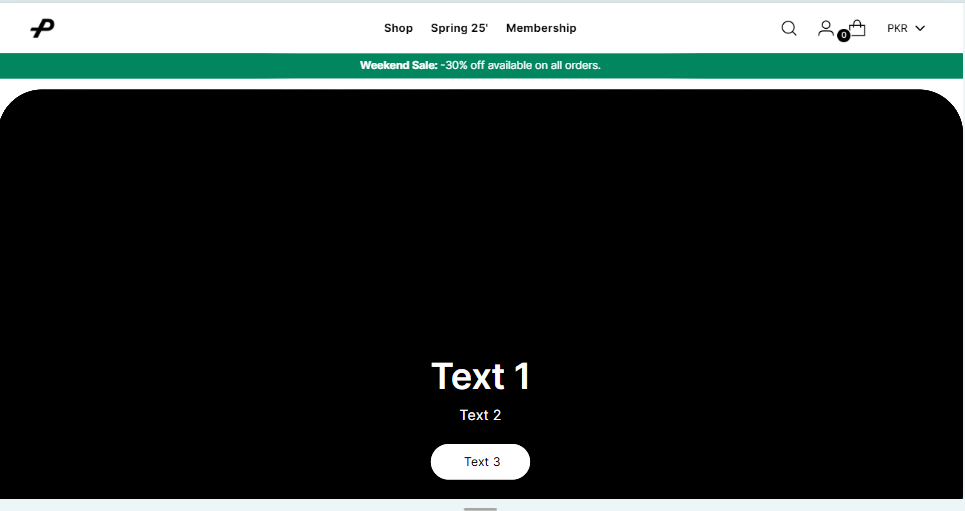
This is how it looks now:
Desktop:
As you can see, they are in full screen mode and have no corners.
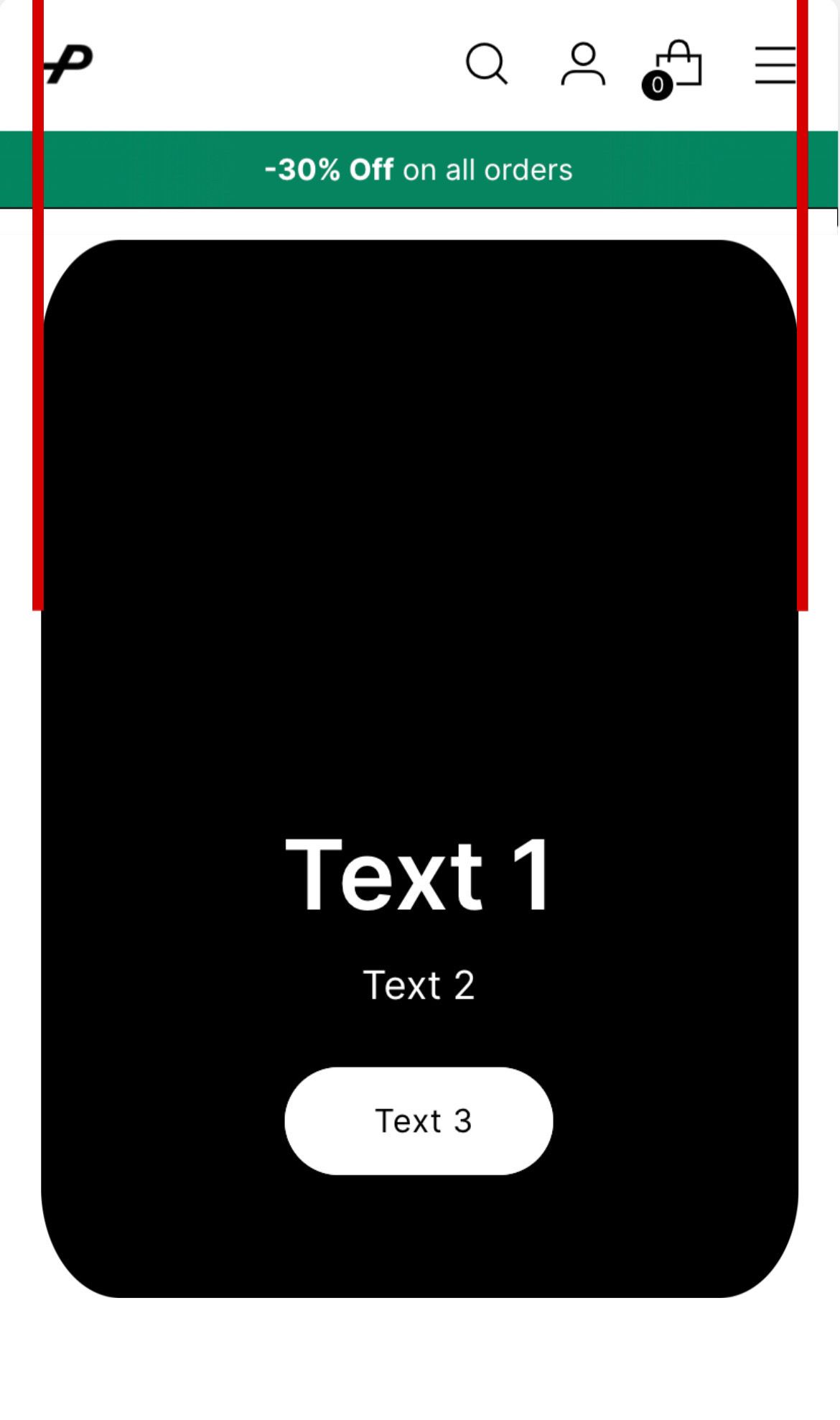
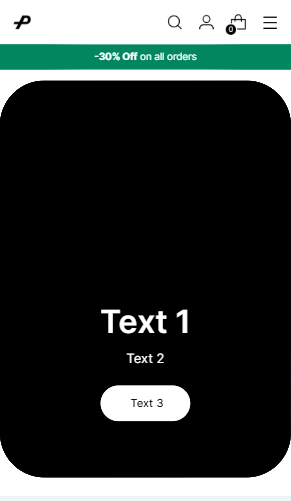
This is how I want them to look like:
(the red lines show the natural limits of the website, aligned on the left with the logo and on the right with the last icon inside the header)
My theme is Stiletto and my website is: https://6oi2c07cipuh22y6-60150284501.shopifypreview.com
I would really appreciate some help 
Hi @martujv
- Go to Online Store → Theme → Edit code.
- Open your theme.css / based.css file and paste the code in the bottom of the file.
.video-hero .video-hero__inner {
    margin: 15px 0 !important;
    border-radius: 60px !important;
}
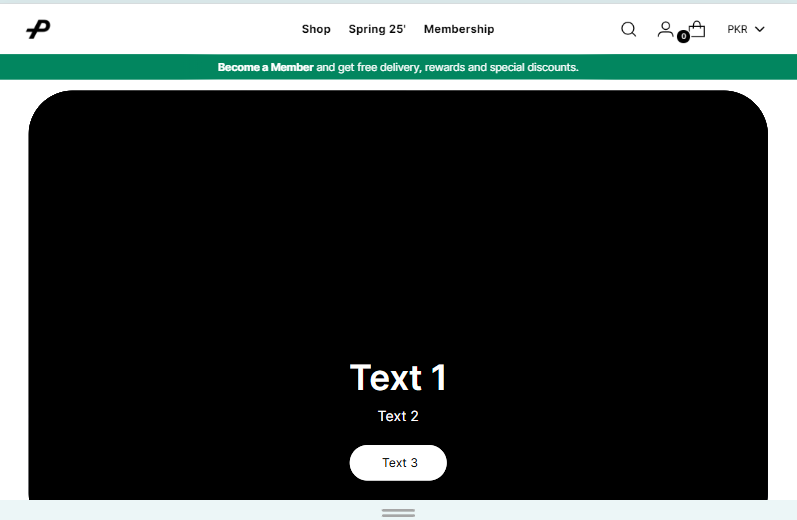
Result:
If my reply is helpful, kindly click like and mark it as an accepted solution.
Thanks!
Use our Big Bulk Discount app to boost your sales!  (https://apps.shopify.com/big-bulk-discount). Easy to set up and perfect for attracting more customers with bulk discounts.
Try it now and watch your revenue grow!
1 Like
Hi, but this way the video hero is still full screen, I would like to have the limits in the same place as I marked them with the red lines in the images.
@martujv
- Go to Online Store → Theme → Edit code.
- Open your theme.css / based.css file and paste the code in the bottom of the file.
@media(max-width:768px){
.video-hero .video-hero__inner {
    margin: 15px 20px !important;
    border-radius: 60px !important;
}
}
@media(min-width:769px){
.video-hero .video-hero__inner {
    margin: 15px 40px !important;
    border-radius: 60px !important;
}
}
If my reply is helpful, kindly click like and mark it as an accepted solution.
Thanks!
Use our Big Bulk Discount app to boost your sales! (https://apps.shopify.com/big-bulk-discount). Easy to set up and perfect for attracting more customers with bulk discounts.
Try it now and watch your revenue grow!
1 Like
That’s absolutely perfect! Thanks a lot! Do you know how to do the same with the announcement banner, so that they look the same way?
@martujv
- Go to Online Store → Theme → Edit code.
- Open your theme.css / based.css file and paste the code in the bottom of the file.
@media(max-width:768px){
.shopify-section-group-header-group.announcement-bar__outer-wrapper {
    border-radius: 10px !important;
    margin: 0px 40px !important;
}
}
@media(min-width:769px){
.shopify-section-group-header-group.announcement-bar__outer-wrapper {
    border-radius: 10px !important;
    margin: 0px 20px !important;
}
}
If my reply is helpful, kindly click like and mark it as an accepted solution.
Thanks!
Use our Big Bulk Discount app to boost your sales! (https://apps.shopify.com/big-bulk-discount). Easy to set up and perfect for attracting more customers with bulk discounts.
Try it now and watch your revenue grow!
1 Like