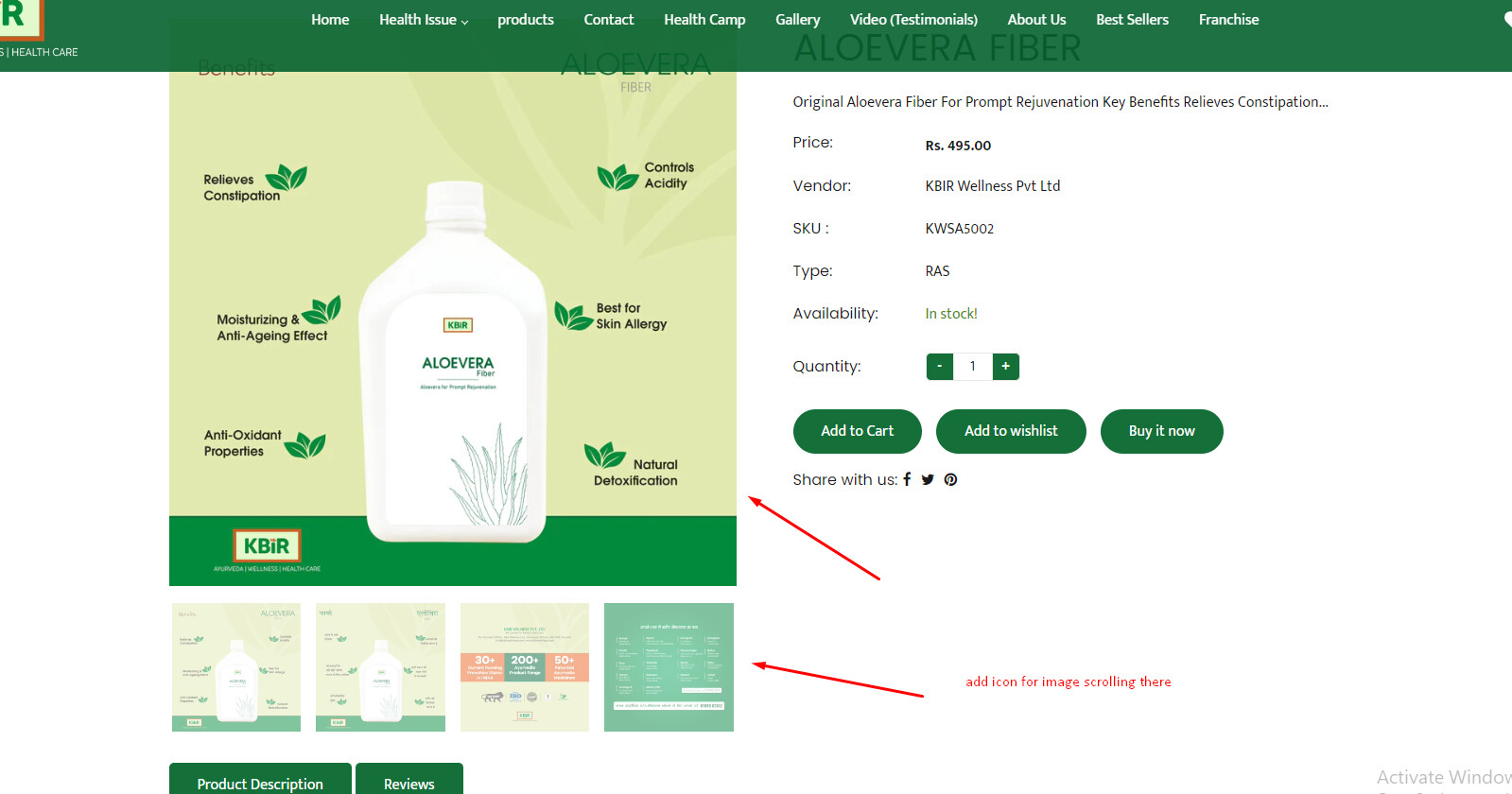
Hi i would like to add to slider icon in product page on images scroller.
this is link : https://www.kbirwellness.com/products/aloevera-fiber
Hi i would like to add to slider icon in product page on images scroller.
this is link : https://www.kbirwellness.com/products/aloevera-fiber
@naveenbalhara
Find the product slider which is used in product description page find that particular script and make arrows:true (May be you can find slider in custom.js file or theme.js file )
You can see in below example
$(document).ready(function(){
        $('.slider').slick({
            centerMode: true,
            centerPadding: '60px',
            dots: false,
            infinite: true,
            speed: 300,
            slidesToShow: 4,
            slidesToScroll: 1,
            arrows: true
        });
      });
Not Working Please Suggest another way