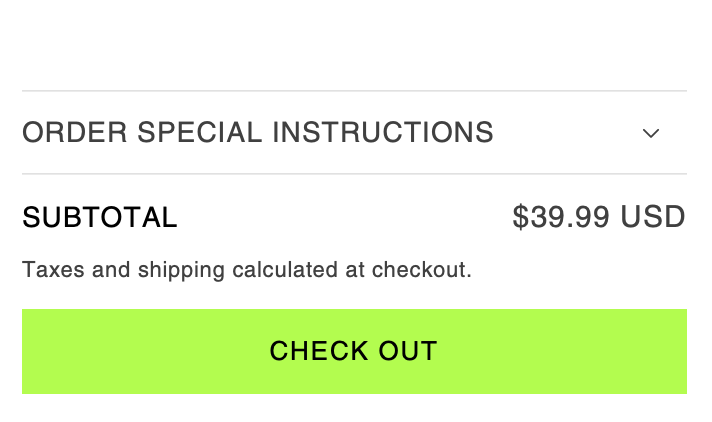
A user wants to add a consistent 1.5px solid black border to all buttons on their Shopify store that share the same background color, including checkout and “Buy It Now” buttons.
Initial Question:
Uncertain whether this requires theme customization or custom coding
Provided website URL and password for reference
Shared screenshots showing desired button styling
Solutions Provided:
Two community members offered CSS-based solutions:
Add border: 1.5px solid black; to button styles
Insert custom CSS code in the theme.liquid file, placed above the closing </body> tag
Current Issue:
The proposed solution worked but created an unintended visual problem: a thin white outline now appears between the black border and green button background. The user is seeking guidance on how to fix this spacing/outline issue.
Status: Ongoing - awaiting solution for the white outline problem.
Summarized with AI on November 20.
AI used: claude-sonnet-4-5-20250929.
I have a few buttons on my website that have a 1.5px solid black border and I want to add the same to the rest of the buttons that are the same color including the checkout and buy it now button.
Is this something editable in the themes or will it need to be coded in?