Adding CSS Gradient Background from gradient generator.

Topic summary

Goal: apply a CSS gradient background to a specific Shopify section using code from a gradient generator.

What’s been tried:

  • Black background works via CSS selectors:
    • .shopify-section { background-color: #000000; }
    • .section-template–22506935648603__custom_liquid_3YTXfC-padding { background-color: black; }
  • Gradient attempt using background-image: linear-gradient(to right top, #000000, #080808, #0f0f0f, #151515, #191919, #1d1d1d, #202020, #242424, #272727, #2b2b2b, #2e2e2e, #323232); did not take effect.

Context/details:

  • Wants the gradient shown in the linked generator preview.
  • Images provided show where the code was placed and the desired gradient result.

Latest update:

  • A responder requested the store URL to investigate further. No solution or specific fix shared yet.

Status:

  • Unresolved/ongoing. Awaiting store URL and further diagnostics (e.g., correct selector targeting, CSS specificity, and placement) to implement the gradient on the intended section.
Summarized with AI on December 30. AI used: gpt-5.

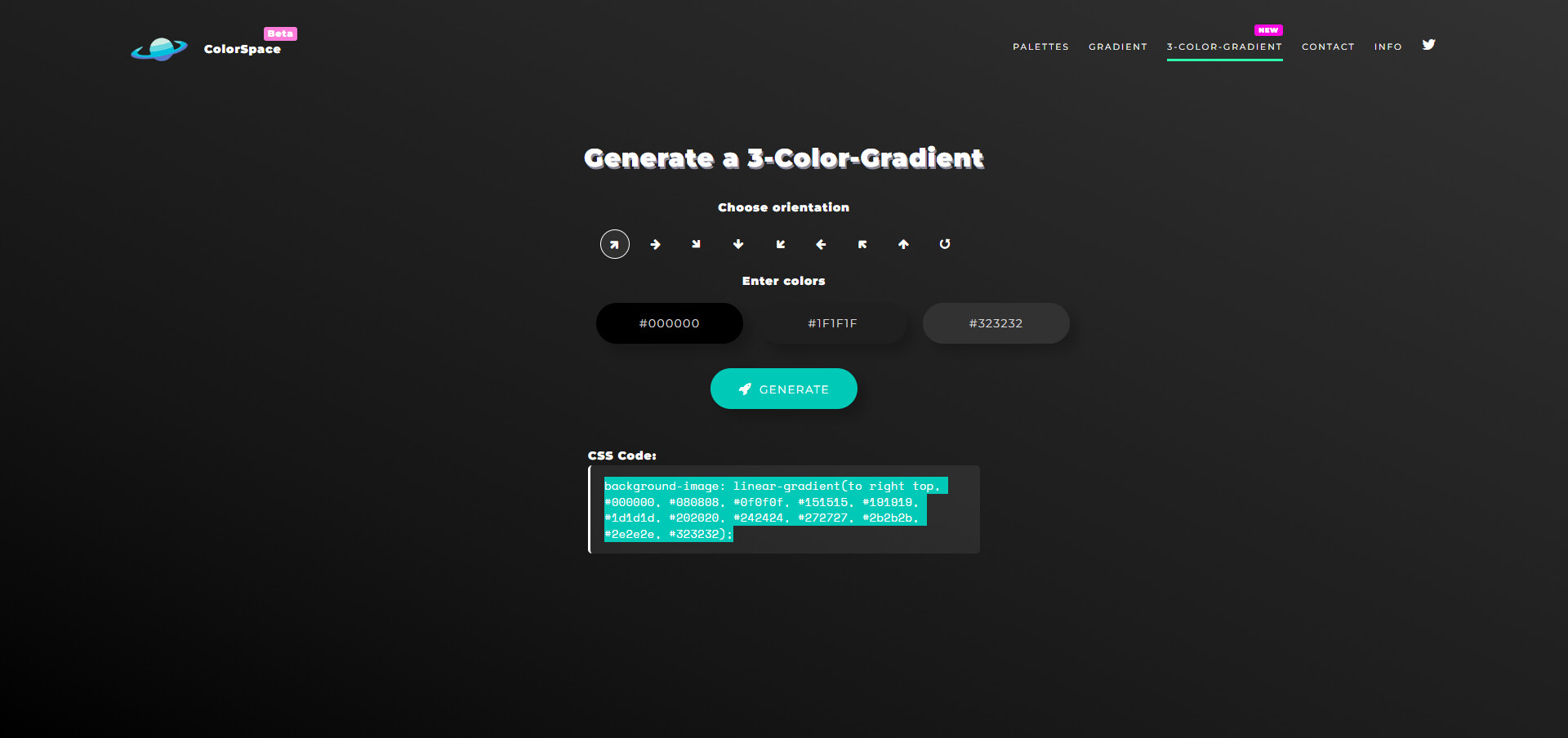
I would like to add a CSS gradient background generated from a website like this

to a specific section of my page - https://mycolor.space/gradient3?ori=to+right+top&hex=%23000000&hex2=%233B3B3B&hex3=%23323232&submit=submit

Does anyone know how to do this?

I have a basic code which changes the section to black, however I would like it to be a gradient as shown from the link.

The black background code -


.shopify-section {

background-color: #000000;

}
​.section-template–22506935648603__custom_liquid_3YTXfC-padding {

background-color: black;

}

Where I put the code -

CSS Code for the Gradient ( I can’t make it work)
background-image: linear-gradient(to right top, #000000, #080808, #0f0f0f, #151515, #191919, #1d1d1d, #202020, #242424, #272727, #2b2b2b, #2e2e2e, #323232);

The gradient I want example -
Thanks in advance

1 Like

Hey @Reinhart

Share your shopify store url please