Hello, some of the sections in my theme have h6 and I need to make them h2. Example attached. What would be the easiest way to edit them to h2?
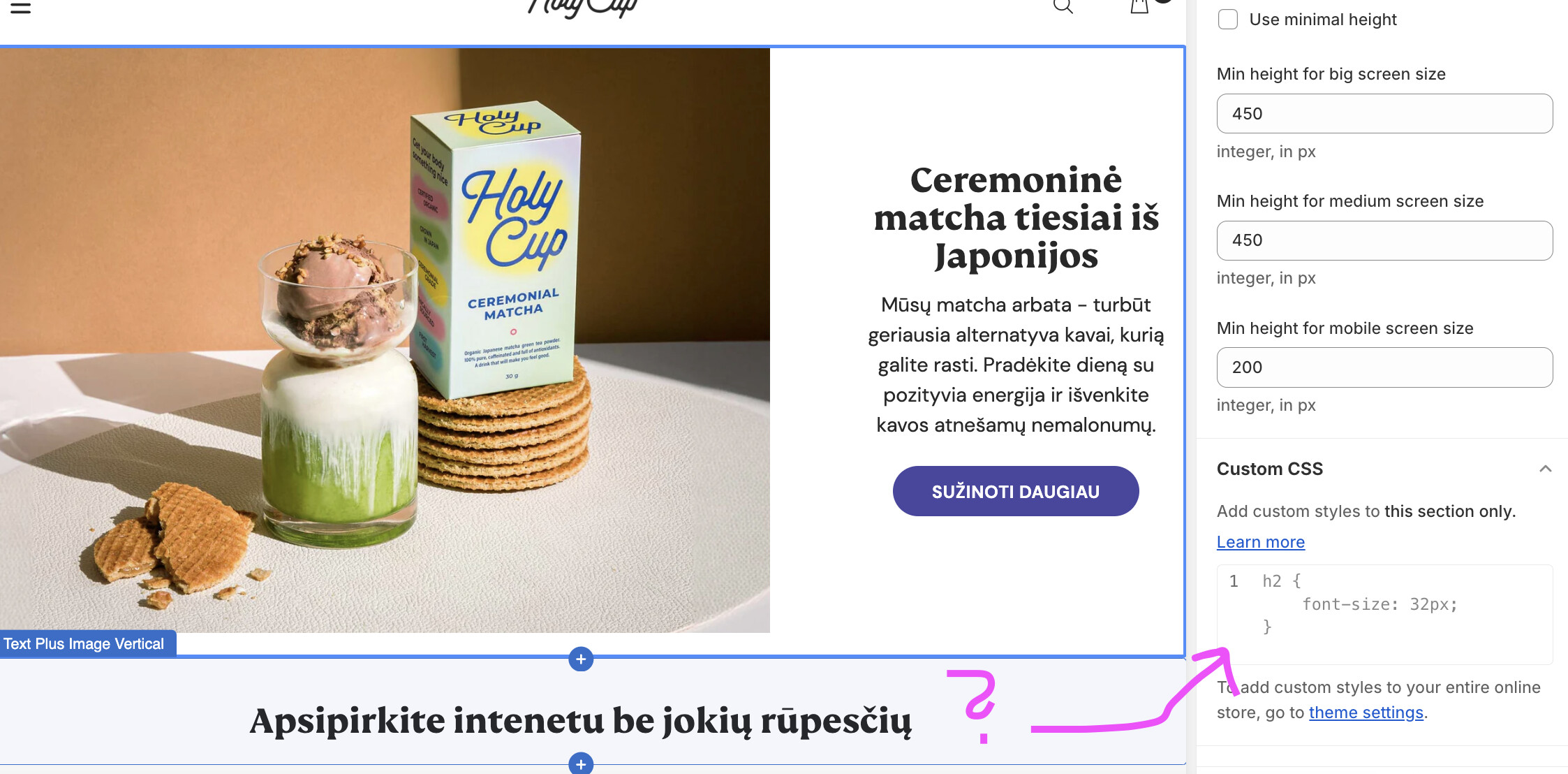
Page:
Thank you!
Goal: change several theme section headings from HTML
Context: The user wants an easy way to edit heading levels. They provided a live page URL and attached screenshots of the Shopify interface and an example of the target headline.
Technical notes: h2 and h6 are HTML heading tags indicating different levels of heading hierarchy. Changing them typically requires editing theme code (templates/sections/snippets) or settings if the theme exposes a heading level option.
Latest update: The user finds it difficult to locate the relevant files in the code and asks for guidance on how to search within the theme to find the headings to modify.
Status: No solution or specific steps provided yet; discussion remains open. Key unanswered question: where in the Shopify theme files the headings are defined and the best method to locate and change them.
Hello, some of the sections in my theme have h6 and I need to make them h2. Example attached. What would be the easiest way to edit them to h2?
Page:
Thank you!
Hello, thank you. It’s quite hard for me to locate the files in the code. Maybe you have any suggestions how I can search for them?
Thank you!