Adjust the “Buy It Now” box ( Impact Theme )

Topic summary

A user working with Shopify’s Impact theme seeks CSS customization help for their product page buttons. They have two specific requirements:

Primary Issues:

  • Make the “Buy It Now” button match the same size as the “Add to Cart” button across all display formats
  • Position the “Buy It Now” button on a separate bottom line in all layouts, rather than appearing inline with other elements

Progress Made:
A helper provided CSS code to adjust the button height (60px) by adding it to the base.css file. This partially addressed the sizing issue.

Current Status:
The positioning requirement remains unresolved. The user clarified through screenshots that they want the “Buy It Now” button placed on its own line below other elements. The helper indicated that achieving this layout will require deeper code modifications and requested collaborator access to the store to implement the changes.

The discussion is ongoing, awaiting store access to complete the customization.

Summarized with AI on October 24. AI used: claude-sonnet-4-5-20250929.

Hello, Everyone! I’m using the Shopify Impact theme.

(1) I would like to keep the “Buy It Now” box on the product page the same size as the “Add To Cart” button box in all formats.

(2) I want to keep the “Buy It Now” button option at the bottom line in all formats. “Buy It Now” button size should be up to the mark.

Store: https://bdcoffeeshop.myshopify.com/
Password: Admin

1 Like

Hi @dreamtechzone_5

  1. From your Shopify Admin, navigate to Online Store > Themes > Edit Code
  2. In the Assets folder, open base.css and add your CSS code at the end
button.shopify-payment-button__button.shopify-payment-button__button--unbranded {
    height: 60px;
}

Kindly feel free to get back to me if you need any further assistance.
If helpful, please like and accept the solution. :white_check_mark:

1 Like

Can the “Buy It Now” button be placed on the bottom line in all formats?

1 Like

Hi @dreamtechzone_5

You want like this.

1 Like

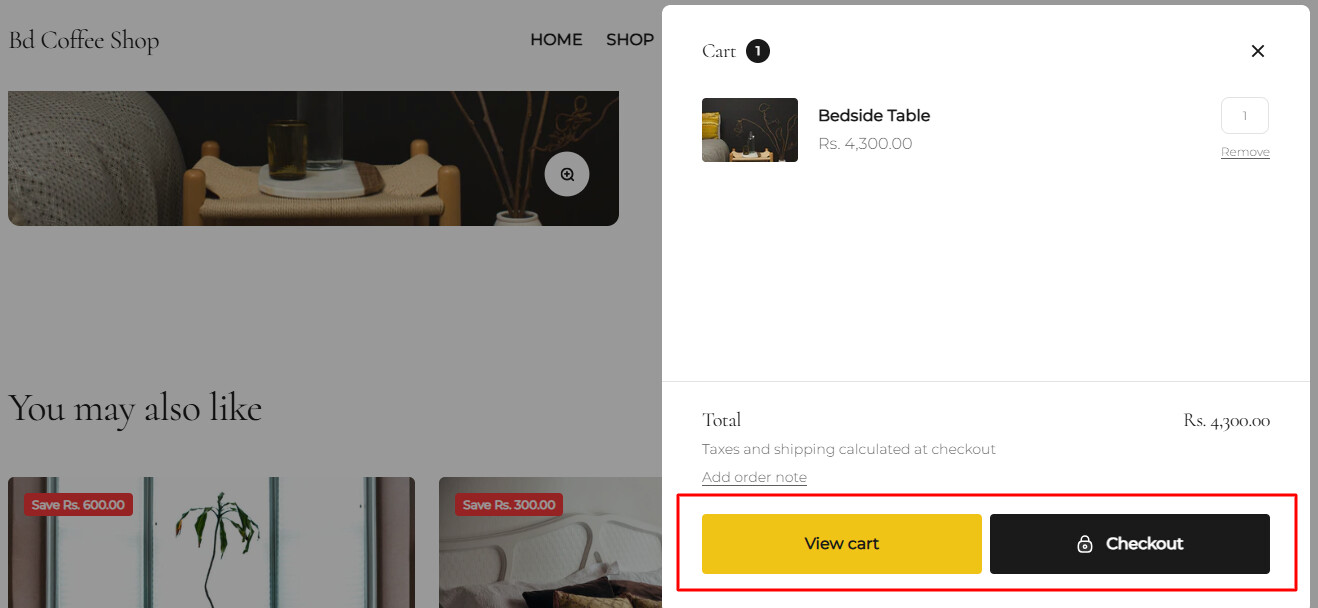
No, Want to place the “Buy It Now” button in the marked place well in all formats?

1 Like

Hi @dreamtechzone_5

Ok, but for this I’ll need to make changes in the code. Please share the Collaborator code so I can check and update it.