All "search results pages" go to default color scheme - Theme Canyon

Topic summary

A Shopify theme user reports that search results pages display the default color scheme instead of their custom gold and black design. The issue occurs specifically when users press Enter in the search bar to view full results, but not when selecting autocomplete suggestions for collections or specific items.

Key Details:

  • Header and footer maintain correct styling
  • Only the search results page content reverts to default colors
  • Theme customization settings don’t allow color scheme changes for this page
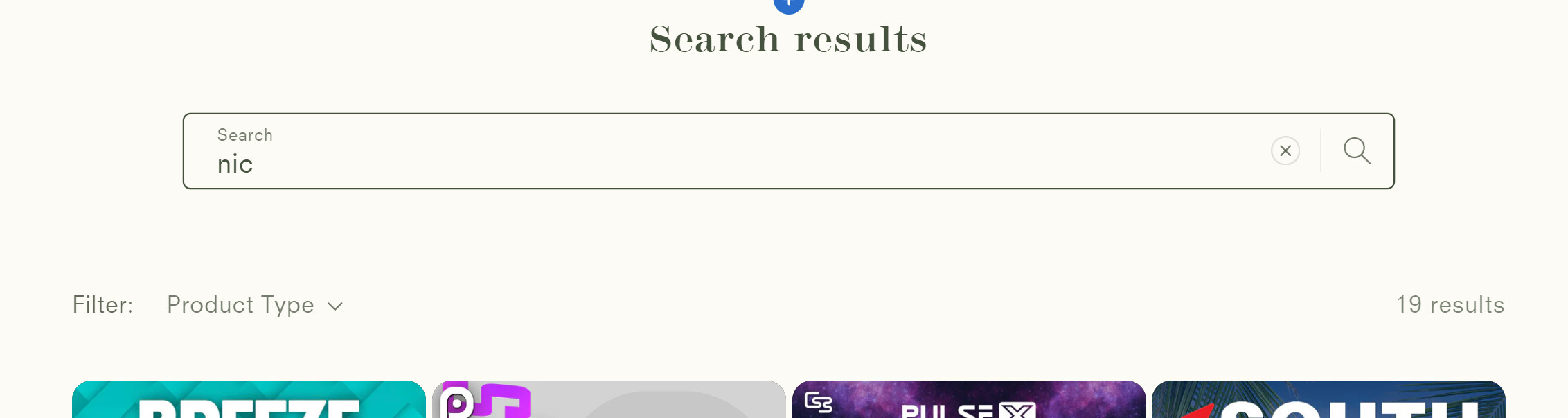
  • Screenshots show the contrast between intended custom styling and the problematic default appearance

Status: Unresolved. A second user has confirmed experiencing the identical issue, but no solution has been identified yet.

Summarized with AI on October 28. AI used: claude-sonnet-4-5-20250929.

Rather than my created color scheme, it goes to the default color scheme after the search bar is used (not including header and footer). But only if they hit enter and not hit a suggestion (a collection or specific item). Pretty sure its only affecting “search results page”, its the only one doing it and doesn’t let me change color scheme for some reason supposed to look like the gold and black one

1 Like

Hi,

I am having the same issue. Did you figure out a solution?

Thanks!