Hi @meliorawear
You should try following the instructions below
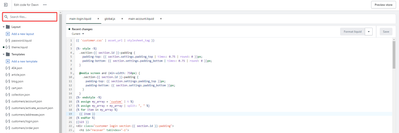
Step 1: Go to Admin → Online store → Theme > Edit code

Step 2: Search for the file section-image-banner.css and add this code snippet to the end of the file
.banner__buttons.banner__buttons--multiple a:nth-child(1) {
    color: #fff !important;
    background-color: gray !important;
}
.banner__buttons.banner__buttons--multiple a:nth-child(2) {
    color: #000 !important;
    background-color: #fff !important;
}
Result

If it’s helpful, please like and mark it as a solution, thank you
Have a nice day