Hi,
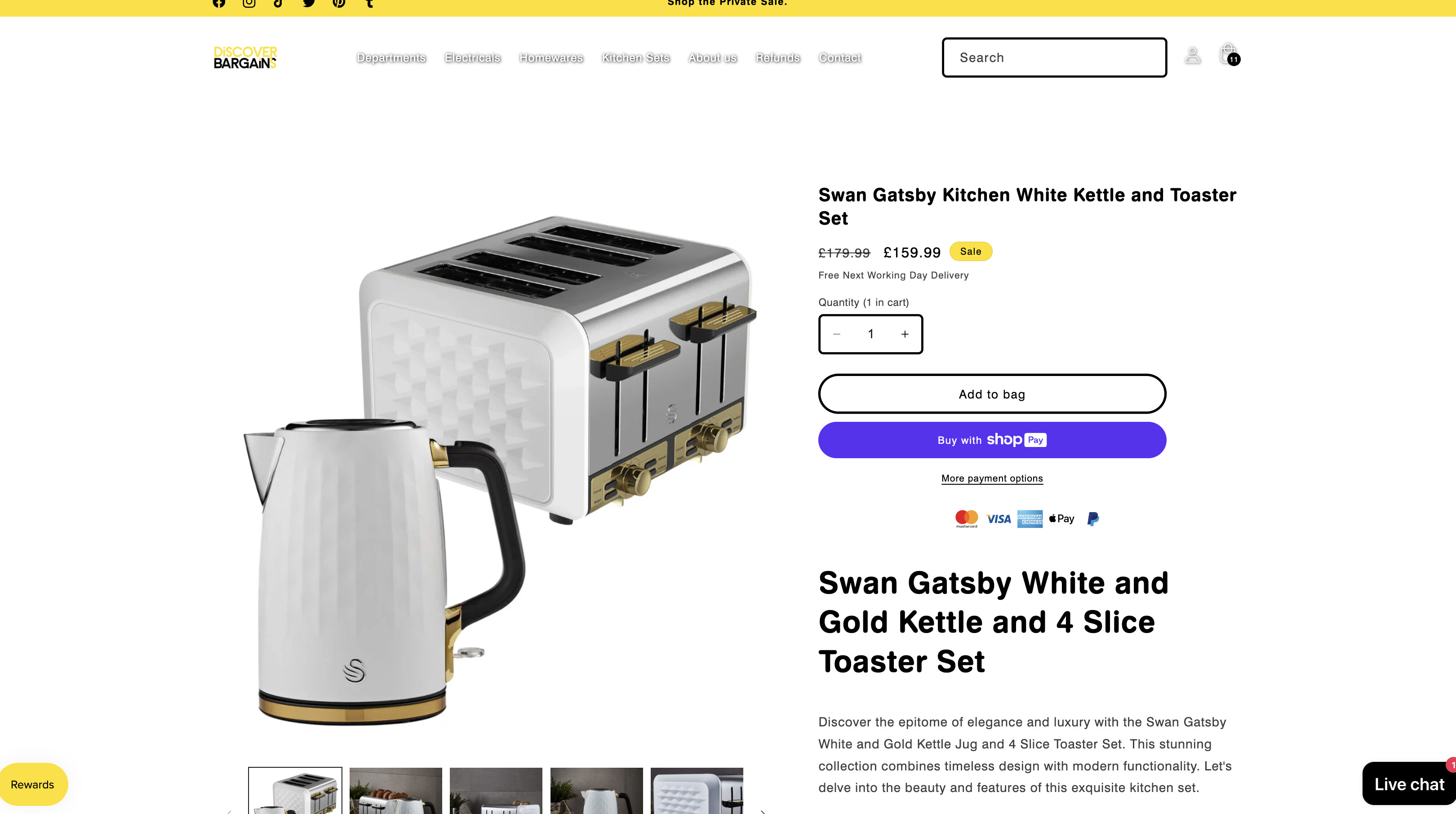
Im looking to change the colour of the buy it now button on the product pages - however I have tried:
/* buy it now button color on hover and focus */
.shopify-payment-button .shopify-payment-button__button–unbranded:hover{
background-color: #ffdf00 !important;
color: #ffffff !important;
border-color: #00ff00 !important;
}
Using the colour code: #ffdf00 (YELLOW)
and yet it remains the same colour button. Can anyone help with this?
Many thanks in advance.
1 Like
@vibehome
oh sorry for this issue this button Shopify dynamic checkout button doesn’t allow to this but can you send your store url i will check again
Hi Ketan, thanks for your fast reply. The URL is:
https://www.discoverbargains.co.uk/
1 Like
Hi @vibehome ,
Step 1: Go to Shopify Admin → Online Store ->Theme → Edit code
Step 2: Search file base.css, theme.css, styles.css, custom.css or theme.scss.liquid
Step 3: Insert the below code at the bottom of the file → Save
.shopify-payment-button__button .shopify-cleanslate div[role="button"],
.shopify-payment-button__button .shopify-cleanslate div[role="button"]:hover
{
   background: #ffdf00 !important;
   border-color: #ffdf00 !important;
}
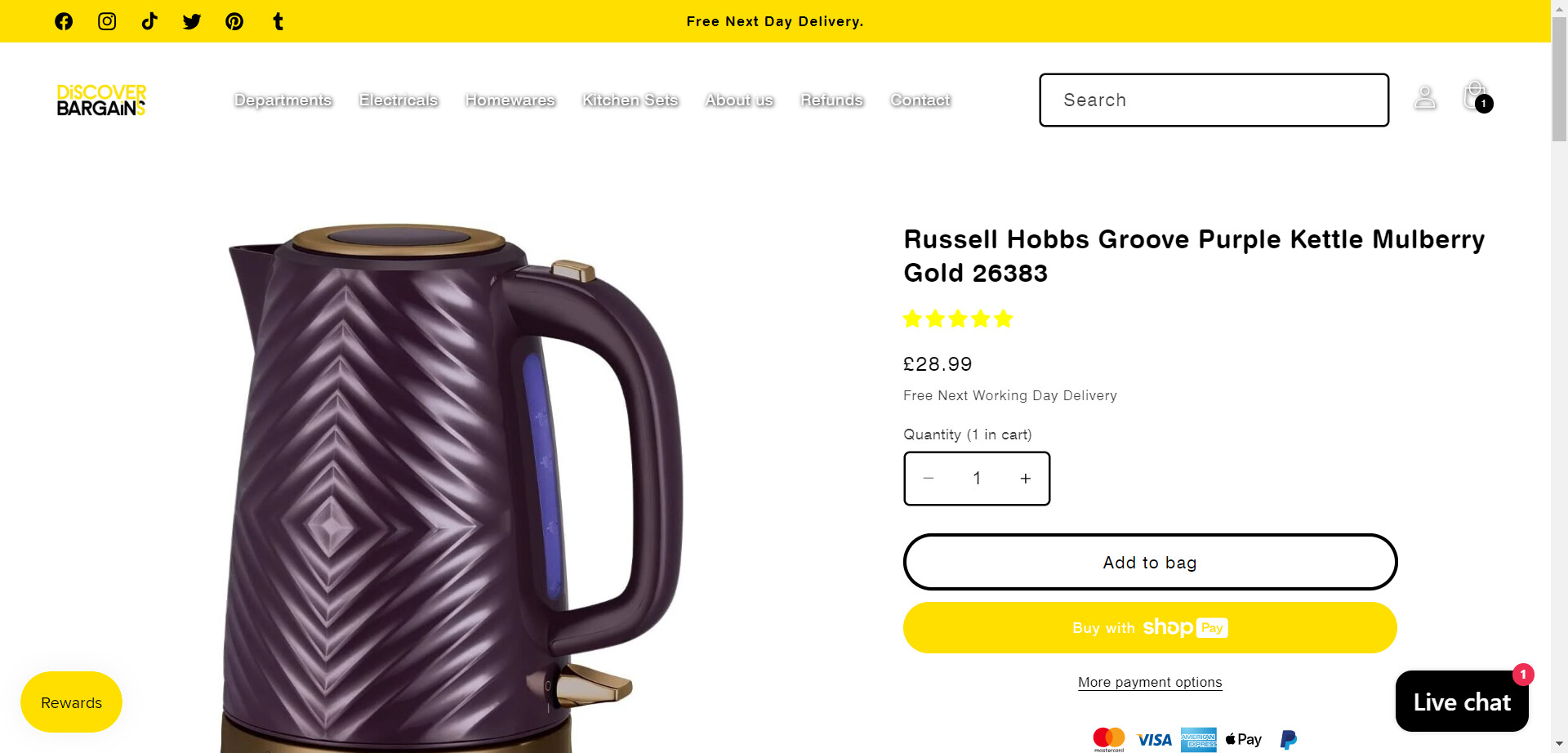
Here is result:
Hope this can help you,
If our suggestions are useful, please let us know by giving it a like or marking it as a solution. Thank you 
@vibehome Thanks can you try this code
- Go to Online Store->Theme->Edit code
- Asset->/base.css ->paste below code at the bottom of the file.
.shopify-cleanslate [role="button"] {
    background-color: #ffdf00 !important;
    border-color: #ffdf00 !important;
}