
1 Like
can you please share more details and store url

Go to product in customizer check that section and hide section which you want.

Second solution go to product.liquid template.
remove section code from that file.

can you share code for product.liquid file in templates?
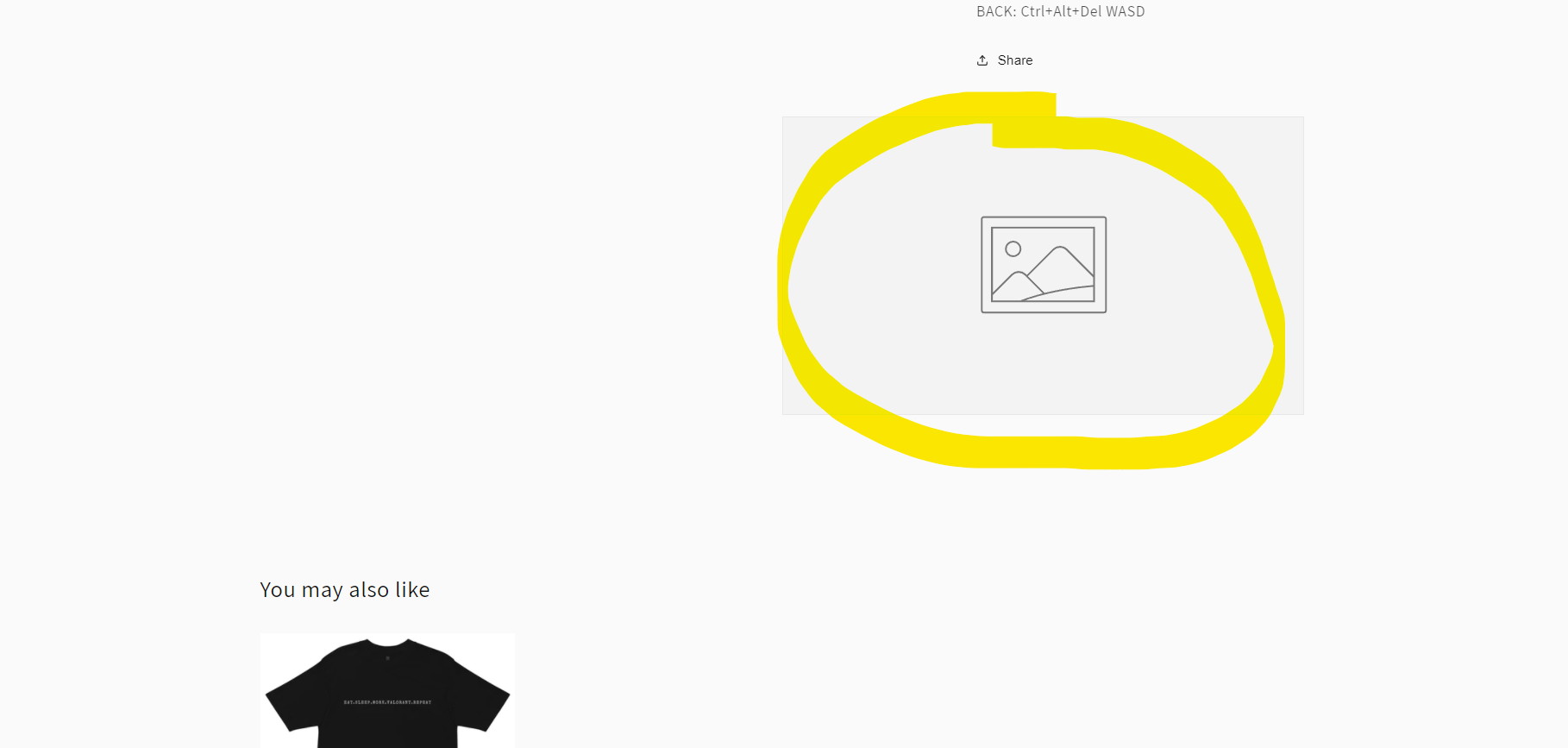

You could remove all Images with Text photos on the Product Page by navigating to Theme > Customize. In the dropdown at the top center, select Product > Default product. On the sidebar menu, scroll down to Image with Text, click on the eye symbol to disable them.
E.g as a picture below:

If this answers your question, please mark it as a solution.
Best regards.
can you please share store url