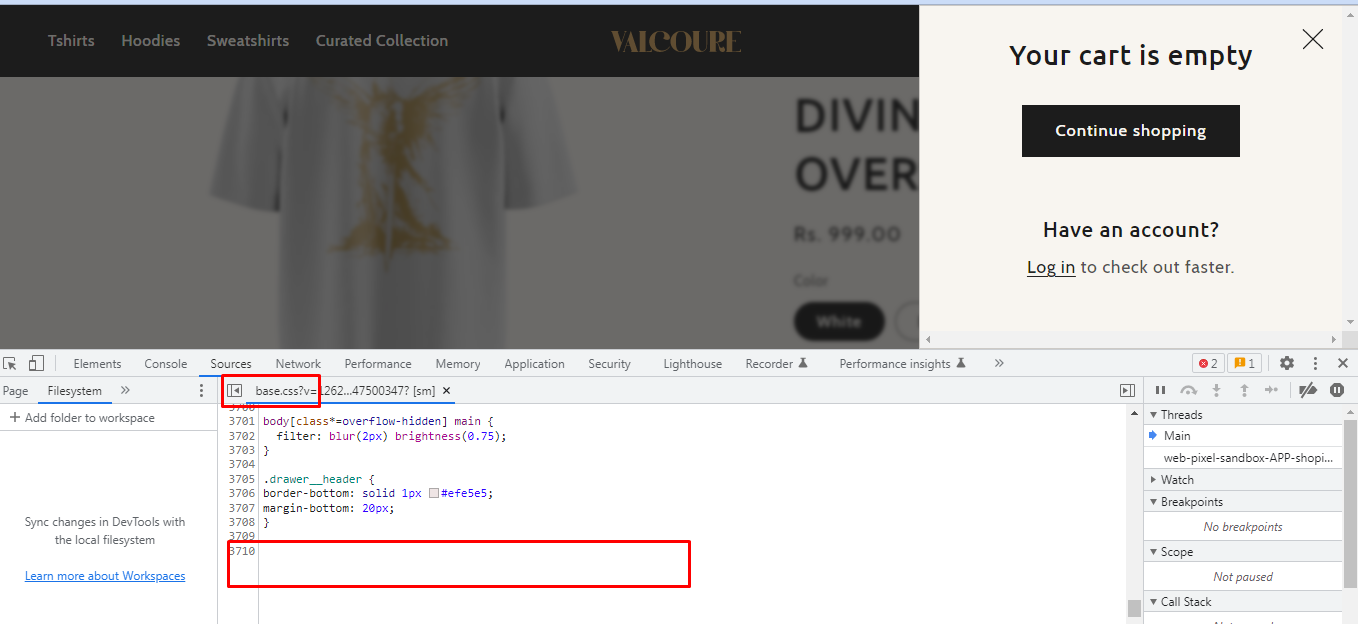
A user encountered an issue where the cart drawer title wasn’t displaying on their Shopify store, despite the code being present in the cart-drawer.liquid file. The problem was particularly noticeable when the cart was empty.
Initial Request:
Cart drawer header not visible
Needed to add a separator line below the header
Solution Provided:
Added CSS to base.css for the separator line using border-bottom on .drawer__header
For the empty cart title visibility issue, applied CSS targeting cart-drawer.is-empty .drawer__header with display: block!important and absolute positioning
Also hid the duplicate close button with .cart-drawer__empty-content button.drawer__close { display: none; }
Resolution:
The issue was resolved after adding the !important flag to force the display property, overriding the theme’s default styling that was hiding the header when the cart was empty. The user confirmed the solution worked successfully.
Summarized with AI on October 28.
AI used: claude-sonnet-4-5-20250929.
The cart drawer in my website doesn’t have a title. I thought it would be problem of the theme. But when I checked the cart-drawer.liquid file it contains a division for the cart header. This the code I saw in the file
## {{ 'sections.cart.title' | t }}
But the cart heading is not visible.
And one more thing, I need to add a line seperating the header from the cart like this
Thank you for your response. It’s good to know that it’s worked for you. Kindly feel free to get back to me if you need any further assistance. If helpful, please like all posts.