I’m looking to center & change the title size on these pages:
Title: Product
https://crosbyaudio.com/collections/products
Title: Blog
https://crosbyaudio.com/blogs/blog
To match this page:
https://crosbyaudio.com/pages/instructions
Thanks in advance.
1 Like
Hi @crosbyaudio
Check this one.
- From your Shopify admin dashboard, click on “Online Store” and then “Themes”.
- Find the theme that you want to edit and click on “Actions” and then “Edit code”.
- In the “Assets” folder, click on “base.css, style.css or theme.css” file, depending on which file your theme uses to store its CSS styles. At the bottom of the file, add the following CSS code:
h1.collection-hero__title, h1.title--primary.scroll-trigger.animate--fade-in {
    font-size: calc(var(--font-heading-scale) * 5.2rem) !important;
}
Please don’t forget to Like and Mark Solution to the post that helped you. Thanks!
The text size is fixed, but it’s not centered.
The title “Products” need to be centered and made larger on this page too:
https://crosbyaudio.com/
Hi @crosbyaudio
This is Richard from PageFly - Shopify Page Builder App
Please add this code to your theme.liquid above the to get this solved
Step 1: Online Stores > Themes > More Actions > Edit code
Step 2: click on theme.liquid and paste the code above the
Hope this can help you solve the issue
Best regards,
Richard | PageFly
1 Like
Glad that i can help. Let me know if you have any questions
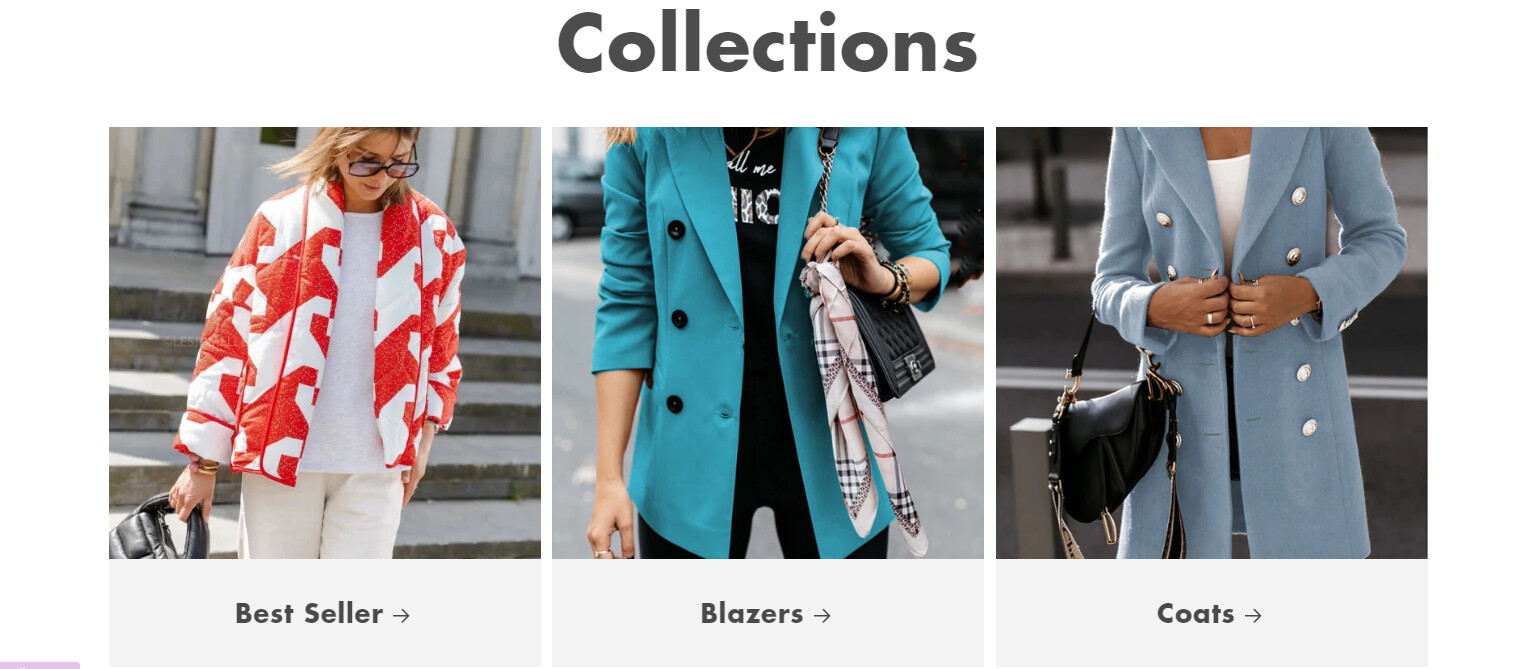
Hi, in my shop I would like to centered the title of COLLECTIONS, TRACK YOUR ORDER and ABOUT US - www.veracox.com
Can you help me?
Thank you in advance
1 Like
Hi @VeraCoxBrand
Check this one.
- From your Shopify admin dashboard, click on “Online Store” and then “Themes”.
- Find the theme that you want to edit and click on “Actions” and then “Edit code”.
- In the “Assets” folder, click on “base.css, style.css or theme.css” file, depending on which file your theme uses to store its CSS styles. At the bottom of the file, add the following CSS code:
section#shopify-section-template--20282740310359__main .main-page-title, section#shopify-section-template--20131581886807__main .main-page-title, a.full-unstyled-link {
    text-align: center !important;
}
Please don’t forget to Like and Mark Solution to the post that helped you. Thanks!
1 Like
Thank you very much! Successfully solved.
1 Like