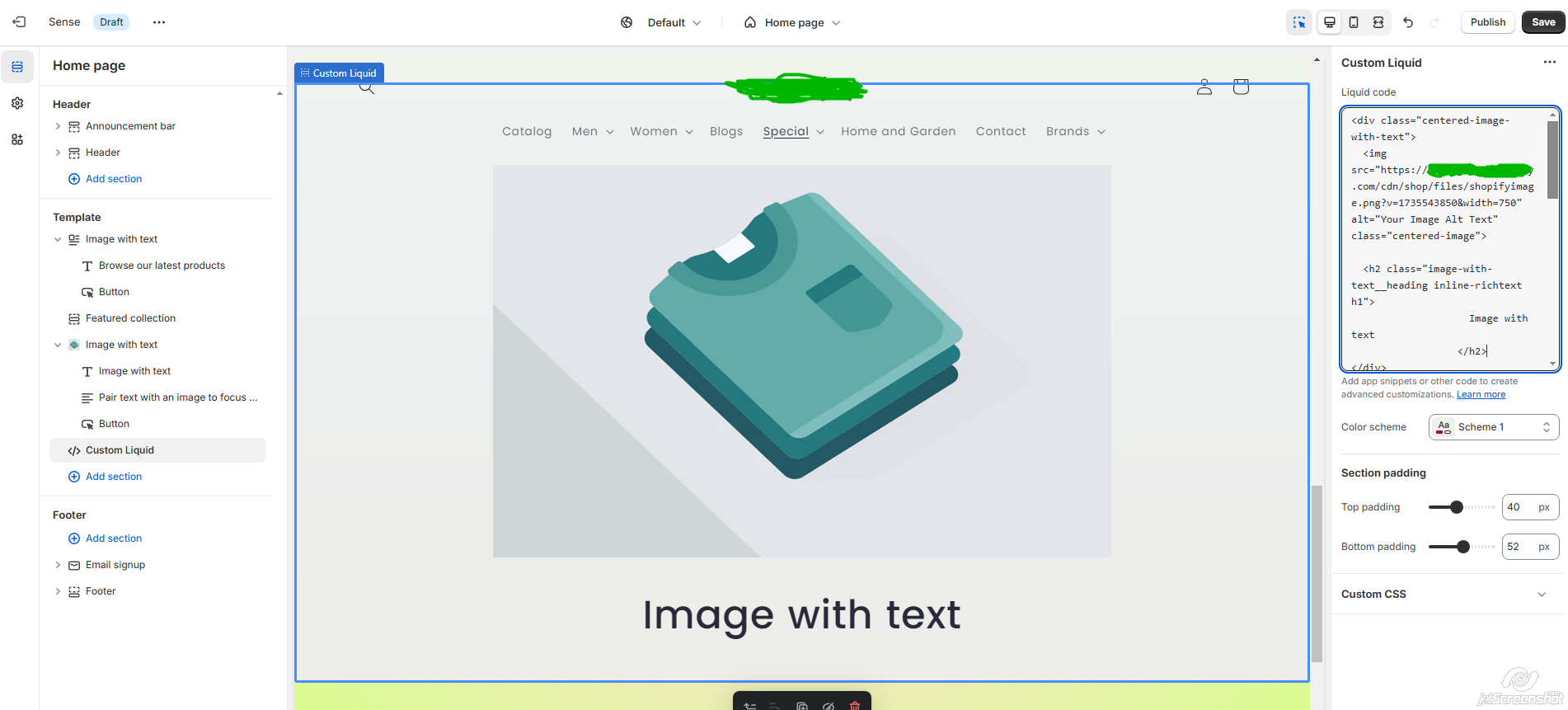
Center image

Topic summary

A user working with the Sense theme wants to center an image with text/caption underneath while utilizing full width on both desktop and mobile views. They’ve shared a screenshot showing their current layout.

Current Status:

  • Three community members have requested the store URL or page link to provide specific guidance
  • No store link has been shared yet

Proposed Solution:
One responder provided a custom Liquid code solution:

  • Navigate to Online Store > Themes > Customize > Add custom liquid section
  • Insert provided HTML/CSS code that creates a centered container with responsive image and caption
  • The code includes styling for full-width images that scale appropriately and centered text underneath
  • A screenshot demonstrates the expected result

The discussion remains open, awaiting the store URL to provide more tailored assistance.

Summarized with AI on November 3. AI used: claude-sonnet-4-5-20250929.

I will please like advise on how to have image center and text underneath the image for desktop and mobile view.

Am trying to take advantage of the full width , while at the same time have both text or caption underneath the (centered image.) am currently usingSense theme

1 Like

Hi @elishakolade

Please, share your store URL. If not publish please share the preview. Thanks!

@elishakolade - can you please share this page link?

@elishakolade

Please share with me the store link

Best,

Daisy

Hi @elishakolade ,

To center an image with text or a caption underneath while maintaining responsiveness for both desktop and mobile views in the Shopify Sense theme, you can use a custom Liquid section.

  1. Go to Online Store > Themes > Customize> Add custom liquid section
  2. Add below code in the custom liquid

  
  ## Image with text
  

Your caption or text goes here.