Hello
I’ve been having trouble for a while now getting my collection centered here on my home page. I have tried a lot of code in base.css but none of it works. hope someone can help me solve this problem.
Website: www.TruthTrust.dk
code: PINK
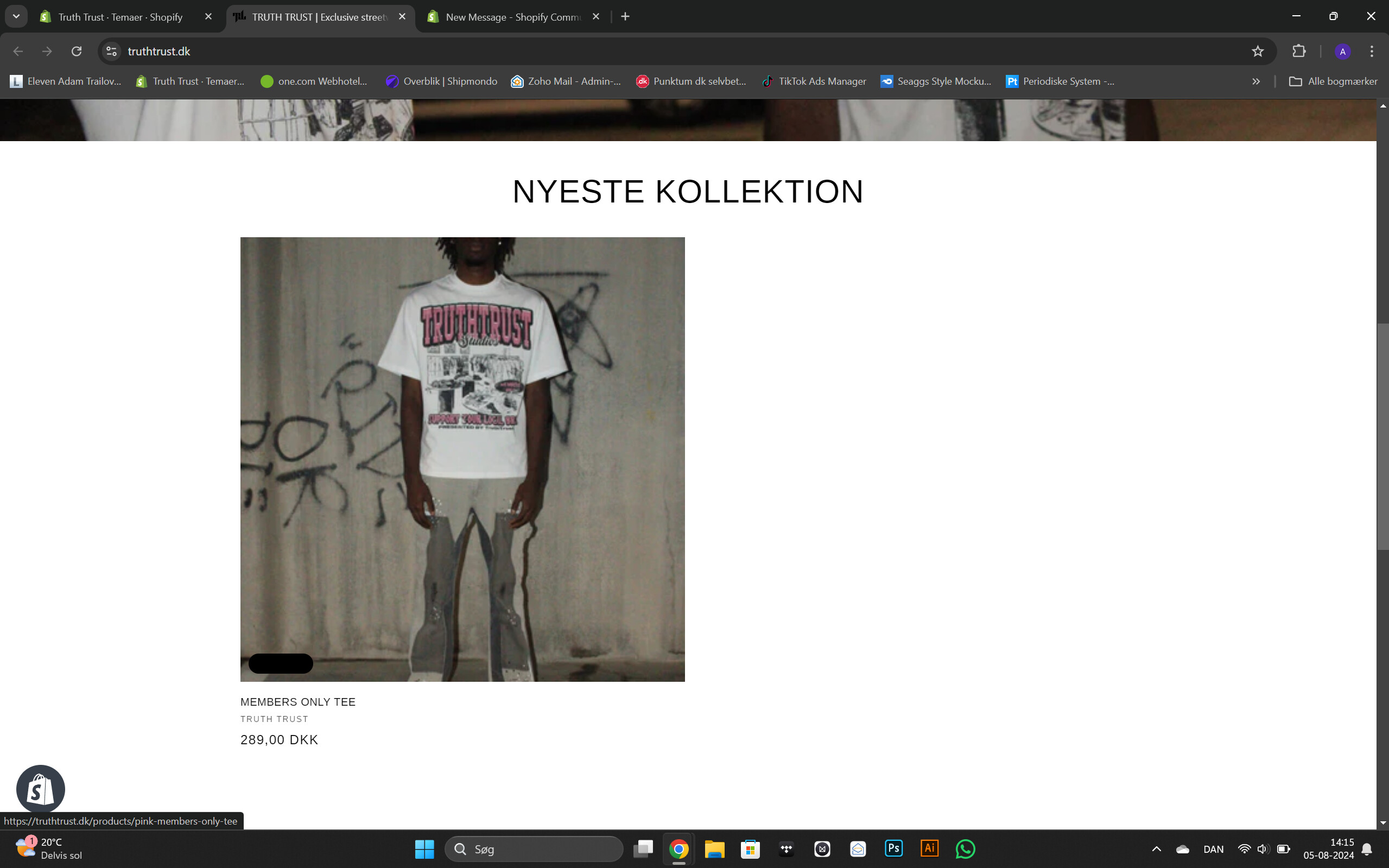
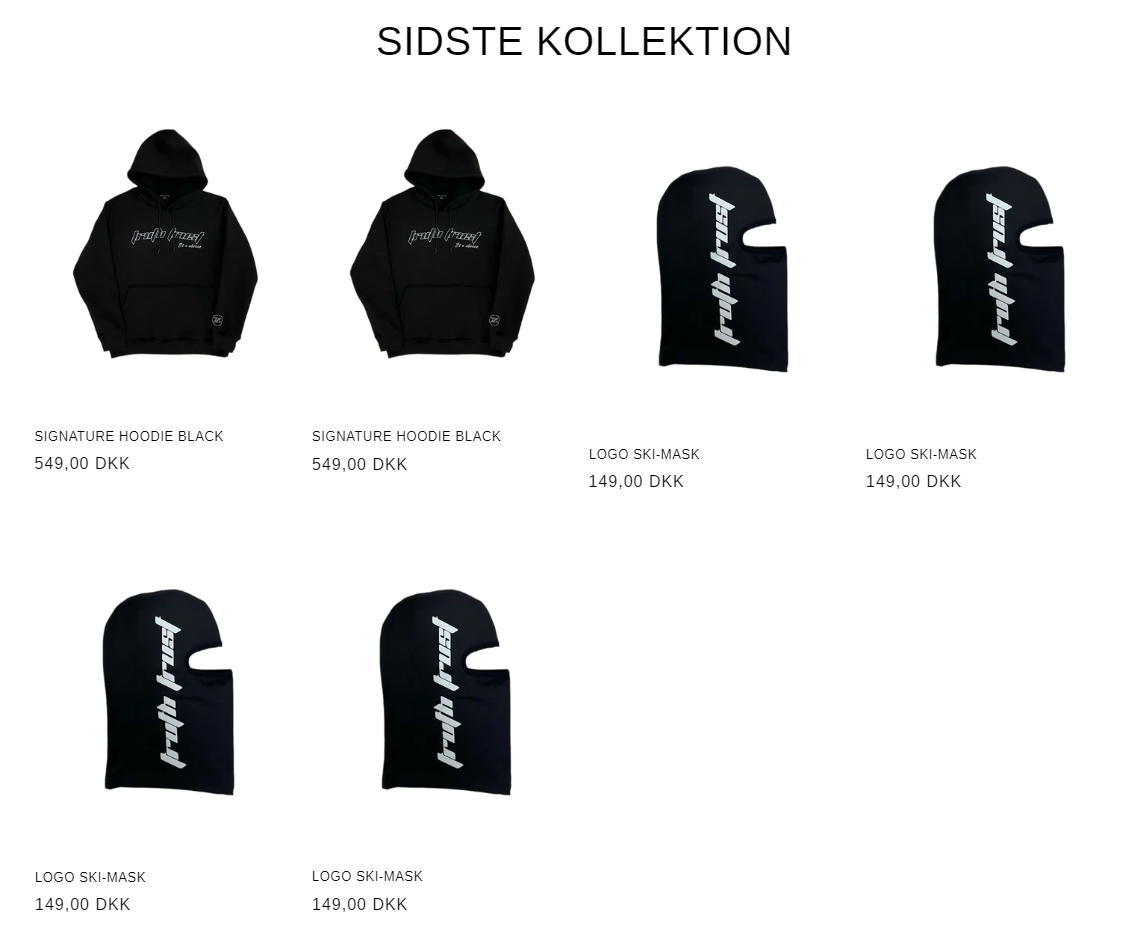
here are some pics of what it looks like:
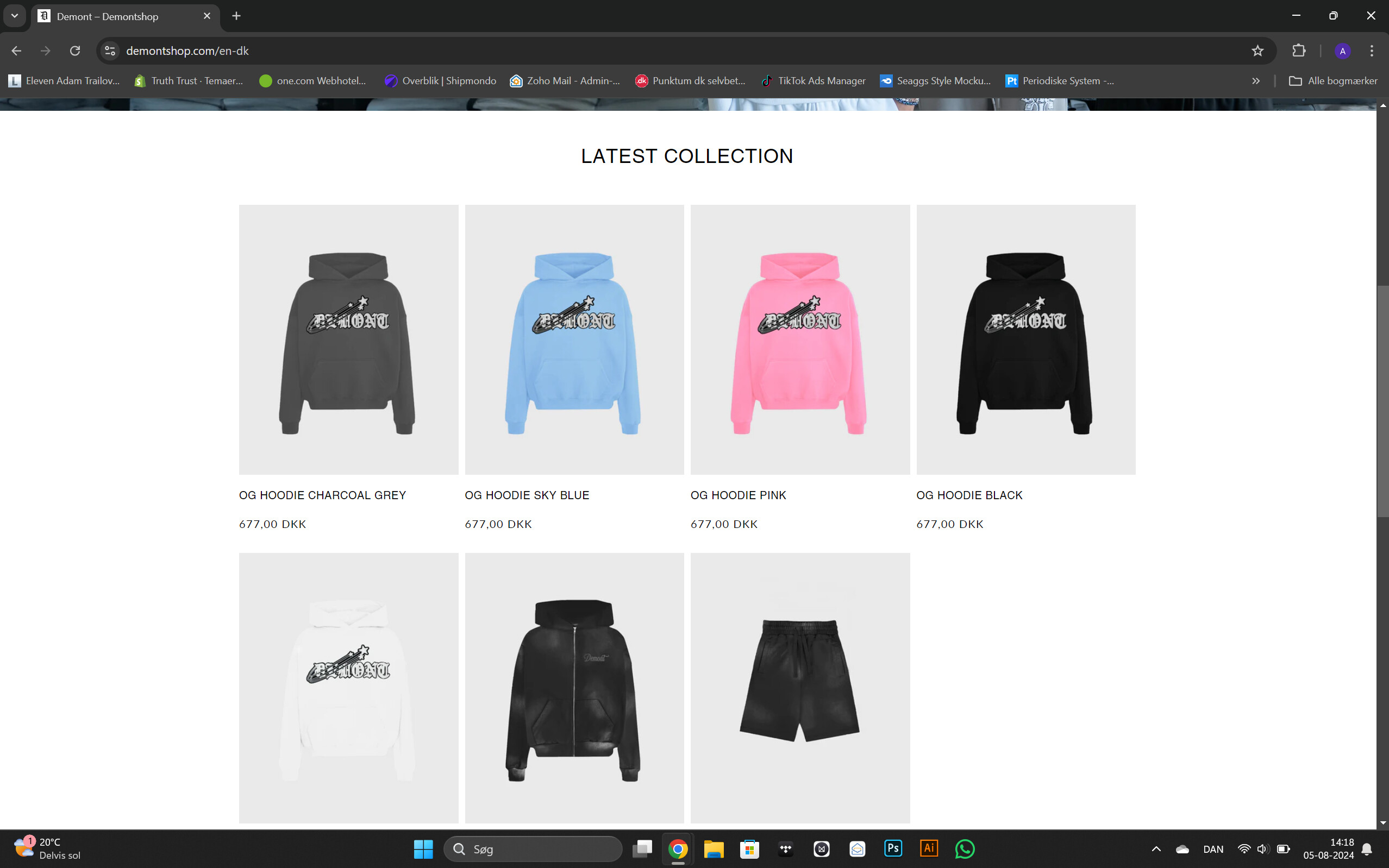
and here is a pic of how i want it to look:
1 Like
Hello! @JoyDion Please follow these steps to add this CSS code:
- Go to your Online Store
- Click on “Themes”
- Select “Edit code”
- Open your CSS file. If you have a custom CSS file, open that instead.
- If you can’t find your custom CSS file, open “base.css”
- Add the following code at the end of the file.
.grid {
    justify-content: center;
}
body .card__inner.gradient {
    background: #f2f2f2 !important;
}
If you need further assistance, please let me know. If you found my help useful, consider liking this message and marking it as the solution.
Thank you
k.K
Hello @AdamT06
You can add code by following these steps
-
Go to Online Store → Theme → Edit code.
-
Open your theme.liquid file
-
Paste the below code before on theme.liquid
.collection .grid {
justify-content: center;
}
Was my reply helpful? Click Like to let me know!
Was your question answered? Mark it as an Accepted Solution.
Hello @AdamT06
Go to online store ---------> themes --------------> actions ------> edit code------->base.css
add this code at the end of the file.
.grid {
justify-content: space-evenly;
}
result
If this was helpful, hit the like button and accept the solution.
Thanks
Hi @AdamT06
It seems like the current collection page is working as you wanted.
Could you please clarify what you require exactly?
- Here is the solution for you @AdamT06
- Please follow these steps:
- Then find the base.css or theme.css file.
- Then add the following code at the end of the file and press ‘Save’ to save it.
.grid:last-child {
    justify-content: center !important;
}
- Here is the result you will achieve:
- Please press ‘Like’ and mark it as ‘Solution’ if you find it helpful. Thank you.