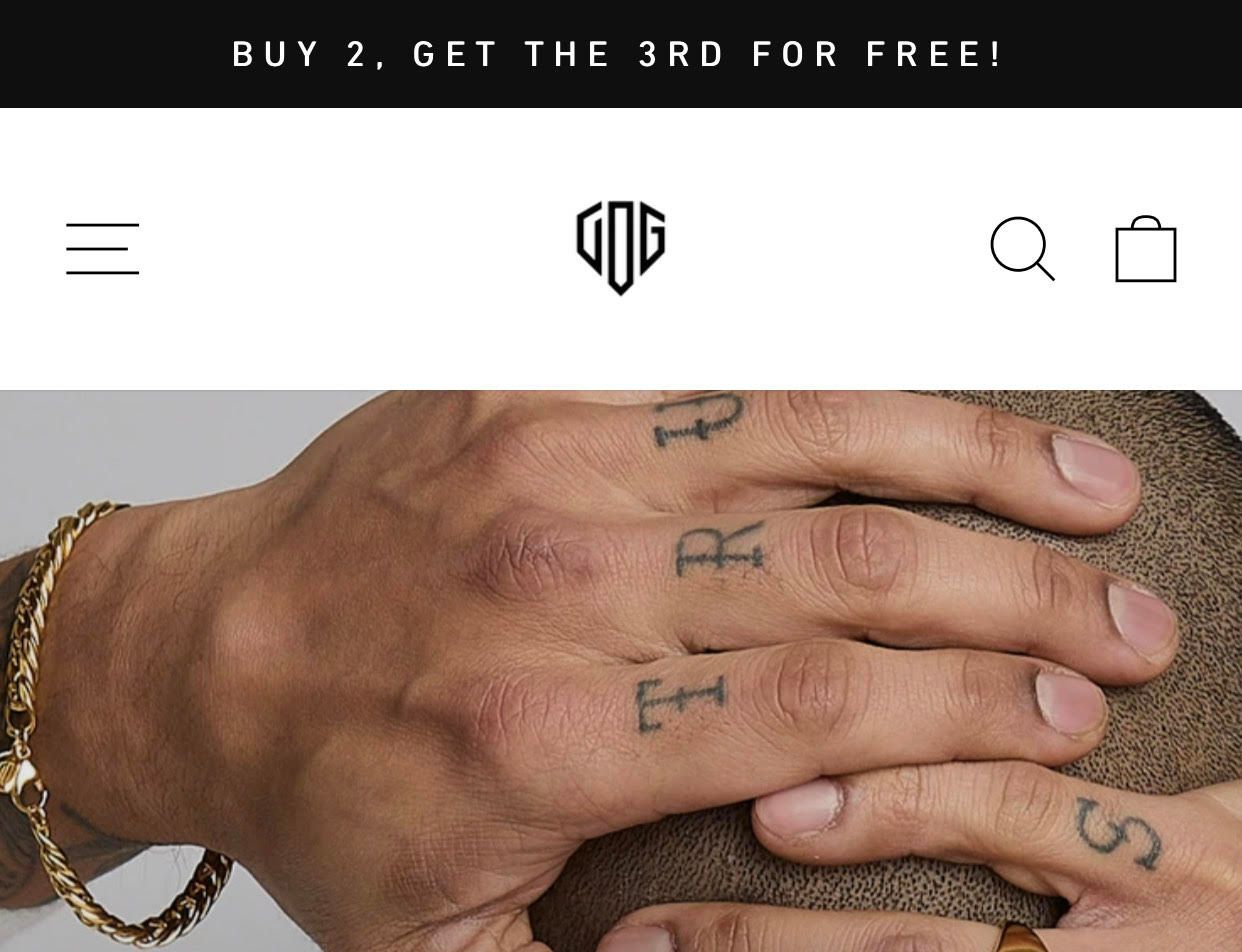
Hello i would like to center my Logo like this Picture for the Mobile Version and for the Desktop Version i would like to have it on the left without any changes. I use the Debut Theme and i urgently need help
1 Like
Hello There,
Please share your store URL and password.
So that I will check and let you know the exact solution here.
1 Like
1 Like
Hello There,
- In your Shopify Admin go-to online store > themes > actions > edit code
- Find Asset >theme.css and paste this at the bottom of the file:
@media screen and (max-width: 767px){
.site-header .site-header__icons {
position: unset;
}
.site-header .site-header__icons .site-header__icons-wrapper .js-mobile-nav-toggle.mobile-nav--open,
.site-header .site-header__icons .site-header__icons-wrapper .js-mobile-nav-toggle.mobile-nav--close {
position: absolute;
left: 10px;
}
.site-header .site-header__icons .site-header__icons-wrapper {
position: unset;
}
.site-header .site-header__mobile-nav .grid__item .site-header__logo {
text-align: center;
padding-left: 97px;
}
.site-header .site-header__mobile-nav .grid__item .site-header__logo a.site-header__logo-image {
display: flex;
justify-content: center;
margin: 0 auto;
}
}
Screenshot:-Screenshot by Lightshot
1 Like
You are a Life Saver! Have a nice Day. You deserve it!
1 Like
Thank you for your response. It’s good to know that it’s worked for you. Kindly feel free to get back to me if you need any further assistance.