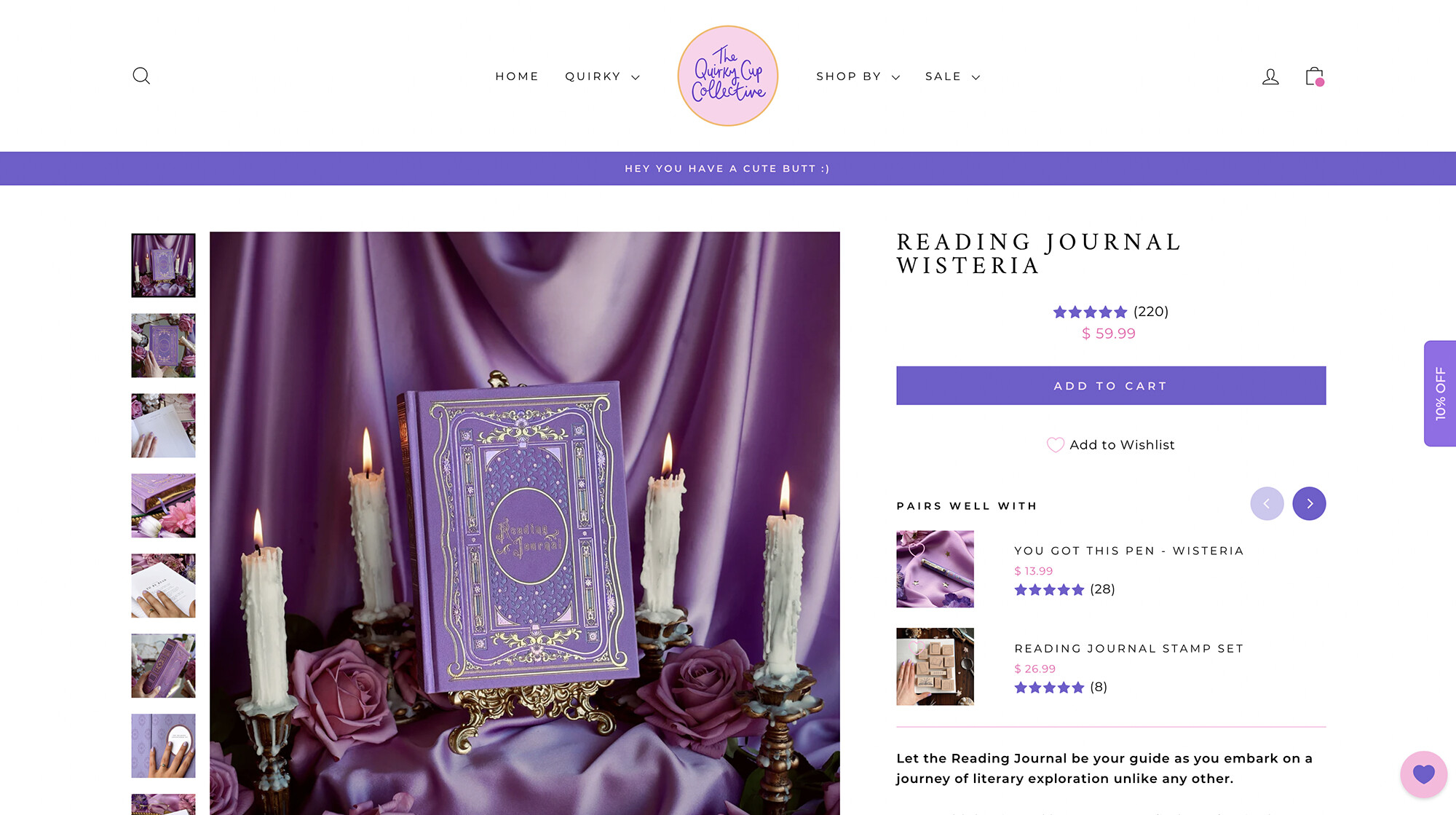
Hey there!
I am needing some help to centre the product title on the desktop view on the Impulse theme. My price, ratings and buttons are centred, but my product title isn’t. I have tried to find other codes in the forum but have come up short. Any help you can offer would be very much appreciated!
1 Like
Hello @Sydonie_Baldiss
You can add code by following these steps
-
Go to Online Store → Theme → Edit code.
-
Open your theme.liquid file
-
Paste the below code before on theme.liquid
.product__title {
text-align: center;
}
Was my reply helpful? Click Like to let me know!
Was your question answered? Mark it as an Accepted Solution.
@niraj_patel
So, GO to online store → theme–> edit code
In the left sidebar, locate the Assets–> theme.liquid
Scroll to the bottom of the file add the following CSS code.
.product__title
{
text-align: center;
}
I think this will solve your problem, if yes, please mark the job as complete
This won’t work sorry! I have pasted into theme.css.liquid and it won’t centre on desktop view. It is centred on mobile view, but not on desktop.
Do you have any other suggestions or work arounds?
Hello @Sydonie_Baldiss ,
- In your Shopify Admin go to online store > themes > actions > edit code
- Find Asset > theme.css and paste this at the bottom of the file:
.product-single__title {
text-align: center;
}
This worked! Thank you so much 
1 Like
Hi @Sydonie_Baldiss
Thank you for your response. It’s good to know that it’s worked for you. Kindly feel free to get back to me if you need any further assistance.
If helpful then please Like and Accept Solution.