Hi,
I have searched high and low for this and tried to create my own custom liquid. I got so close but I am not an expert at all. Can someone help me?
All I want to do is change the background color of my newsletter to an image i created with canva.
How can I do this?
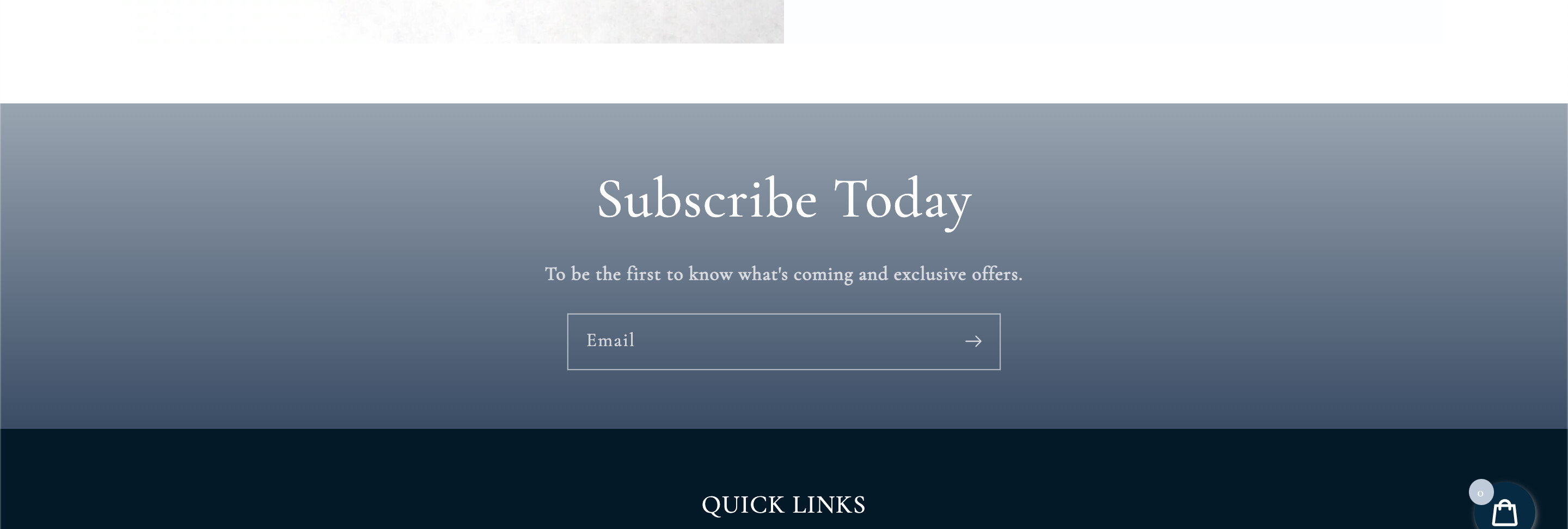
url: melaniejean.com
password: qwertyuiop
i will have to increase the height of this container to fit the image i want to replace it with and move the email box to the right to fit under the text. or i can try to write the text in the form and remove it from the image so its cleaner.

I hope someone can help. Ive been struggling with this all day.