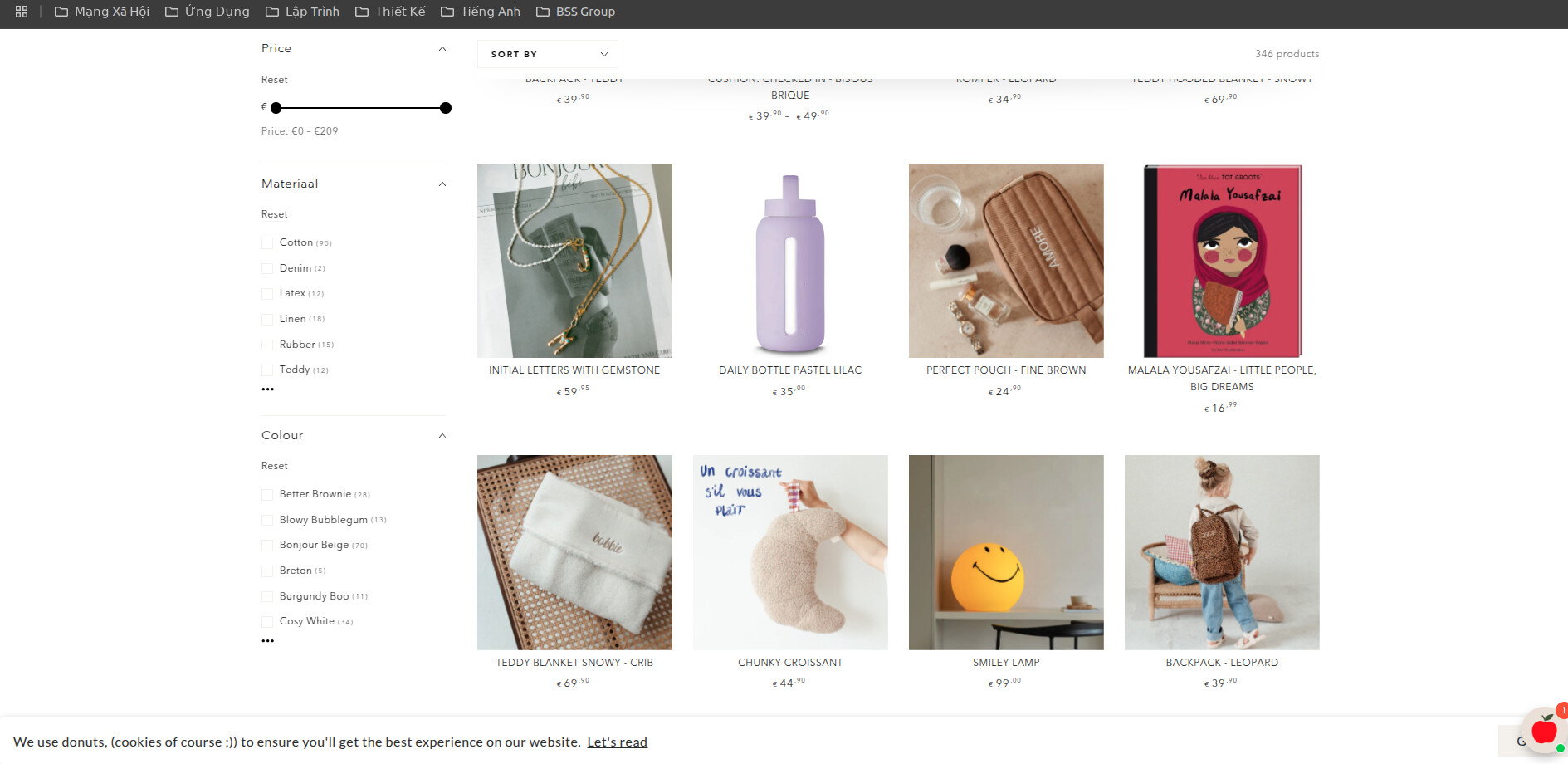
Hi all,
I would like to change the font and the size of the font of my product titles. I would like to have it the same as the sorting menu you see on the left. Could someone help me with this?
Thank you in advance
A user wanted to modify the font and font size of product titles in their product grid to match the styling of their sorting menu.
Solution provided:
theme.liquid file</head> tag.card-information__wrapper a.card-information__text with font-size: 1.4rem !importantOutcome: The solution successfully resolved the issue. The user confirmed it worked as intended.
Hi all,
I would like to change the font and the size of the font of my product titles. I would like to have it the same as the sorting menu you see on the left. Could someone help me with this?
Thank you in advance
Your store URL please?
Hi @myl1
I hope you are well. You can follow our instructions below:
1/ Shopify admin > Online store > Edit code
2/ Search for “theme.liquid” file
3/ Open the file and search for tag and add the following code above tag
Here is the code for Step 3:
{% style %}
.card-information__wrapper a.card-information__text{
    font-size: 1.4rem !important;
}
{% endstyle %}
If this helpful, please let us know by giving us a like and marking its as a solution. Thanks you 
Yes, this worked!! Thank you very much!