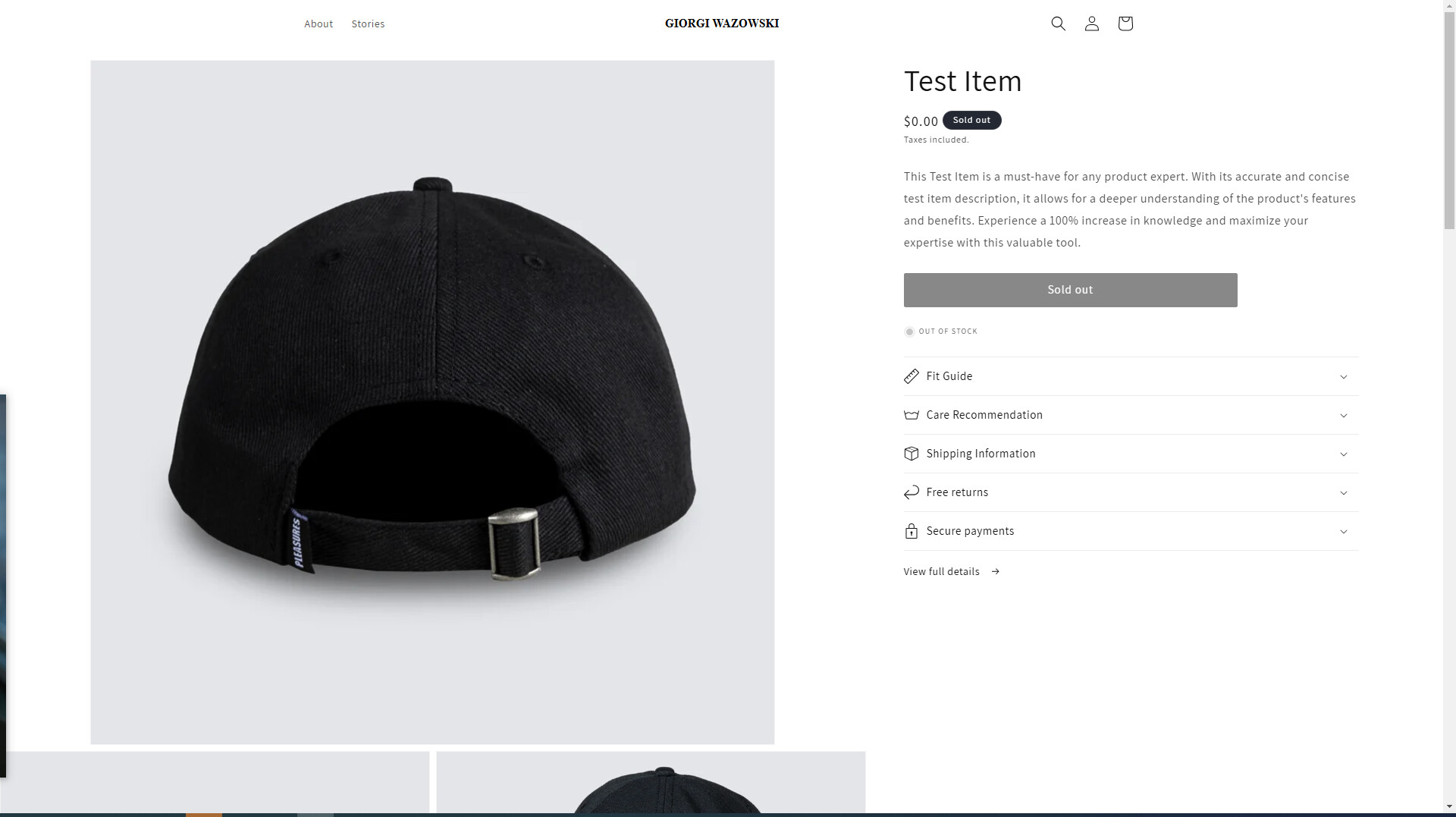
Hello Shopify community,
I try to achieve something like this, any ideas how it can be done for desktop version of website? I use dawn theme
https://mwpcbi-sv.myshopify.com/products/test-item
https://pleasuresnow.com/products/fortnite-t-shirt-blue-moon?variant=41774173716503
Hi @junktiontbs
If You want it to be Full width like the reference you share for that you have to remove the page-width class from your product-main.liquid template.
If you can do it by Yourself that’s Good otherwise you can share your collaboration code I will do that for you
Hello Mehran,
I tried to remove, but then product description and details got down
here is code
{% render 'product-media-gallery', variant_images: variant_images %}
@junktiontbs
Okay so instead of the page-width class add this product-main class and also add this CSS in your theme or base.css file
.product-main {
    display: grid;
    grid-template-columns: 60% 40%;
}

.product-main .product.product--large {
    width: 100%;
}

.product-main .product.product--large .product__media-wrapper {
    width: 100%;
    max-width: 100%;
}

.product-main .product__info-wrapper {
    width: 100%;
    max-width: 100%;
}
First use replace your page-width class with a product-main class like this
This is the final result
So, what i try to achieve, i think basiclly sits in section-main.product.css
firs photo i want to be full width and then it comes as others.
One main picture on top and then grid of 2 coming down.
just reject, popup, you see one big photo first and then grid of two photos coming down
Thank you mate, that flexbox seems something i am looking for.
I do have just one type of product as for now, so i just need to show it nicely like here in reference. I do not thing i have to change all product page or rewrite it, i think this sits somewhere in section-main.product.css
Here is reference i try to achive. big one hero image and thenn two grid layout