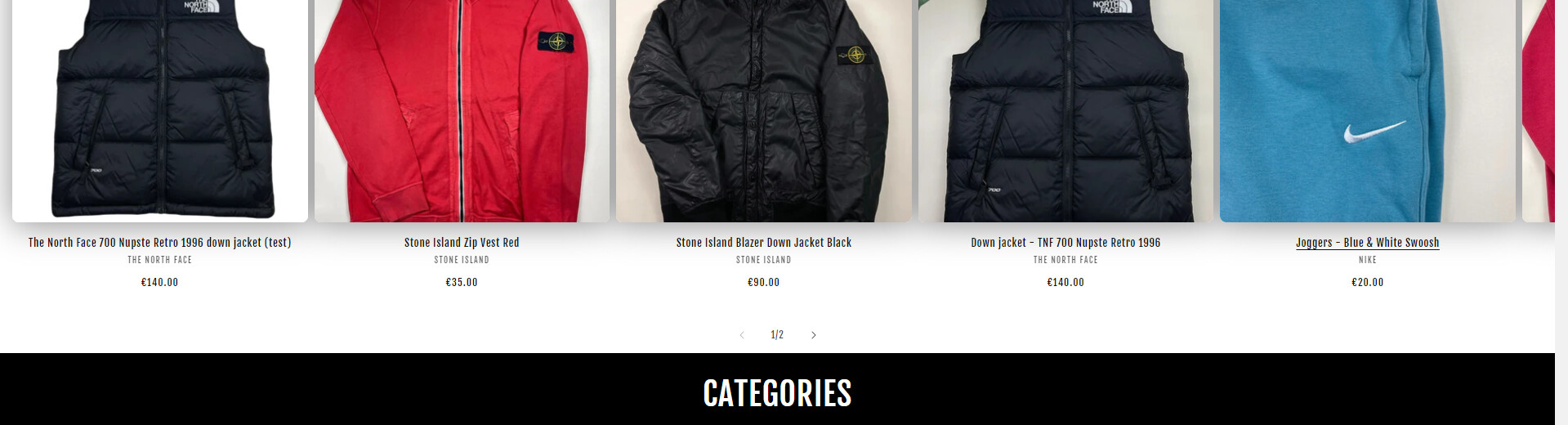
A user wants to reduce the price font size to 12px specifically for featured collection sections on their Shopify store (Dawn theme), while hiding the original pre-discount price.
Two solutions provided:
ZestardTech’s approach: Add CSS code to the base.css file targeting .collection .price-item and .collection .price__sale classes with font-size: 12px
syedsumaimaly’s approach: Insert CSS code in either theme.liquid or base.css (above </body> tag) targeting .collection.section-template--[specific-ID]__featured_collection with font-size: 12px
Key difference: The second solution uses a more specific selector tied to the featured collection template ID, which may better isolate changes to only featured collections rather than all collection pages.
Both responses include code snippets, though some text appears corrupted or reversed in the original posts. The discussion remains open pending confirmation from the original poster on which solution worked.
Summarized with AI on November 16.
AI used: claude-sonnet-4-5-20250929.
I would like to change the size of prices ONLY for featured collections to 12px. And I would like us not to see the base price (before the promo) in the featured collections sections ONLY.