I need to change the Title of the VideoInfoBox on my website https://giorlascoffee.com/ to be black on only the mobile view of the site. The text is currently white and cannot be seen since the background on the mobile view is also white.
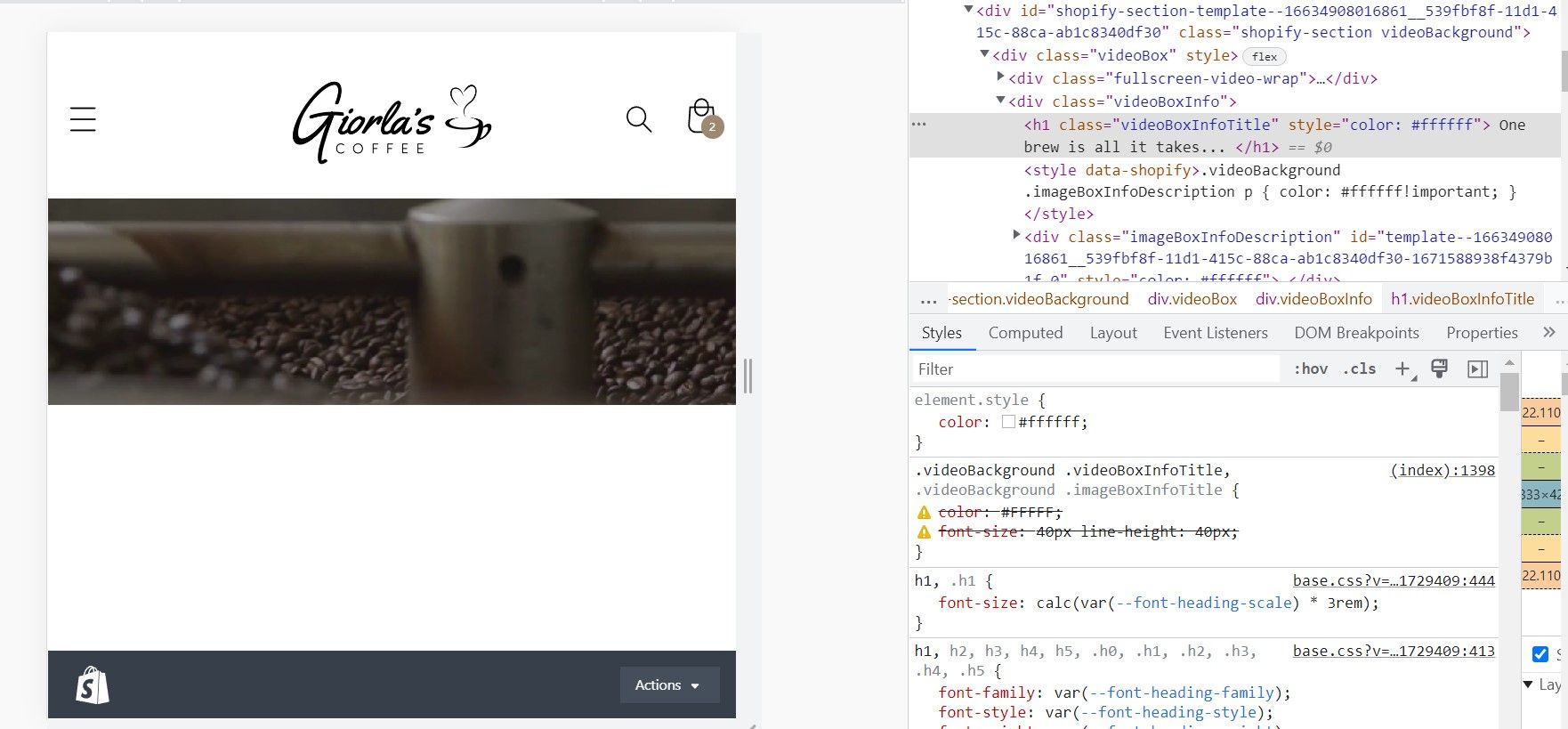
Hi @JuliaRiv
This is Victor from PageFly - Landing Page Builder App.
You can try this code by following these steps:
Go to Online store => themes => actions => edit code and add this code on file base.css
@media screen and (max-width: 767px){
.videoBackground .videoBoxInfoTitle, .videoBackground .imageBoxInfoTitle{
color: black !important;
}
}
Hope this answer helps.
Best regards,
Victor | PageFly
Hi @JuliaRiv
I would like to give you a solution to support you.
You can try adding code by following these steps:
-
Go to Online Store → Theme → Edit code
-
Open your base.css in the Assets folder.
-
Paste the below code at the end of the file. https://prnt.sc/o1OVSNzWw7AP
@media screen and (max-width: 767px){
#shopify-section-template--16634908016861__539fbf8f-11d1-415c-88ca-ab1c8340df30 .videoBoxInfoTitle, #shopify-section-template--16634908016861__539fbf8f-11d1-415c-88ca-ab1c8340df30 .imageBoxInfoDescription p{
color: #000 !important;
}
}
- Save the file and double-check.
Best regards,
GemPages Support Team
@JuliaRiv
Put below css into base.css file (Online store->themes->assets->base.css)
@media screen and (max-width: 768px){
h1.videoBoxInfoTitle {
    color: black !important;
}
}
