As you can see the text is white which is causing it to blend in with the background. How do i change it to black?
thank you
As you can see the text is white which is causing it to blend in with the background. How do i change it to black?
thank you
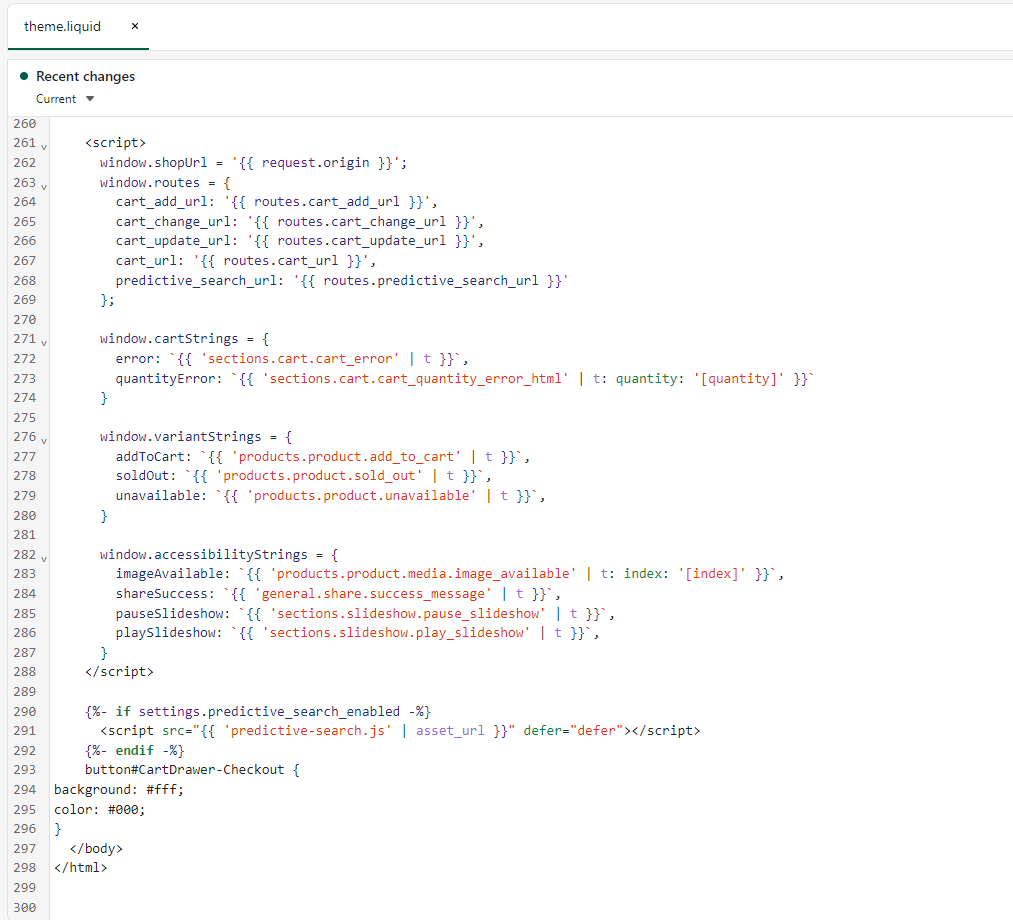
please paste the given code above in theme.liquid.
layout >> theme.liquid
button#CartDrawer-Checkout {
background: #fff;
color: #000;
}
@Maxyb77 sorry. please replace the code.
button#CartDrawer-Checkout { background: #fff; color: #000; }Still does not work for some reason
ok, one more try. paste this code on the same place.
button#CartDrawer-Checkout { background: #fff!important; color: #000!important; }