Hi there, looking to change the year on the footer for the all rights reserved…for some reason it still says 2024 on this page.
Topic summary
A user reported that the copyright year in their Sahara theme footer was displaying 2024 instead of 2025 on a specific page (celluliteoffer).
Resolution provided:
- Add custom CSS code to the
base.cssfile - The code uses CSS pseudo-elements to override the existing footer text and display the correct 2025 copyright
- Solution was confirmed working by the support representative
New issue raised:
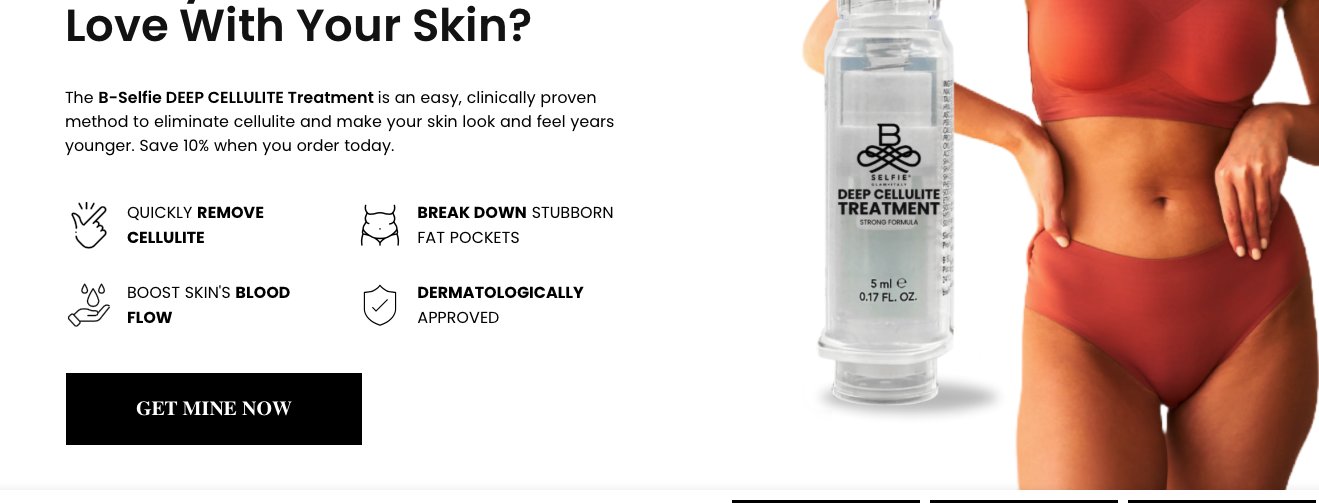
The user identified an additional problem where the “Get Mine Now” button should scroll to the buy box section at the bottom of the page but isn’t functioning properly, despite working correctly on their other store.
Status: First issue resolved; second issue awaiting response.

Hi @deep_wrinkle i see its 2025. please double check on this

here’s the page https://deepwrinkleremover.com/pages/celluliteoffer
You can try to follow this step
Step 1: Go to Edit code
Step 2: Find file base.css and add this code at the end of the file
.footer-right p:after {
    content: "© 2025, B.SELFIE® - All rights reserved." !important;
    font-size: 12px !important;
}

.footer-right p {
    font-size: 0 !important;
}
Result

Best,
Liz
1 Like
thank you so much