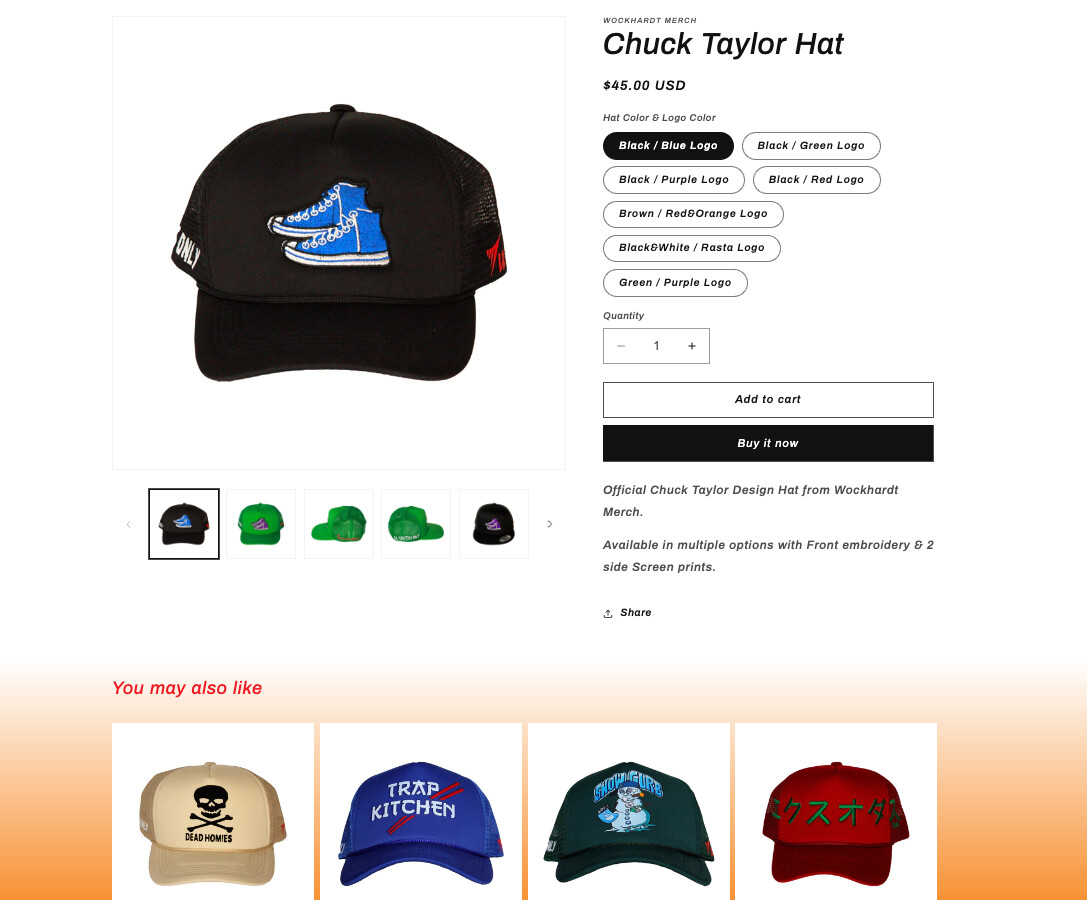
Hello! I’m currently using the Refresh theme on Shopify and have customized the color scheme to align with my product. However, I’ve noticed that the changes I made to the product information section are not the chosen color scheme. I would greatly appreciate any assistance or guidance in resolving this issue. Thank you!
Example below: The product page in question here: however the recommendations scheme updated perfectly, however all the product information section won’t change even when the scheme is altered. I really need the text to be red along with the buttons. Any help?
Try editing the colors for Scheme 1 in the theme’s settings. I was able to change the default blue text to red and buttons to red by changing those settings. It’s a bummer that this theme doesn’t have a built in scheme selector for the “Product information” section, but this seems to be a good workaround.