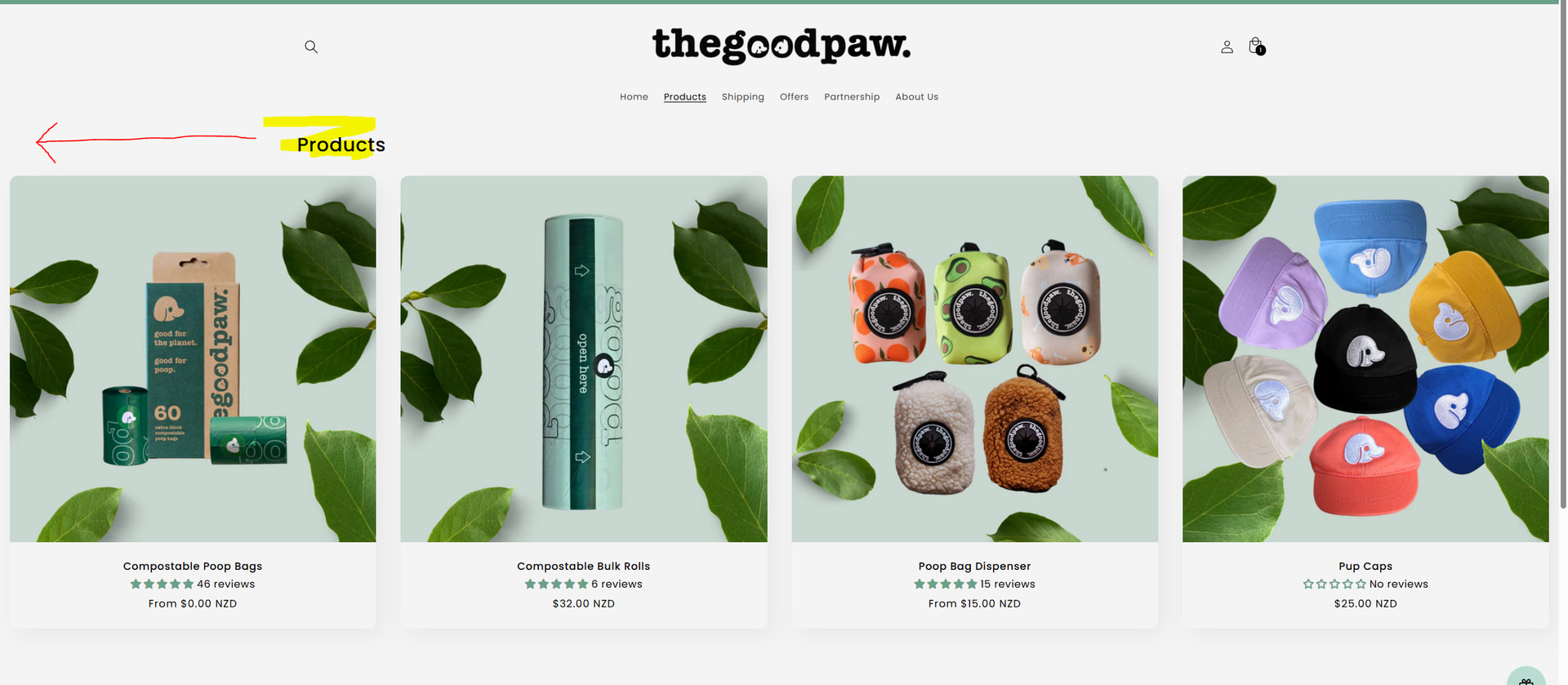
Hi there, the custom CSS by shopify doesnt seem to shift the Heading to be left align. Could someone please assist with generating a workable CSS for this? Thank you in advance.
Topic summary
-
Issue: A Shopify user wants the collection page heading aligned/shifted to the left using custom CSS. The existing “custom CSS by Shopify” didn’t change the heading alignment.
-
Proposed fix: Edit the theme code directly. Steps: Online Store → Edit Code → open theme.liquid → add a block above the closing tag.
-
CSS provided: Targets .collection__title.title-wrapper and sets max-width to 100% (typo shown as “ma x-width” in the post) and padding-left: 20px with !important. Intent appears to ensure full-width title container and visually shift the heading.
-
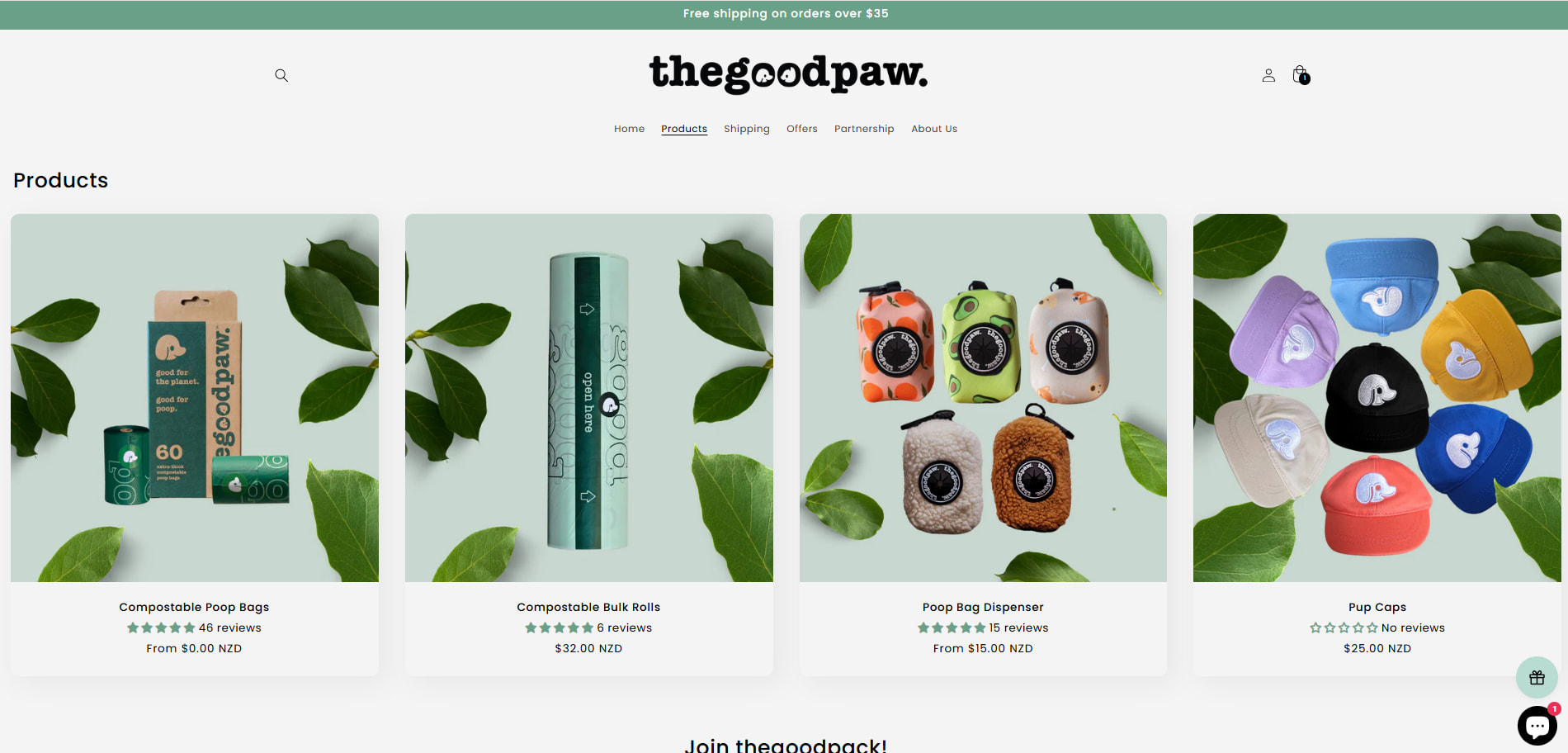
Evidence/outcome: A “Result” image was shared showing the heading moved leftward relative to the layout. No confirmation from the original poster, but the visual indicates the change took effect.
-
Status: One concrete solution offered with implementation steps and before/after images. No conflicting viewpoints or additional troubleshooting; discussion appears likely resolved but not explicitly confirmed.
Hey @Chuckachucka
Follow these Steps:
- Go to Online Store
- Edit Code
- Find theme.liquid file
- Add the following code in the bottom of the file above </ body> tag
<style>
.collection__title.title-wrapper {
max-width: 100% !important;
padding-left: 20px !important;
}
</style>
RESULT:
If I managed to help you then a Like would be truly appreciated.
Best,
Moeed

