Issue: Custom italic text on a Shopify store renders as faux italic instead of the uploaded GT Alpina Light Italic. The goal is to apply true italics to specific words/headings (e.g., via tags).
Key guidance:
Preferred solution: Define one font-family with two @font-face entries, each with font-style set (normal and italic). Then any or font-style: italic uses the real italic face automatically.
Alternative (less robust): Two separate font-family names and switch via CSS (e.g., i { font-family: ‘… italic’; }), but this can fail in nested cases.
If adding CSS in “Custom CSS,” Liquid filters like {{ file_url }} won’t work; use direct file URLs. If using the Ezfy custom font section, create two blocks with the same “Custom font name”: one Normal (URL to regular file) and one Italic (URL to italic file). Avoid duplicate selectors/checkboxes.
Converting fonts to .woff/.woff2 and uploading to assets is recommended for performance/compatibility.
Status/Latest update:
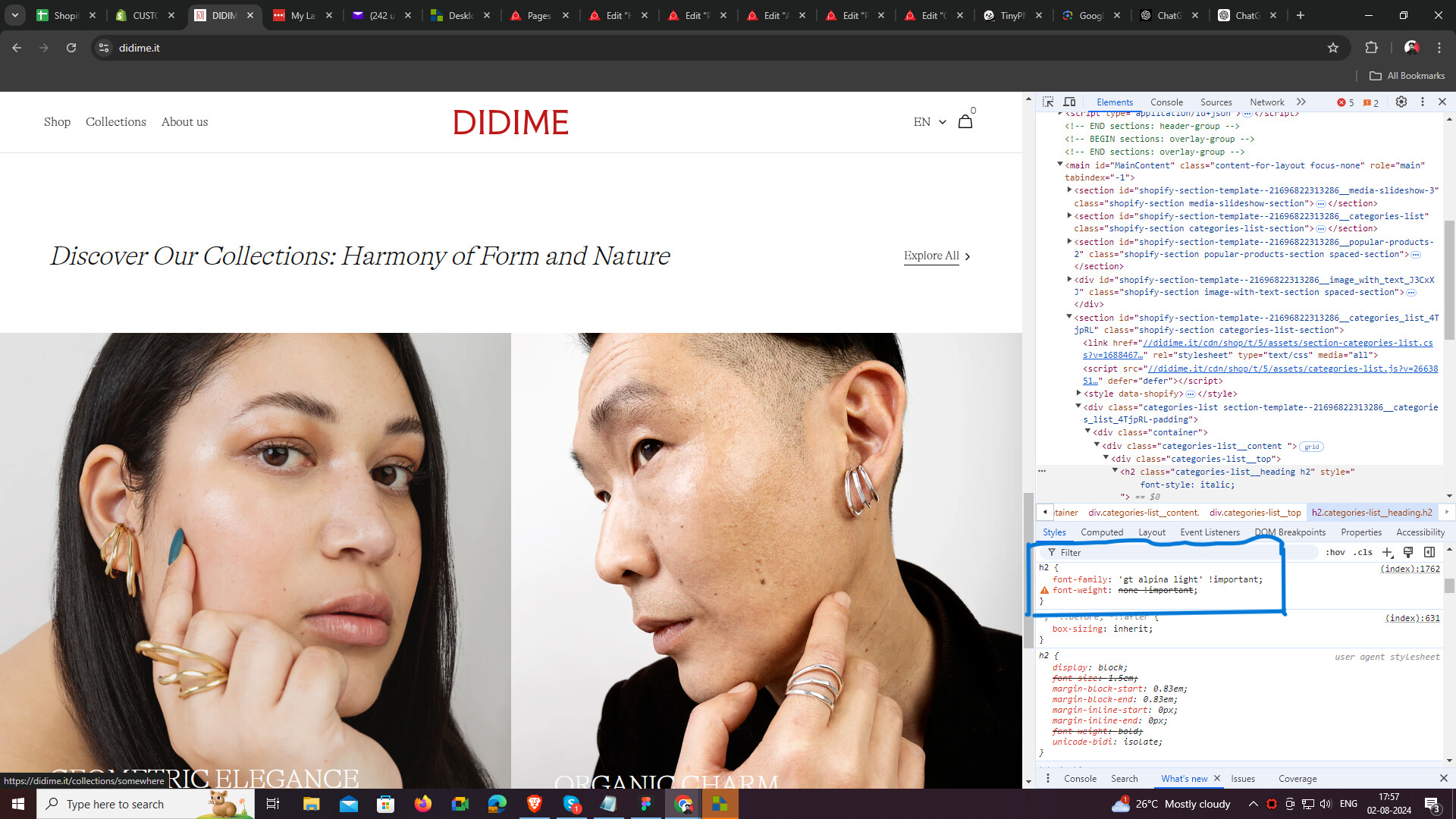
After inspection, one responder reports the correct ‘GT ALPINA LIGHT ITALIC’ is now applying. The OP hasn’t confirmed final resolution. Discussion remains open pending confirmation.
Notes: Screenshots were shared to show settings and verification.
I’m having trouble with my Shopify theme and custom fonts.
I’ve uploaded two custom fonts: GT ALPINA LIGHT and GT ALPINA LIGHT ITALIC.
When I try to italicize a word within a paragraph or title, it automatically applies a faux italic style instead of using the custom GT ALPINA LIGHT ITALIC font. How can I ensure that the custom italic style is applied correctly?
I want to italicize certain headings or specific words within a heading using HTML tags like WORD TO ITALICIZE. What’s the best way to achieve this with my custom fonts?
In this case all 3 examples from above will show proper italic font as browser will apply relevant font variation automatically since you’re giving it a bit more information.
Thank you @Sweans but does this also work if I want to identify specific words? and how to identify that I want to apply the other custom font, the right italics?
@tim_1 sorry but I lost you :). I’m not too expert.
Where should I insert and replace the CSS you suggest? Do I need to update the liquid theme? I can’t find the CSS rules for @font-face
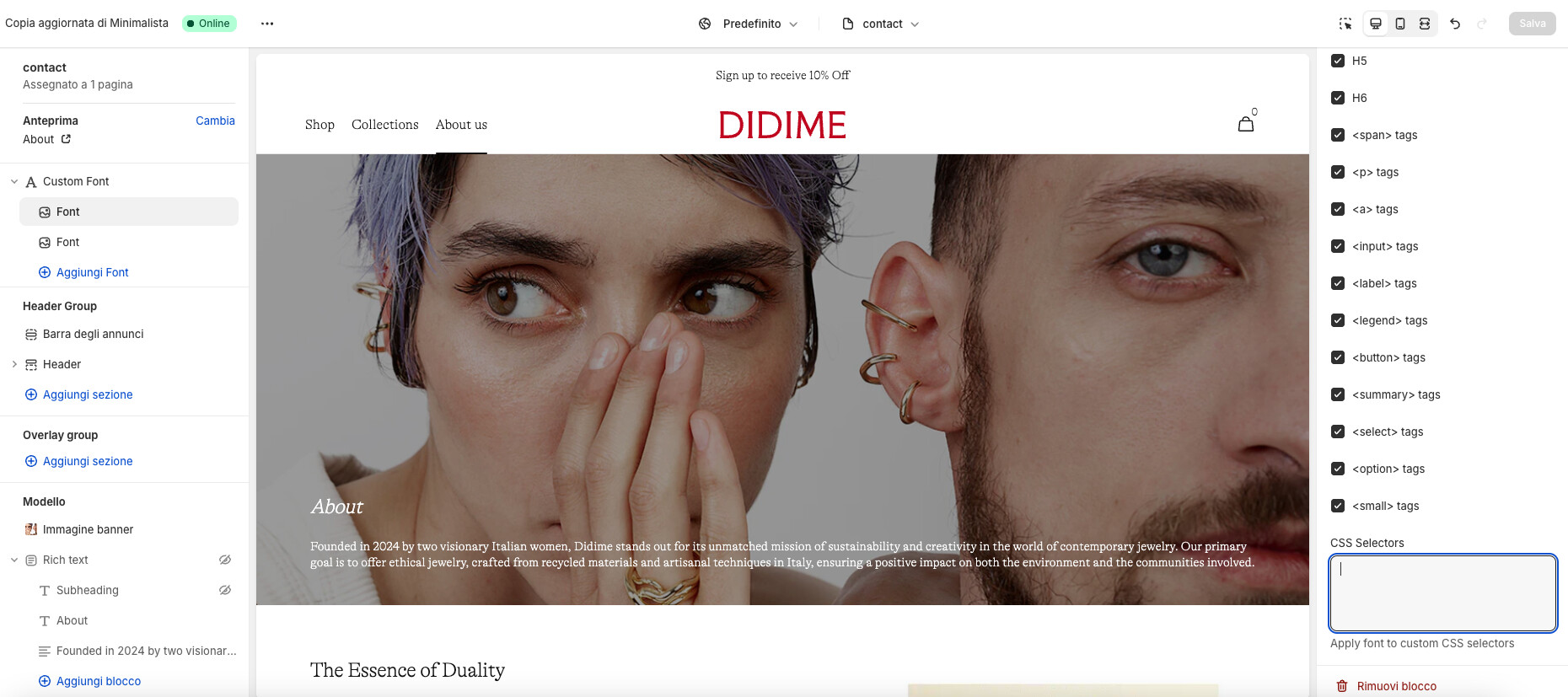
For sections where this option is not present, it is possible to write custom CSS to achieve the desired result. If you can share screenshots of the text you want to italicize, we will provide the code for
In this case, you need to create two blocks with the same “Custom font name”, but first one should have “Normal” selected for “Font style” and URL for normal font-file while the second block should have the same font name, “Italic” and URL for italic version of the font.
You need to leave checkboxes unchecked and CSS selectors empty on one of the blocks, no need for duplicate rules.
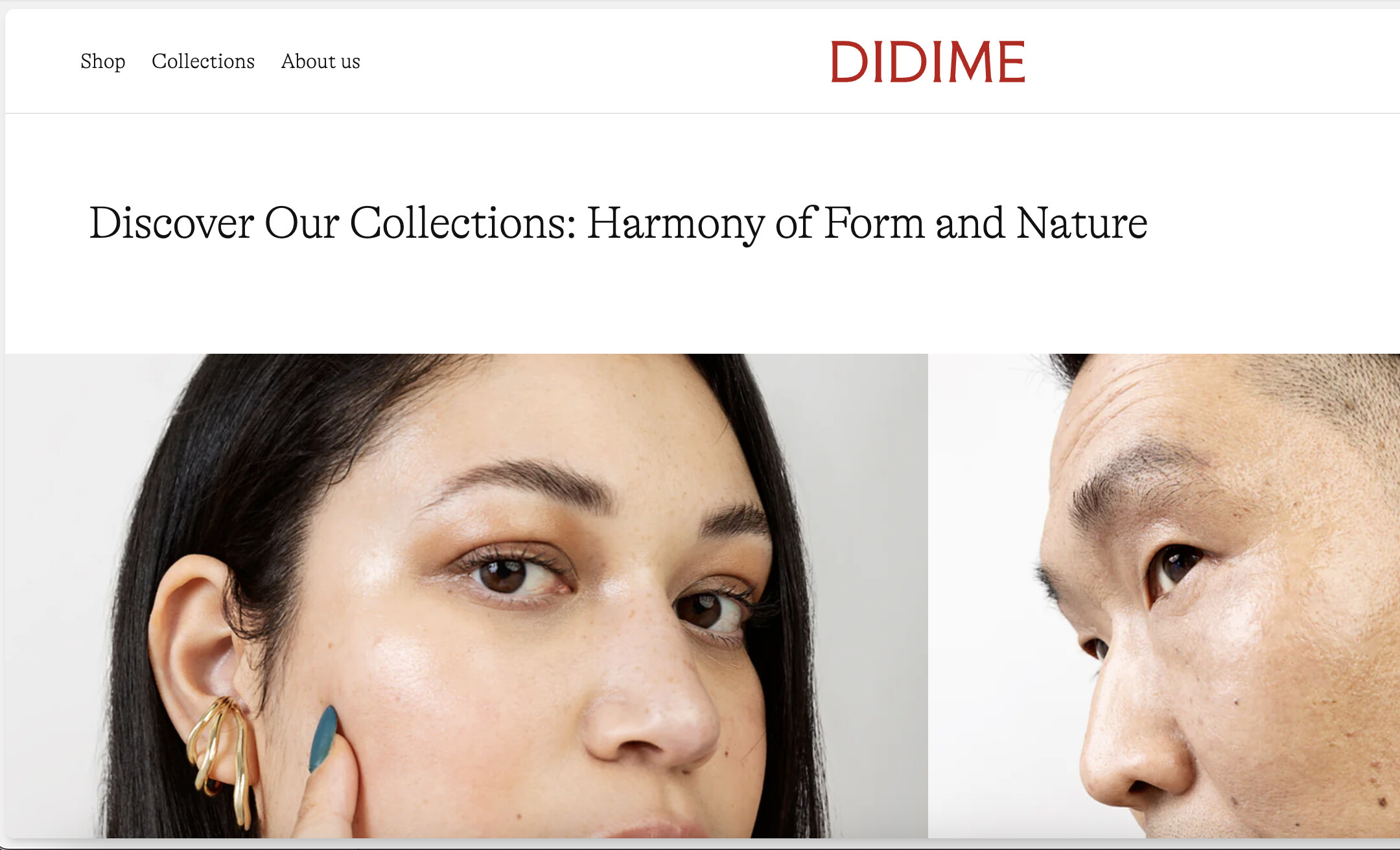
The issue I’m encountering is that when I try to italicize a word within a paragraph or title using the method you suggested, it defaults to a faux italic style rather than applying the custom GT ALPINA LIGHT ITALIC font. How can I ensure that the custom italic style is applied correctly?
For example, if I want to italicize the word “collections” in this sentence with the correct typeface, how can I achieve that?