Hello,
I’m using DAWN THEME.
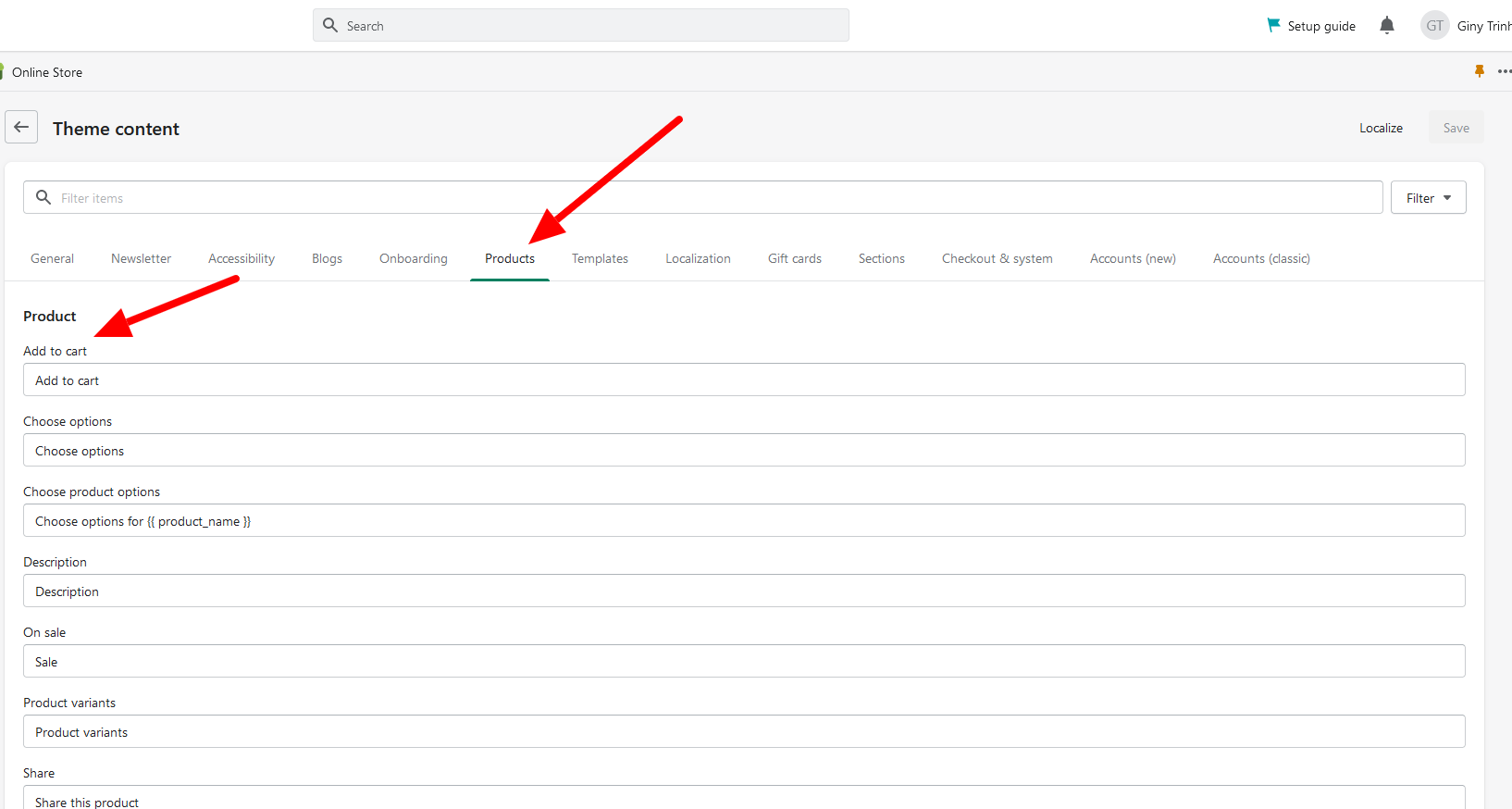
How do I change the text on the button that usually says ‘ADD TO CART’ ? I want to change it to something else?
Also, how do I keep the button, but disable it? Making it un-clickable?
Thank you so much!
Hello,
I’m using DAWN THEME.
How do I change the text on the button that usually says ‘ADD TO CART’ ? I want to change it to something else?
Also, how do I keep the button, but disable it? Making it un-clickable?
Thank you so much!
Hi @Alex3251
May I suggest to update code these steps:
.product-form__submit {
	pointer-events: none;
}