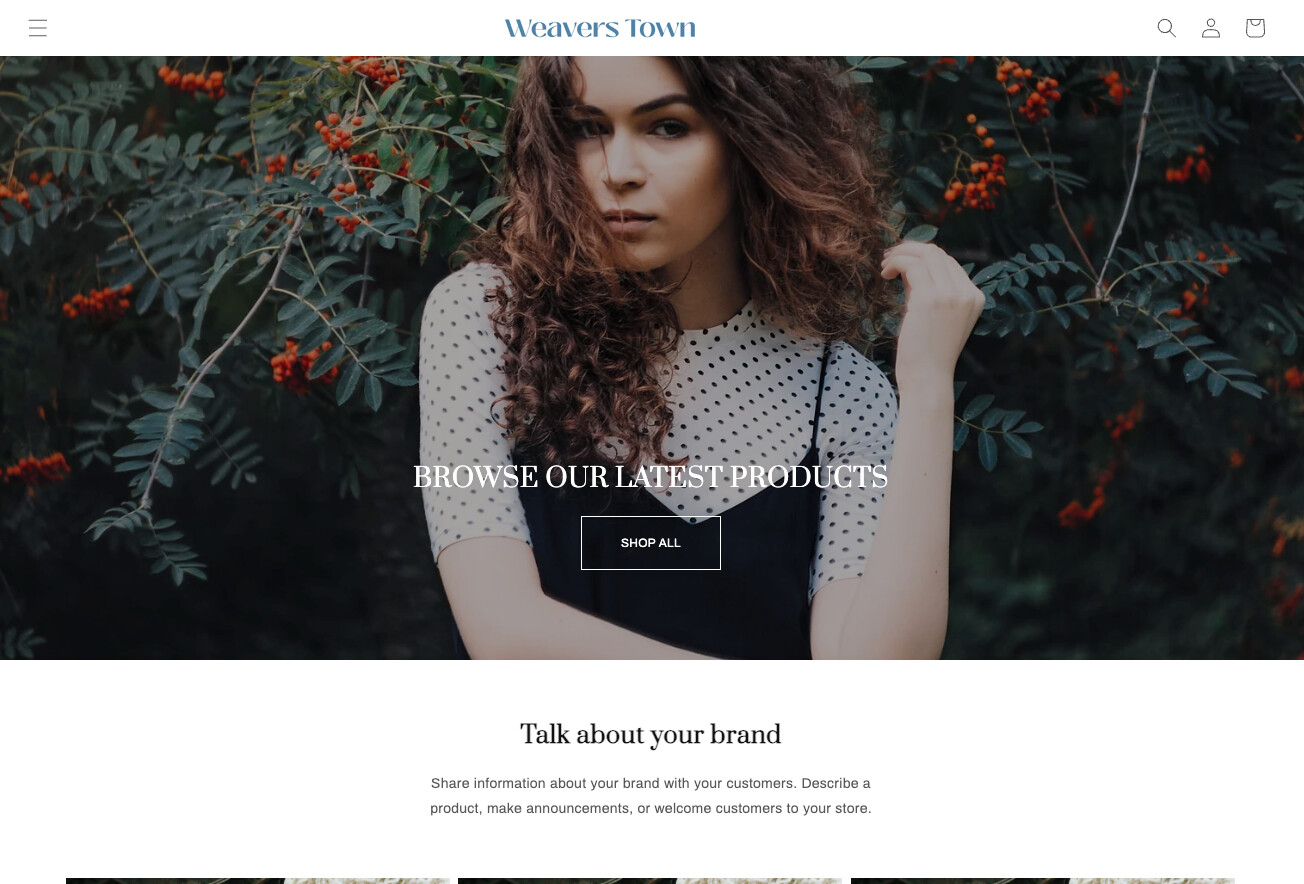
I’m using the Dawn theme, and I need to customize the header for both mobile and desktop views. I want the header to be transparent initially, and when scrolling begins, it should become blurred. I’ll attach a reference website—please take only the header part as a reference, as I want the same effect applied to my header. I’ve already made the desktop header transparent.
Customizations needed:
-
Make the desktop header blurred only on scroll.
-
Make the mobile header transparent.
-
Like the desktop view, make the mobile header blurred on scroll.
My website: https://weavers-town.myshopify.com/
Password: weaver
Reference website: https://prashasya.com
Thanks in advance
Hi @Sivadarshan
let try to add custom css below:
#shopify-section-sections--17089960476739__header .header-wrapper {
  backdrop-filter: none;
}
The result:
initial page:
scroll page:
@BiDeal-Discount , Sorry I want the blur exact like the reference website attached. please have a look onto it. exact on both mobile and desktop view
this seem ok on desktop & haven’t ok on mobile yet @Sivadarshan ?
1 Like
Hi @Sivadarshan
let try to add this custom css:
.section-header.scrolled-past-header .header-wrapper {
    background-color: #fffc !important;
}
@media only screen and (max-width: 989px) {
    .header-wrapper {
        background: transparent !important;
        position: absolute !important;
        width: 100% !important;
        top: 0px;
    }
}
.header__icon.link, .header__active-menu-item, .disclosure__button, .header__heading-link .h2 {
    color: white !important;
}
.scrolled-past-header .header__icon.link, .header__active-menu-item, .disclosure__button, .header__heading-link .h2 {
    color: rgba(var(--color-foreground), .75) !important;
}
@BiDeal-Discount But when I try to add in custom CSS it shows 500 character limit reached
oh maybe your Custom CSS have too much code. Let try to add to assets/base.css in edit code