Does anyone know how I can stack my trust badges into 2 columns on mobile as opposed to one? I currently have an app installed named “section store” through which I added the badges.
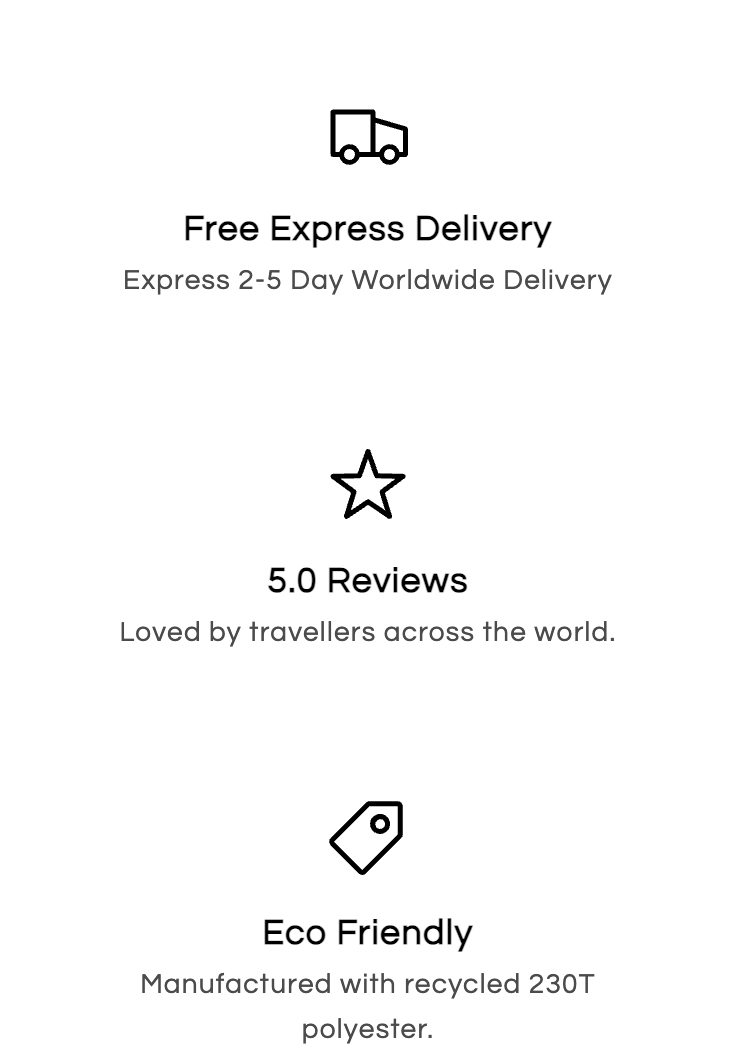
Thanks
Does anyone know how I can stack my trust badges into 2 columns on mobile as opposed to one? I currently have an app installed named “section store” through which I added the badges.
Thanks
Hi @shanagarryceo ,
This is Richard from PageFly - Landing page builder, I’d like to suggest this idea:
Step 1: Go to Online Store->Theme->Edit code
Step 2: Asset->/base.css->paste below code at the TOP of the file:
@media screen and (max-width: 767px){
    .feature-type1 .wrapper-box {
        flex-direction: unset !important;
    }
    .feature-type1 .box {
        width: 50% !important;
    }
}
I hope it would help you
Best regards,
Richard | PageFly
Worked perfectly! Thank you so much