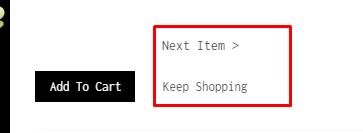
Hello, i would like to remove the keep shopping and next item button on my product page . Can someone help me ?
Website :
https://www.alfjewelry.com/
password: andrew03
Hello, i would like to remove the keep shopping and next item button on my product page . Can someone help me ?
Website :
https://www.alfjewelry.com/
password: andrew03
Hello @thomas93410
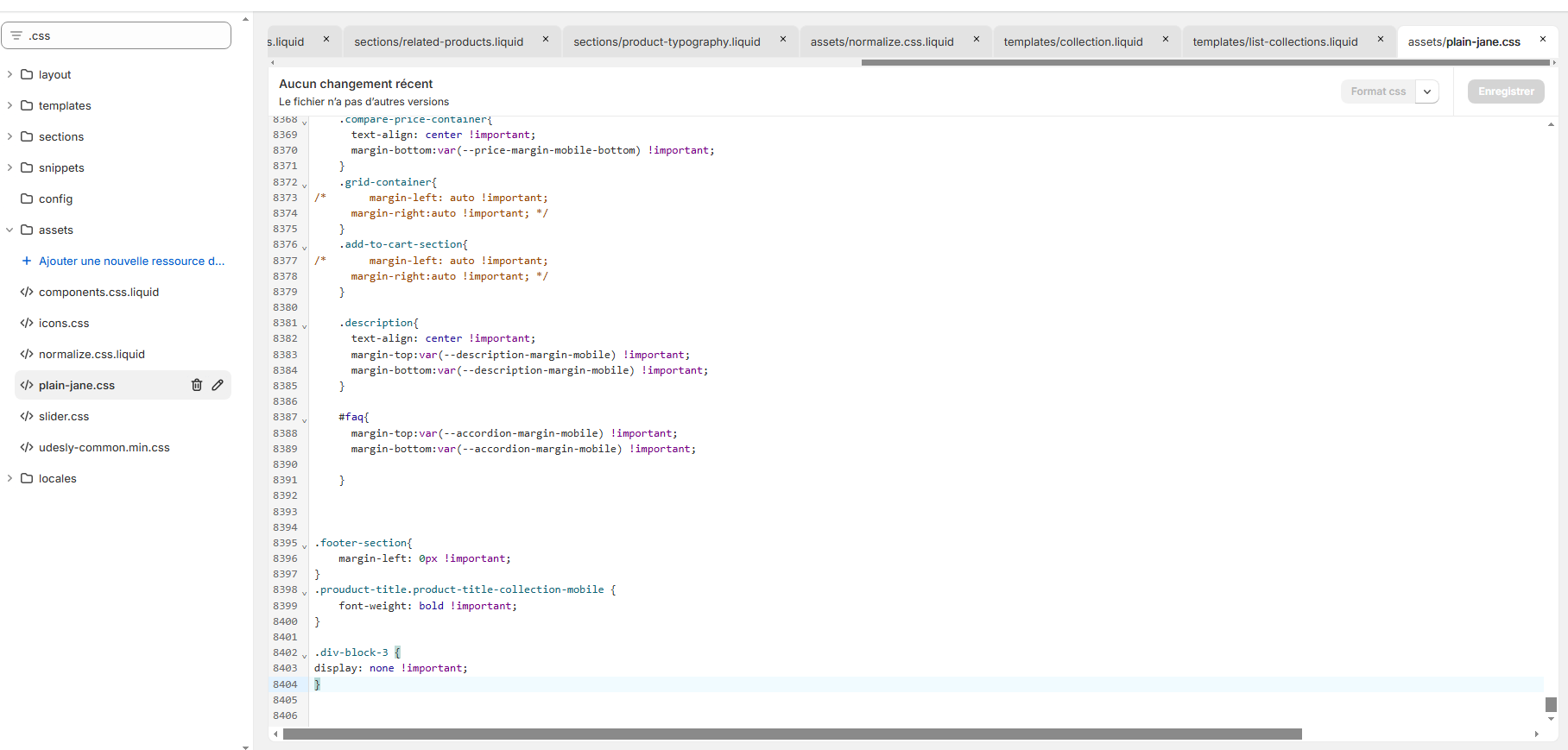
Go to Online Store, then Theme, and select Edit Code.
Search for assets/theme.css. Add the provided code at the end of the file.
.div-block-3 {
display: none;
}
Go to your online store → customize → settings → custom css
and paste this code there
.div-block-3 {
display: none !important;
}
nvm its working i mistaken haha sorry
Glad to help You
btw your store has great animation. I liked it