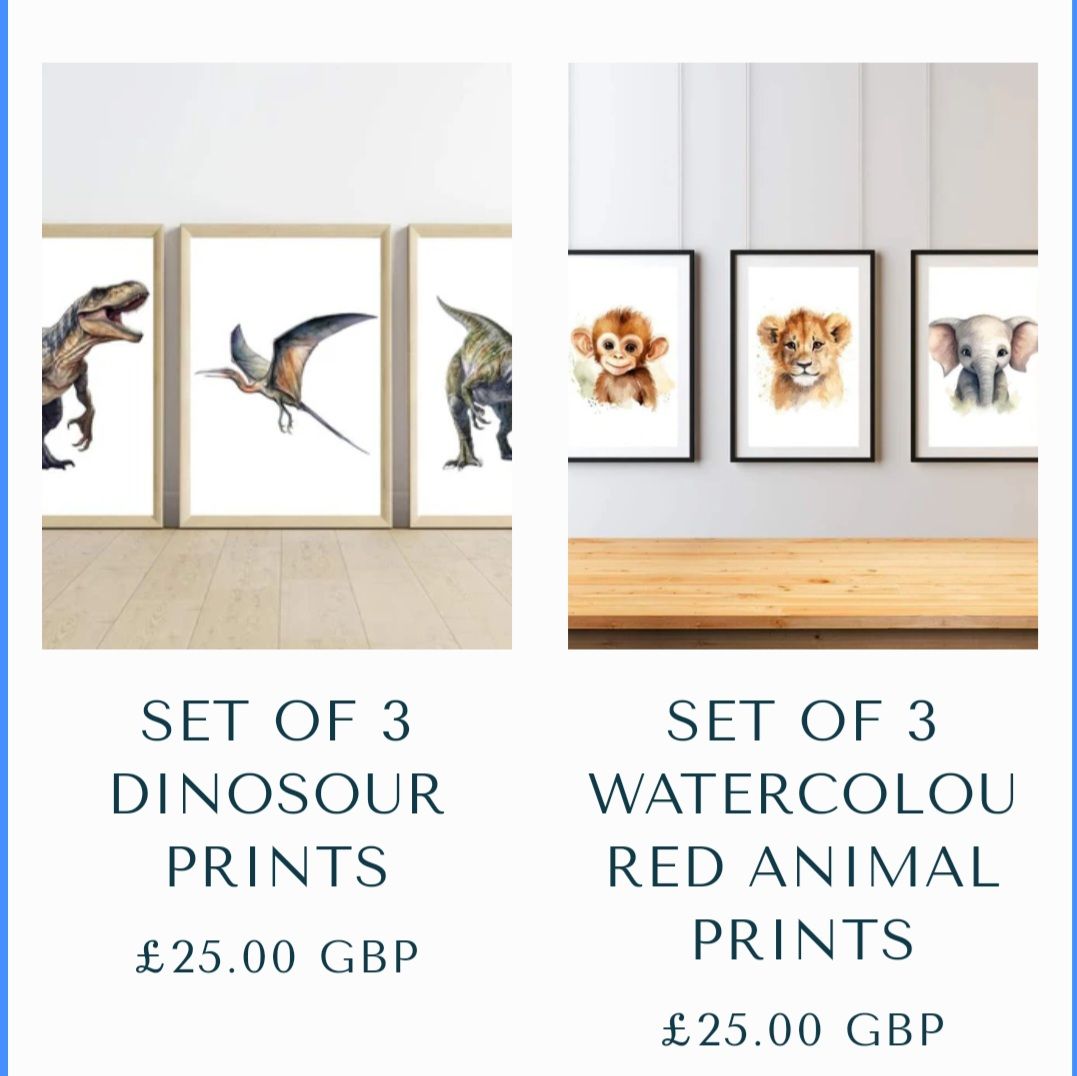
Hiya, does anybody know how I can change the size of my prodcut / collection text in the prodcut grid filed please.> >
> >

Hey @createdbylove
Follow these Steps:
-
Go to Online Store
-
Edit Code
-
Find theme.liquid file
-
Add the following code in the bottom of the file above tag
RESULT:

If I managed to help you then, don’t forget to Like it and Mark it as Solution!
Best Regards,
Moeed
Thanks so much!
It depends on whether a section schema is defined to adjust the font of the card title.
If you can’t find a corresponding option for it, it means that the theme doesn’t support.
Two methods are available:
-
Customize the section to have the option to adjust the product card font.
-
Just adjust the font to a specific size using CSS.
Please let me know which is convenient for your case.
I have sent you a message
Hello @createdbylove
would you like to share your store URL and password if any please.
so i can check and provide you possible solution for your question.
Hey @createdbylove
Your issue should be fixed now.
If I managed to help you then, don’t forget to Like it and Mark it as Solution!
Best Regards,
Moeed
1 Like