Ardra
1
Hello, I would like to widen all the pages so there is not as much white space either side…
I see Envy demo website have pages correctly stretched from one end to the other of the screen, but mine is centered with a huge space.
Here is what I have:
Here is what I want:
Thanks in Advance,
Ardra
Hello @Ardra ,
Check your max width of page layout may be it is 1200px or 1500px . you have to increase it.
or send me your store url I can give you right solution…
Hi @Ardra ,
Your theme is using container for this, Increase the max - width of container
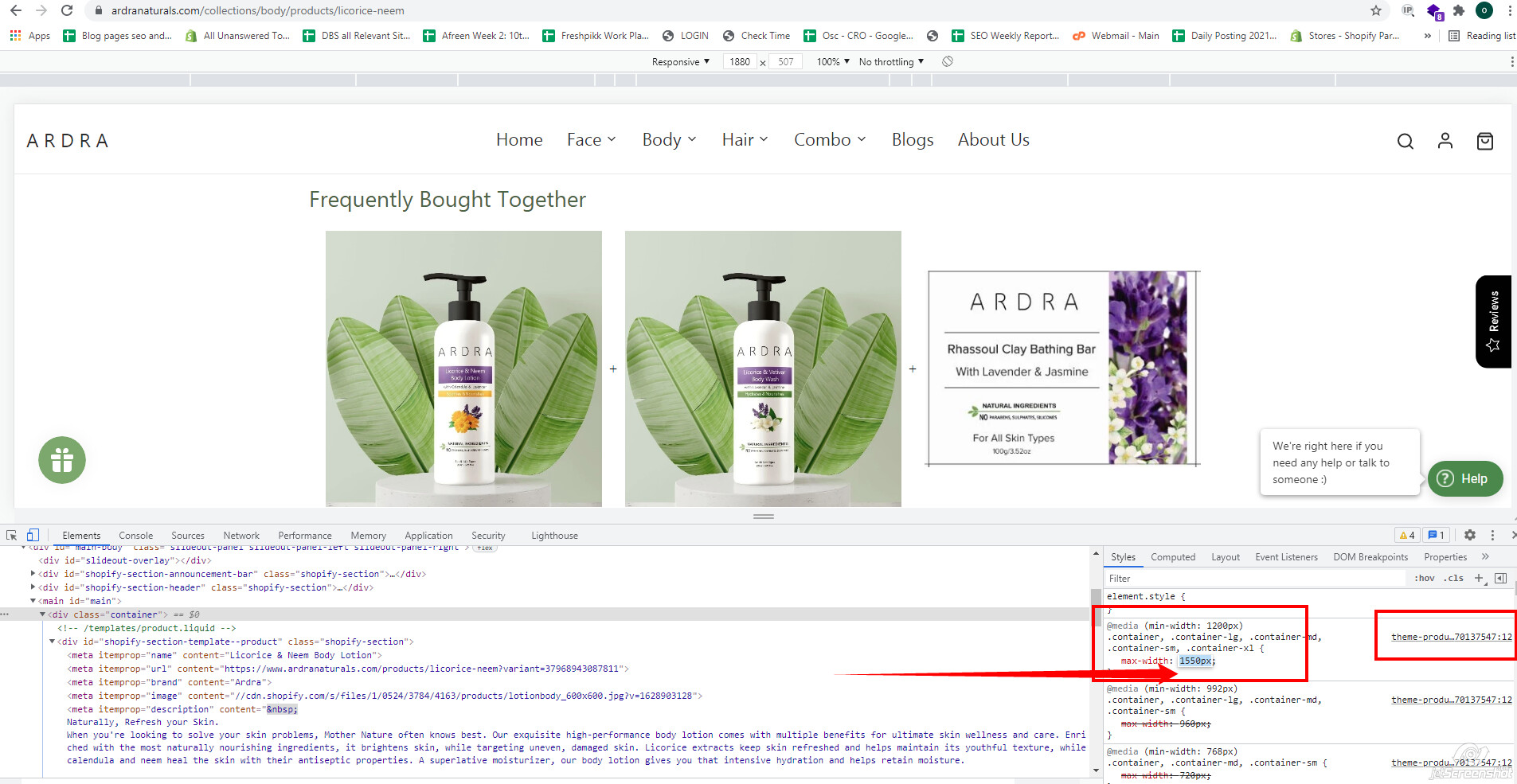
theme-product.min.css file (search this class .container, .container-lg, .container-md, .container-sm, .container-xl)
Note : that changes will affect only on product page!
Do changes & let me know !
hope this will work !
Ardra
5
Thank you. Its works as you said for only the product page and how to do for the home page?
But when i increase the max width in theme-product.min.liquid , the “Frequently bought together” section is not increasing.
Can you help to fix this issue?
.cbb-frequently-bought-container.cbb-desktop-view, .row.mx-auto {
    clear: none !important;
    max-width: 1600px !important;
    text-align: unset !important;
    height: auto !important;
    margin: 0 !important;
    padding: 0;
    width: 1600px !important;
    text-align: center !im;
}
Apply this css
Note : Max width should same for both section.
Add this css at the bottom of
Online Store->Theme->Edit code->Assets->theme-product.min.scss.liquid