Exporting Images from the Settings > Files Library

Topic summary

Shopify merchants cannot natively export images from Settings > Files Library when migrating stores or creating backups. This creates significant friction for store owners moving between development, staging, and production environments.

Current Status:

  • No built-in export functionality exists
  • Shopify developers are aware of the request but have no public roadmap
  • Users must manually download images one-by-one or use workarounds

Available Workarounds:

  • JavaScript solutions: Multiple community members shared scripts that automate opening files in new tabs or downloading them programmatically (see posts #2, #6, #31)
  • Browser extensions: Tab Save extension combined with custom scripts
  • Third-party apps: Matrixify and Filey apps can export/import files (Filey successfully tested with 1,422 files/768MB)
  • Alternative thread: Additional solutions documented in related forum discussions

Community Sentiment:
Multiple users express frustration that this “basic functionality” is missing, particularly for businesses running proper DEV > UAT > LIVE deployment workflows. The lack of a simple download button forces merchants to spend hours finding workarounds buried in forums.

Summarized with AI on October 26. AI used: claude-sonnet-4-5-20250929.

Hi all,

As everybody here I had the same issue. I ve found an APPLI called “Hextom: Bulk Product Edit” which do the job. It has a lot of other functions like change inbatch mode pricec, tag, title and a lot more. The price is ridiculous 9$ monthly. Using it with satisfaction since momre than 2 years. Help yourself. I have also seen an appli giving access to the datamodel (never tried/tested). Cheers. B rgds . Thierry Cricketco.be

Hello @Enderon
Thank you for pointing this out. We were updating Filey at a moment, and it works like a charm now!

1 Like

Thanks for the pathetic attempt at pretending to care about implementing something that is 60000% obvious, and then failing to do it for 300 years. Shopify is awful.

Thank you so much for helping exactly 0%, Elle!

1 Like

Hi Elle,

What’s the update on this, 4 years later? I contacted support the other day to ask about this and still no solution. Very sad.

that’s terrible because it’s been 5 years and there is still no solution for this besides all these extra run arounds people had to create :sleepy_face:

1 Like

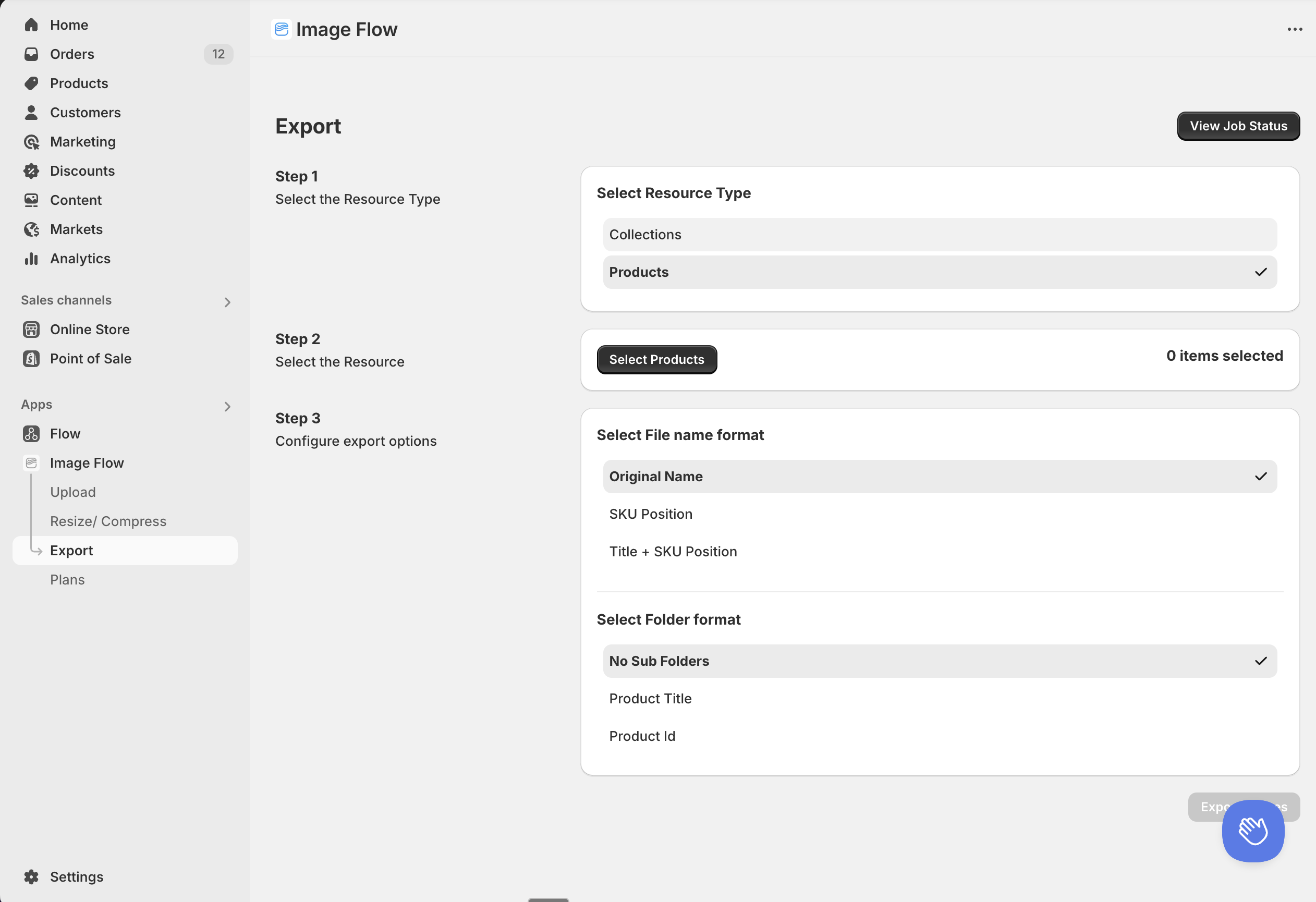
You can use this app called Image Flow , it allows you to bulk export and even upload images. You can export multiple products or collections and select the output format as well