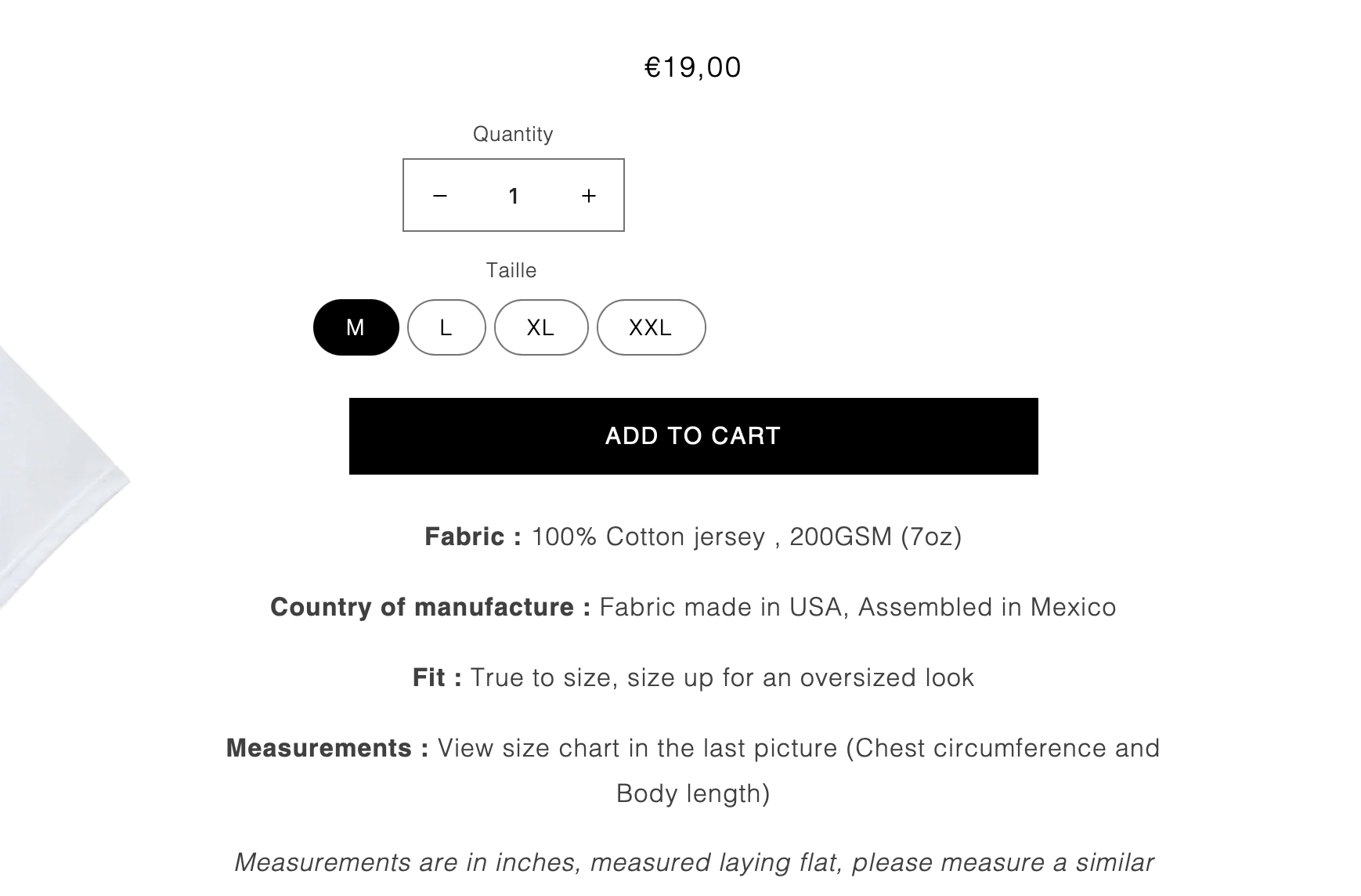
Hello I want to put my price more bold on taste theme

Topic summary

A user seeks to make product prices appear bolder on their Shopify store using the Taste theme, and wants to center-align size and quantity selectors on desktop.

Solutions Provided:

Multiple respondents offered CSS code solutions:

  • For bold pricing: Add custom CSS targeting .price-item.price-item--regular with font-weight: bold; to the theme’s stylesheet (styles.css or base.css)

  • For centering size/quantity fields: Add margin: auto; to .product-form__input.product-form__quantity and .product-form__input.js.fieldset selectors

Implementation steps:

  1. Navigate to Online Store > Themes > Actions > Edit Code in Shopify admin
  2. Locate the appropriate CSS file (styles.css or base.css in Assets folder)
  3. Paste the provided CSS code at the bottom of the file
  4. Save changes

Screenshots were shared showing the expected visual results after applying these modifications.

Summarized with AI on November 19. AI used: claude-sonnet-4-5-20250929.

Hello I want to put my price more bold please !

https://www.five-pocket.com/products/pro-club-heavy-weight-t-shirt-white

I also want to center align size and quantity on computer because it look already good on mobile look at the picture

1 Like

Hello @imazele

Its Artzen Technologies! We will be happy to help you today.

look like this

Let me know if need further assistance
Regards,
Artzen Technologies

Hello There,

  1. In your Shopify Admin go to online store > themes > actions > edit code
  2. Find Asset > styles.css and paste this at the bottom of the file:
.price-item.price-item--regular {
    font-weight: bold;
}

Hi @imazele ,

Try this.

  1. From your Shopify admin dashboard, click on ā€œOnline Storeā€ and then ā€œThemesā€.
  2. Find the theme that you want to edit and click on ā€œActionsā€ and then ā€œEdit codeā€.
  3. In the ā€œAssetsā€ folder, click on ā€œbase.cssā€ file, depending on which file your theme uses to store its CSS styles. At the bottom of the file, add the following CSS code:
  4. And Save.
.price__regular {
    font-weight: bold;
}
.product-form__input.product-form__quantity {
    margin: auto;
}
fieldset.js.product-form__input {
    margin: auto;
}

Result:

I hope it help.