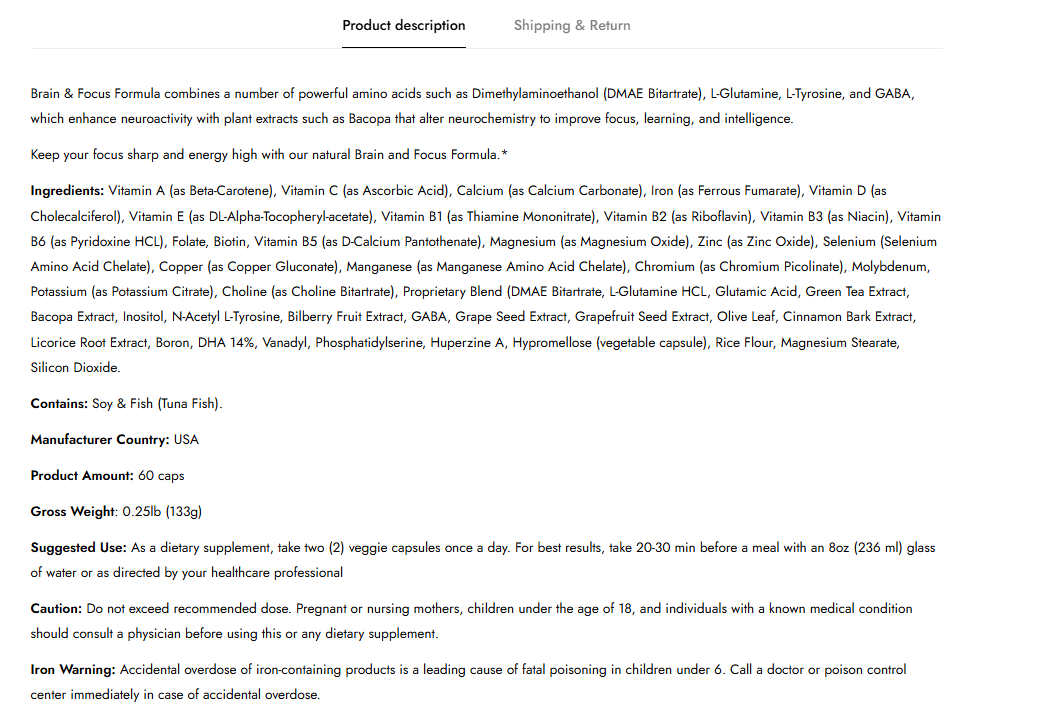
Help me . I want to increase the Font Size of My Product’s description . How to do it ?
My website - https://www.glowingredients.com/products/brain-focus-boost-formula
Check product page .
I want to only increase font size of product description
Help me . I want to increase the Font Size of My Product’s description . How to do it ?
My website - https://www.glowingredients.com/products/brain-focus-boost-formula
Check product page .
I want to only increase font size of product description
@liteleraja - please add this css to the very end of your base.css file and check,
Shopify Admin → Online Store ->Theme → Edit code → base.css
.m-tab-content--description .rte p {font-size: 16px;}
Hey @liteleraja
Follow these Steps:
Go to Online Store
Edit Code
Find theme.liquid file
Add the following code in the bottom of the file above tag
RESULT:
If I managed to help you then, don’t forget to Like it and Mark it as Solution!
Best Regards,
Moeed