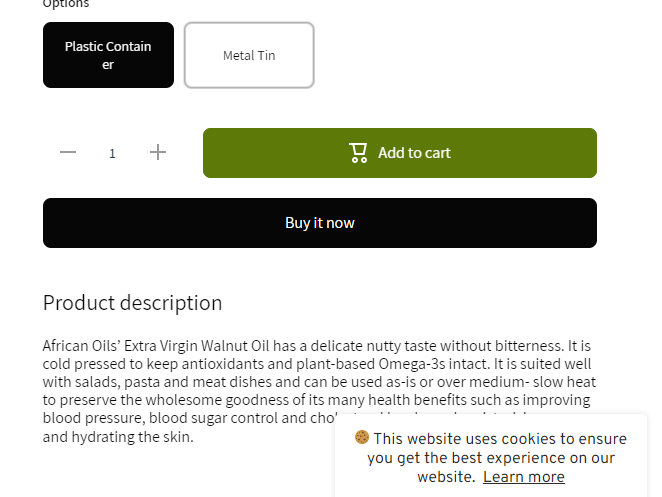
I want to hide ‘pickup availability’ on the product page.
I want to keep the functionality - so customers can choose at checkout.
i just dont want to display it on the product page.
I want to hide ‘pickup availability’ on the product page.
I want to keep the functionality - so customers can choose at checkout.
i just dont want to display it on the product page.
Hello @SDBdigital
You can add code by following these steps
Go to Online Store → Theme → Edit code.
Open your theme.liquid file
Paste the below code before on theme.liquid
my reply helpful? Click Like to let me know!
your question answered? Mark it as an Accepted Solution.
Step 1: Go to Shopify Admin → Online Store ->Theme → Edit code
Step 2: Search file theme.liquid
Step 3: Insert this code above tag:
Result:
Hello @SDBdigital
Go to online store ----> themes ----> actions ----> edit code---->assets---->component-pickup-availability.css
add this code at the end of the file.
pickup-availability-preview.pickup-availability-preview {
display: none !important;
}
result
If this was helpful, hit the like button and accept the solution.
Thanks
Hi Rahul
Thank you - that worked.
Happy to help you…!!!
that will be great, if you can buy me a pizza for my work.