Hide some product price on collection page

Topic summary

  • Goal: Hide $0 prices on collection pages (e.g., phone cases) without affecting product pages.

  • Approaches proposed:

    • App-based: Use a hide-price/request-quote app; back up the theme before changes.
    • CSS fix: Initial selector hid the entire product card; a revised selector targeted only the price element when it matched a $0 indicator (money element with bucks-init=“0.00”). The store owner confirmed this worked. For the Dawn theme, edits should be made in base.css (not theme.css). The equivalent CSS file for the Enterprise theme was asked about but not answered.
    • Liquid alternative: In the collection product card template (e.g., card-product.liquid), conditionally render the price only if product.price > 0, which hides $0 prices on collection cards while leaving product pages unaffected.
  • Notes: Code snippets are central to the solution; screenshots were shared but not essential to the final fix.

  • Outcome: The issue was resolved for the requester via CSS. The Liquid method was offered as a clean alternative. One open question remains about the correct stylesheet file in the Enterprise theme.

Summarized with AI on December 11. AI used: gpt-5.

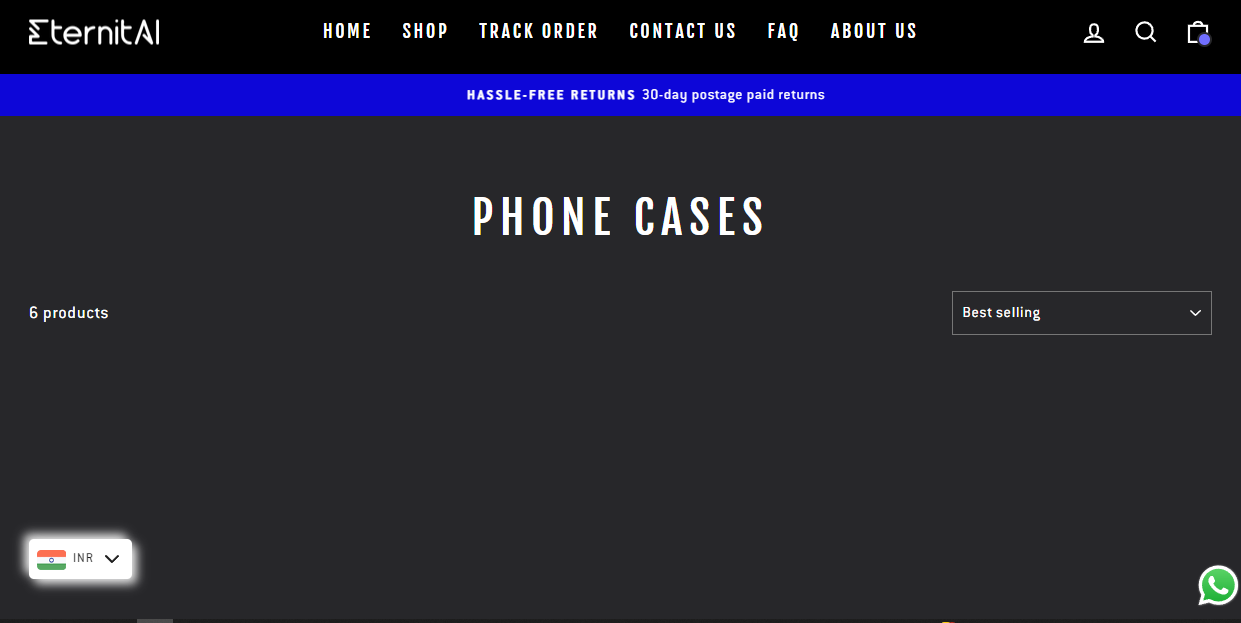
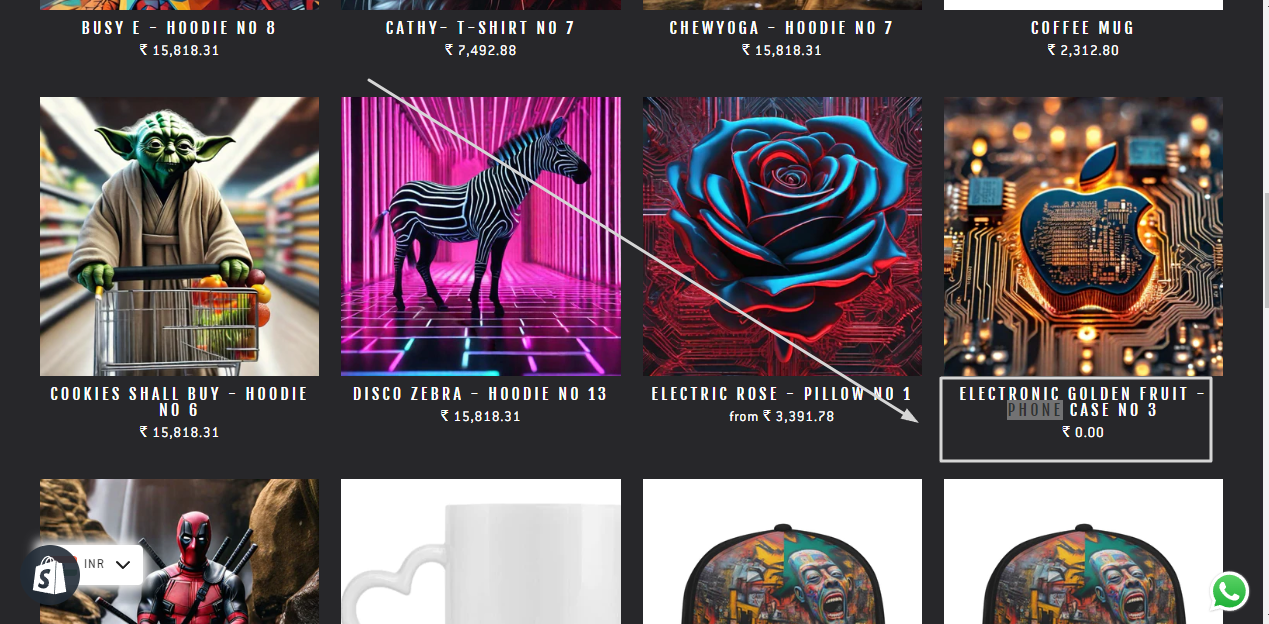
Hello everyone. On the collections page, I want to hide some products’ prices that are $0. I would appreciate it if someone could give me the code to hide the prices. Screenshot below. I want to hide all phone cases price on the collection page, not on product page.

Store URL: Eternitai.store

I would appreciate any help you can provide :slightly_smiling_face:

Hi, @Digital_Imran

Greetings, and thanks for posting!

While I can’t provide a specific code to hide the product prices, you are able to use an app such a as Request Quote + Hide Price to hide some of your products prices.

Additionally, there is a thread here that provides code instructions. This may or may not work for your theme, so it’s important to save your theme before making any code adjustments.

I hope that helps! Lastly, feel free to share a link to your store as there may be additional feedback we can provide.

Hi @Digital_Imran

Store URL you provide does not correct

I’m sorry . Please check again
https://www.eternitai.store/

Hi @Digital_Imran

You can try to add this code at the bottom of your theme.css file to check if it works

.grid__item:has(.money[bucks-init="0.00"]) .grid-product__content { display: none !important; }

The code hides the entire product, sir. I only want to hide “Price” on collection pages of products with no price ($0 price).

Please try to use this code instead

.grid__item .grid-product__content .money[bucks-init="0.00"] { display: none !important; }
1 Like

Thank you so much @Dan-From-Ryviu . You made my day . Its work
I will recommend your apps to more of my clients. I appreciate you so much

1 Like

You are very welcome :grin:

1 Like

Dan,

There is no Theme.css in dawn 12. At least I can not find it :). Has it been changed or?

Thanks!

Hi, in Dawn theme, it is base.css file

Hi Dan,

I use the enterprise them and would like to use your solution to the above problem but I cant find the theme.css file, what would be the equivalent file for my enterprise theme?

Hey @Digital_Imran,

If all the phone cases are set to $0, you can hide just those prices with a simple check on the collection card.

In your collection product card file (often card-product.liquid or similar), wrap the price like this:

{% if product.price > 0 %}
  {{ product.price | money }}
{% endif %}

This way, only products with a real price show the price — all $0 items (your phone cases) will be hidden on the collection page, but the product page can still show whatever you want (calculator, custom text, etc.).

If later you need more complex rules (by tags, vendors, customer groups), a hide-price app can handle that, but for the “$0 only” case this is usually enough.