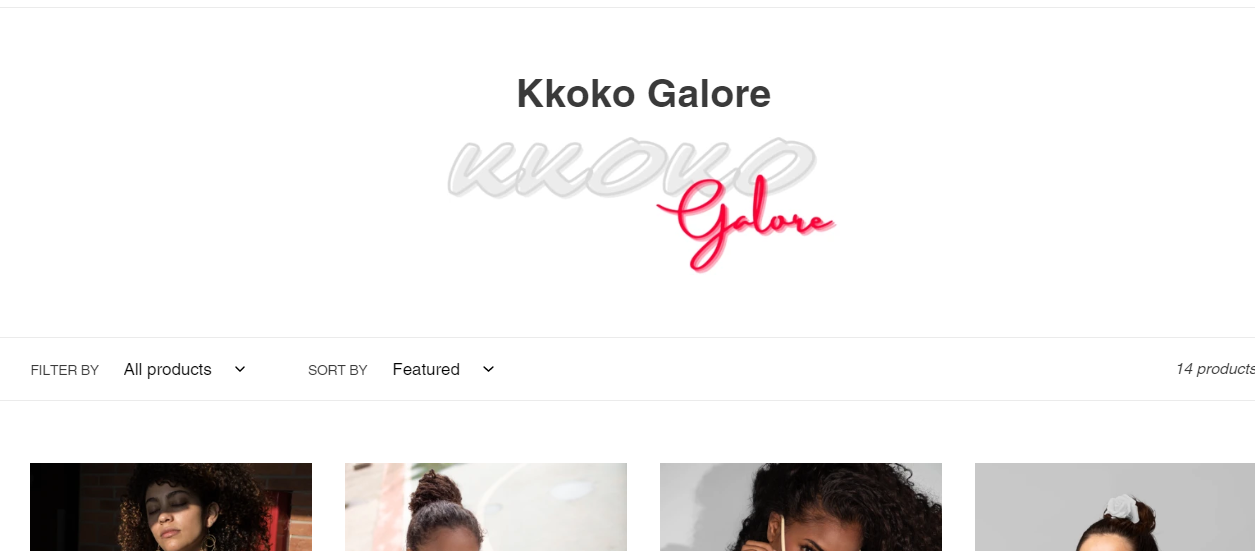
Its the collection title and you should be able to remove from setting in the editor when you work with customize the theme. Otherwise please share the URL and I can try to give you CSS code
Thanks for the help! I actually went ahead and commented it out to just hide it for the time being. I’m always hesitant to delete code as we update things a good bit.
Realize this is an old Topic, but hope this can help someone.
In My case, I just wanted to hide the Collection name on ONE of my pages
so, needed to put a wrapper around the {{ collection.title }} in the collection-template.liquid file, i.e.
(for both the collection-hero__
and section-header
It was
{{ 'collections.general.collection_label' | t }}:
{{ collection.title }}
Amended to
{% comment %} Hide the collection title if the collection handle is ‘my-collection-name-to-hide’ {% endcomment %} {% if collection.handle != ‘my-collection-name-to-hide’ %}
{{ 'collections.general.collection_label' | t }}:
{{ collection.title }}
**{% endif %}**
[ just change ‘my-collection-name-to-hide’ to your collection name
will be obvious to most, but, for others the != means Not = i.e. allow everything else except this ]