@KetanKumar one more question, maybe do you know how I can add a wishlist?
I read on the internet you can also add with code.
“Unfortunately, Shopify does not have built-in wishlist functionality. To add it, you have two options. The first option is to implement custom code on your Shopify storefront. You can develop a wishlist functionality and implement it using Shopify’s theme editor, or wrap it as an app and install it.”
I show an example, if possible, please help with it.
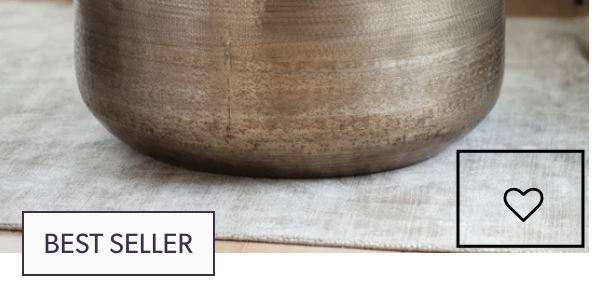
You’re right that Shopify doesn’t include a wishlist out of the box, so you have two ways to go about it :
Custom code which you can build to add a heart icon to your product cards in the Impulse theme (usually in card-product.liquid or product-grid-item.liquid), then save the saved items using browser storage or customer metafields, and build a separate wishlist page to display them. It’s doable, but it takes a fair bit of JavaScript and it won’t remember items if a customer switches devices unless you tie it to their account.
Use an app - Much faster and it handles the tricky parts (login-based saving, wishlist page, and reminder emails when something drops in price or comes back in stock). Apps like Wishlist Monk are highly compatible with Dawn and Impulse-style themes and give you the heart-icon look in your screenshot without touching any code.
If you just want the icon and page working quickly, the app route is the safer bet. If you’d rather keep your theme lean, the custom build is fine, just budget some dev time for it.