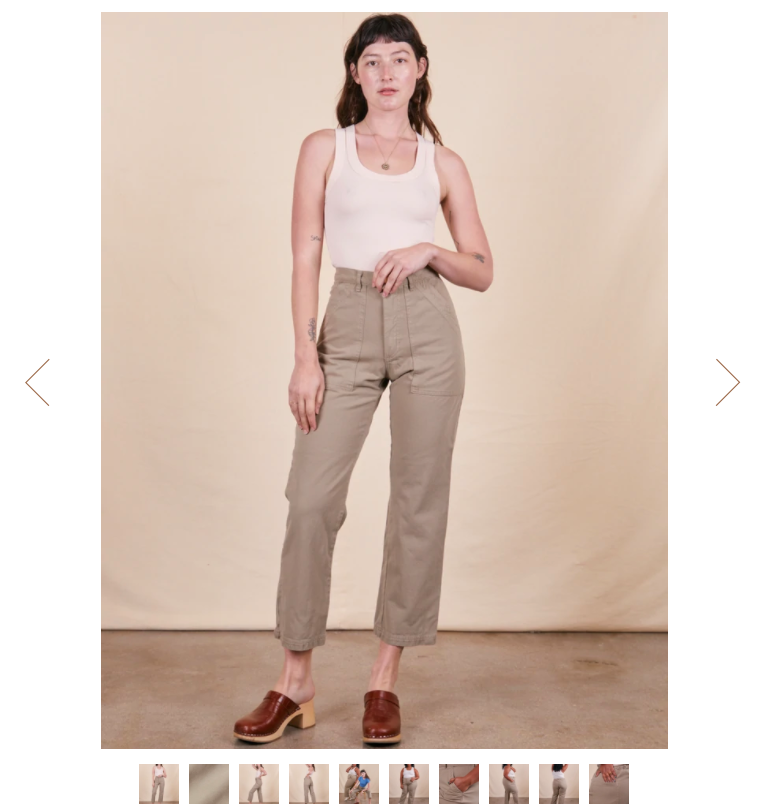
Our current site has arrows on the product images to scroll through when using desktop but the theme update I am working off of does not have this anymore. Is there a way to add in the arrows again? I am working on the Pipeline theme ver. 6 (live website is currently v4) on Shopify 2.0.
The only way to scroll through images in v6 (without clicking the thumbnails on the bottom) is to do a swipe with the mouse which is not very intuitive (this works perfectly for mobile of course.) I would like it look like the first image below.
Apologies, I am such a beginner in this and I am not entirely sure how to get the source theme. Do I download the theme file to send to you? Like in the options below?
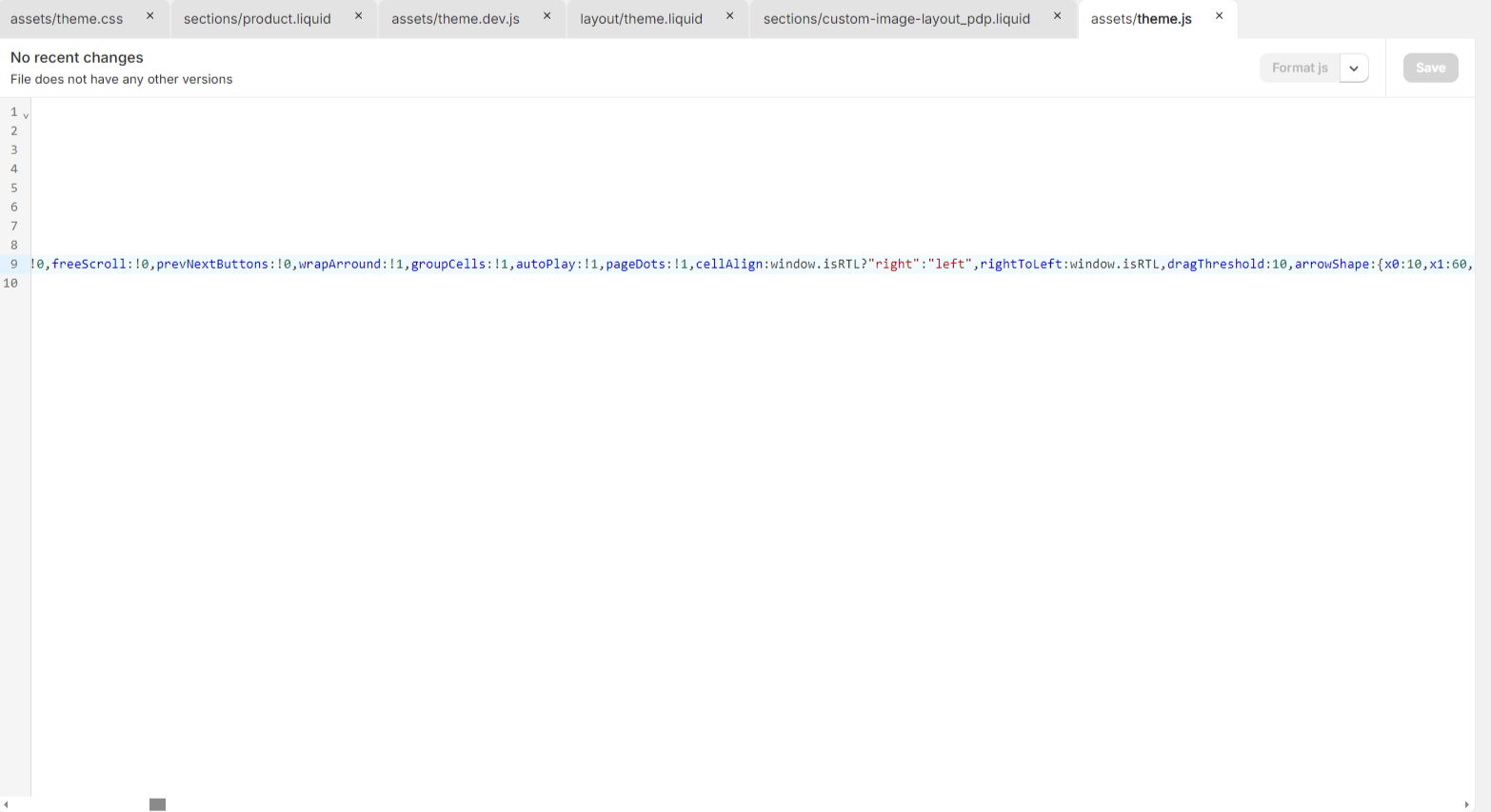
As per the 2024 Pipeline Shopify Theme (Version 7.4.0), the new version is changed so you need to make changes in the theme.js file to show product page featured images with slider buttons (prev - next). Any help please contact Thanks